❌

Lees weergave

Meta Wants You to Pay for Instagram, Facebook, and WhatsApp Now

Meta is rolling out paid Instagram Plus, Facebook Plus, and WhatsApp Plus plans worldwide as of today.


Instagram Plus is priced at $3.99 per month, Facebook Plus is priced at $3.99 per month, and WhatsApp Plus is priced at $2.99 per month. According to TechCrunch, the paid plans provide features like profile customization, super reactions, and story insights.

Instagram Plus lets users see how many people have rewatched a Story, and it adds unlimited audience lists for Stories for creating groups other than Close Friends. Users can spotlight a story once a week for extra views, use Super Heart animated reactions, choose custom app icons, add customized fonts to a profile bio, extend a story beyond 24 hours, and search a story viewer list to see who is watching. Subscribers will also be able to post straight to their profiles without having the post show up in their followers' feeds, and they will be able to stealthily "preview" Instagram stories without showing up as a viewer.

Facebook Plus includes most of the same features as Instagram Plus, while WhatsApp Plus includes app themes, custom ringtones, more pinned chats, list customization, and premium stickers.

Meta head of product Naomi Gleit said the company is also exploring new subscription plans for creators and businesses, along with plans for AI users. The new plans are being offered under "Meta One" branding that combines subscription offerings from multiple Meta platforms.

The $7.99 Meta One Plus plan and the $19.99 Meta One Premium plan are aimed at Meta AI users. Both plans unlock higher compute queries, reasoning, and image/video generation, but Premium offers more capacity, including deeper reasoning for complex tasks.

A Meta One Essential plan priced at $14.99 per month is designed for creators and businesses. It includes a verified badge, impersonation protection, better analytics, and a linksheet that lets users link to their online profiles on the web and on other social media networks. The $49.99 Meta One Advanced plan includes the Essential options plus features in the Facebook feed, optimized scheduling tools, notifications when others reuse a creator's content, higher rankings in Instagram and Facebook search, a bolder Follow button on Reels, and automatic follow invitations for people who engage with a creator or brand's content.

Meta is going to start testing the AI Meta One plans in Singapore, Guatemala, and Bolivia next month. The business plans will be tested in Saudi Arabia, Morocco, Thailand, and Bangladesh starting later this week.

Gleit described Meta One as a place that brings Meta subscriptions "together" across all Meta apps. She said Meta's new plans were "just the beginning with a lot more value to come."
This article, "Meta Wants You to Pay for Instagram, Facebook, and WhatsApp Now" first appeared on MacRumors.com

Discuss this article in our forums
  •  

Apple Releases New Firmware for AirTag 2

Apple today released new firmware for its second-generation AirTag item trackers. The firmware has a 3.0.49 version number, up from 3.0.45, and it is the second firmware update that Apple has provided for the β€ŒAirTagβ€Œ 2.


There is no word yet on what's included in the firmware, but β€ŒAirTagβ€Œ firmware updates most often address bugs and make other under-the-hood improvements. Apple's prior firmware update tweaked the unwanted tracking sound to make it easier to find an unknown β€ŒAirTagβ€Œ when using Precision Finding.

Apple will provide details on what's in the 3.0.49 firmware when it updates its firmware support page.

For the original β€ŒAirTagβ€Œ, firmware was distributed on a rolling basis over two weeks, but Apple appears to be pushing firmware updates to all β€ŒAirTagβ€Œ 2 users at the same time.

You can check your AirTag firmware by opening the Find My app, going to the Items tab, selecting an β€ŒAirTagβ€Œ in the list, and tapping on the β€ŒAirTagβ€Œ's name to see its firmware version.

There is no way to force an β€ŒAirTagβ€Œ update, and firmware is installed over the air via a connected iPhone. To get new firmware, make sure your β€ŒAirTagβ€Œ is within range of your iPhone, and then wait for the firmware to roll out.
Related Roundup: AirTag
Buyer's Guide: AirTag (Buy Now)

This article, "Apple Releases New Firmware for AirTag 2" first appeared on MacRumors.com

Discuss this article in our forums
  •  

iOS 27 Siri Redesign Will Use Dark Color Scheme, Matching Apple's WWDC Art

Apple is redesigning Siri for iOS 27 to accommodate new artificial intelligence features and chatbot capabilities. β€ŒSiriβ€Œ is getting a dedicated app, integration with the iPhone's Dynamic Island, and a new design scheme.


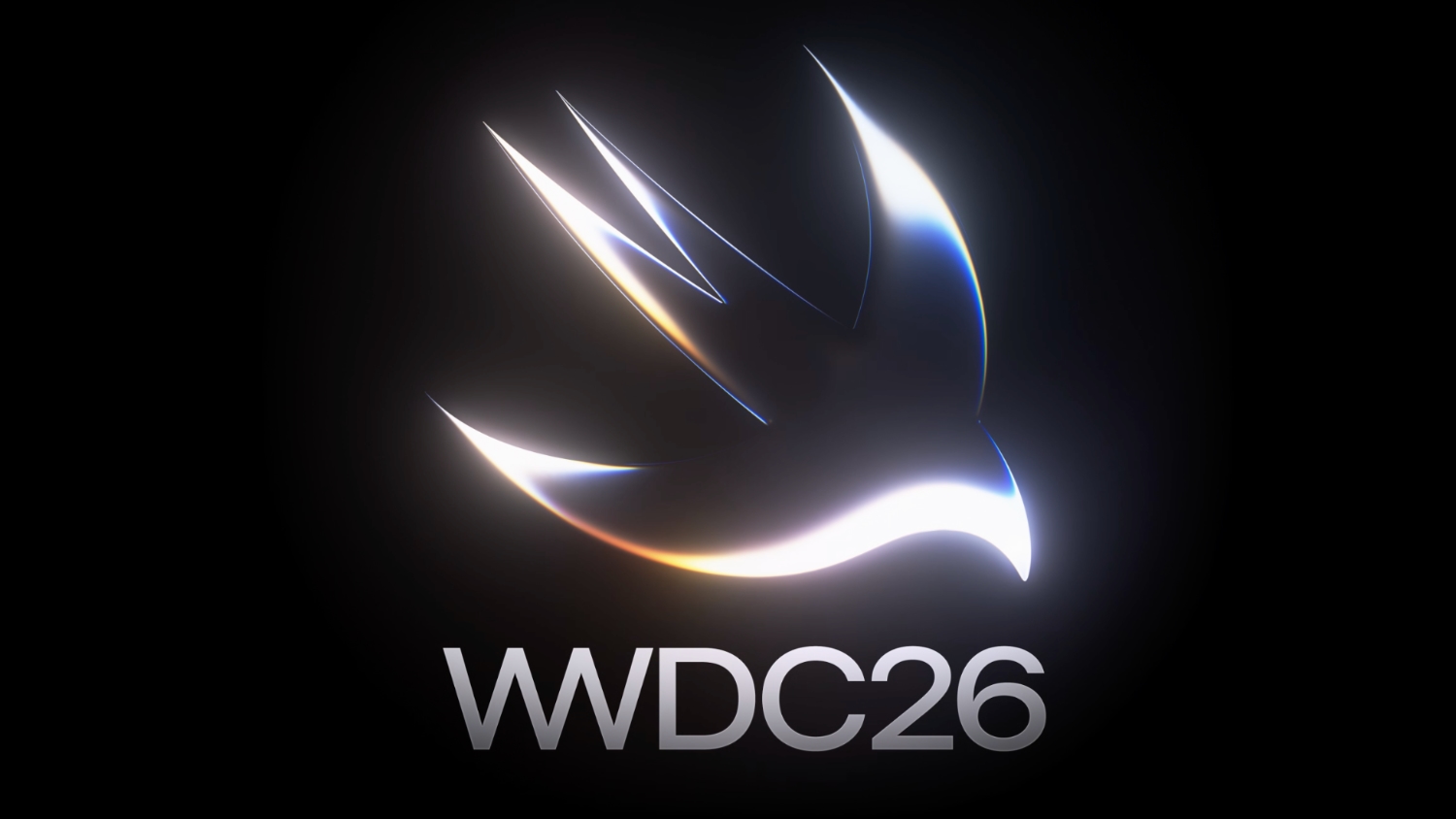
The graphics that Apple is using to promote WWDC hint at its design plans for β€ŒSiriβ€Œ, according to Bloomberg's Mark Gurman. In this week's Power On newsletter, Gurman said the logo Apple uses for its WWDC website features the same colors it will use for β€ŒSiriβ€Œ animations and input fields in β€ŒiOS 27β€Œ.

Apple's WWDC site features the Swift bird logo in white on a black background, with subtle highlights in pink, dark blue, purple, and orange. The colors are reminiscent of the current β€ŒSiriβ€Œ animation that surrounds the iPhone's display when β€ŒSiriβ€Œ is activated, but the shades are softer and not as saturated.

The β€ŒSiriβ€Œ interface that Apple is testing uses all dark colors with no light mode available for now. Several of the new β€ŒSiriβ€Œ UI elements will have a dark background with a cursor that blinks in those same colors.

Apple is creating a dedicated app for β€ŒSiriβ€Œ for ongoing chatbot-style conversations, and it'll look similar to existing chatbot apps but with a Messages-style aesthetic. When β€ŒSiriβ€Œ is activated, there will be a pill-shaped animation in the β€ŒDynamic Islandβ€Œ and a glowing "searching" label while β€ŒSiriβ€Œ is answering a query. Results are displayed in a translucent panel, and pulling down on the panel will initiate a conversation interface.

Swiping down from the top center of the display will activate a system-wide search interface with a Search or Ask bar for typing or speaking questions to β€ŒSiriβ€Œ.

Apple plans to entirely overhaul β€ŒSiriβ€Œ, and the personal assistant will be able to do far more than before. Apple has licensed Google's Gemini models to power β€ŒSiriβ€Œ after its own AI models proved inadequate. With Gemini as β€ŒSiriβ€Œ's backbone, Apple should be able to match many of the AI features that Google offers.

β€ŒiOS 27β€Œ will be introduced at the WWDC 2026 keynote on June 8.
Related Roundups: iOS 27, WWDC 2026
Tag: Siri

This article, "iOS 27 Siri Redesign Will Use Dark Color Scheme, Matching Apple's WWDC Art" first appeared on MacRumors.com

Discuss this article in our forums
  •  

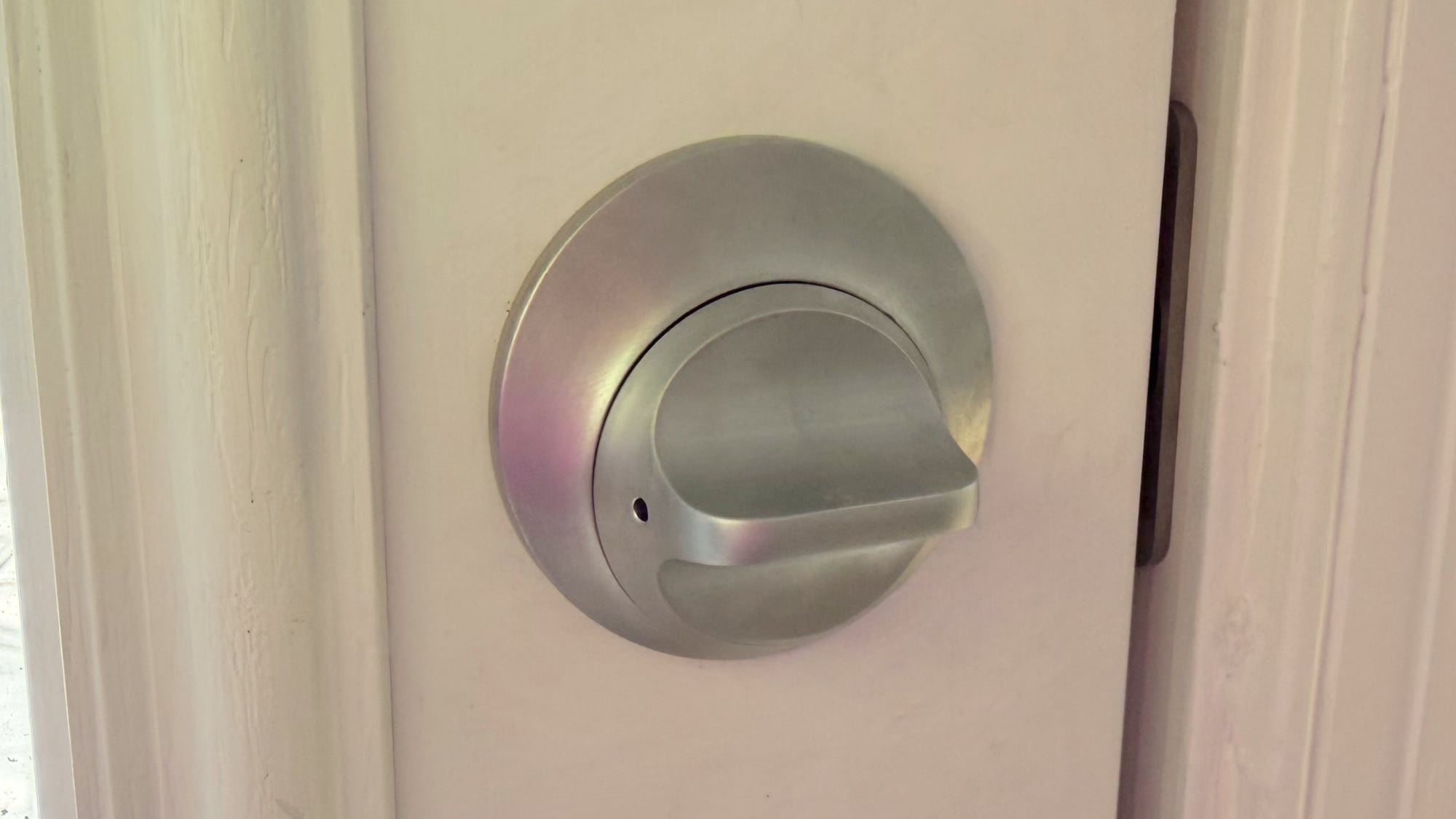
Level Lock Pro Review: An Apple Home Key Smart Lock That Doesn't Look Like One

The Level Lock Pro is Level's latest smart lock, featuring Matter connectivity for Apple Home, multiple unlocking methods, door status, and the unassuming design that Level products are known for.


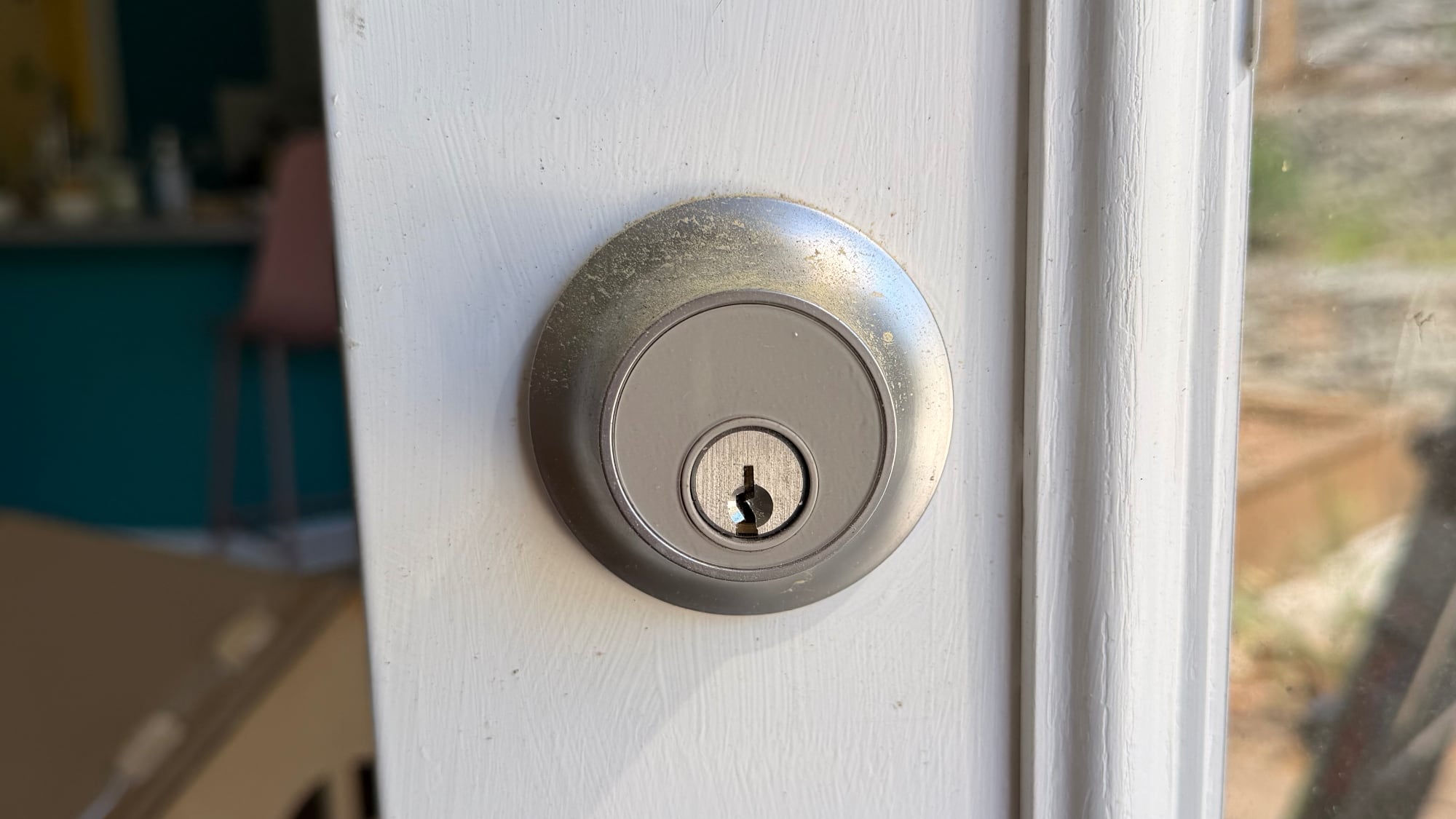
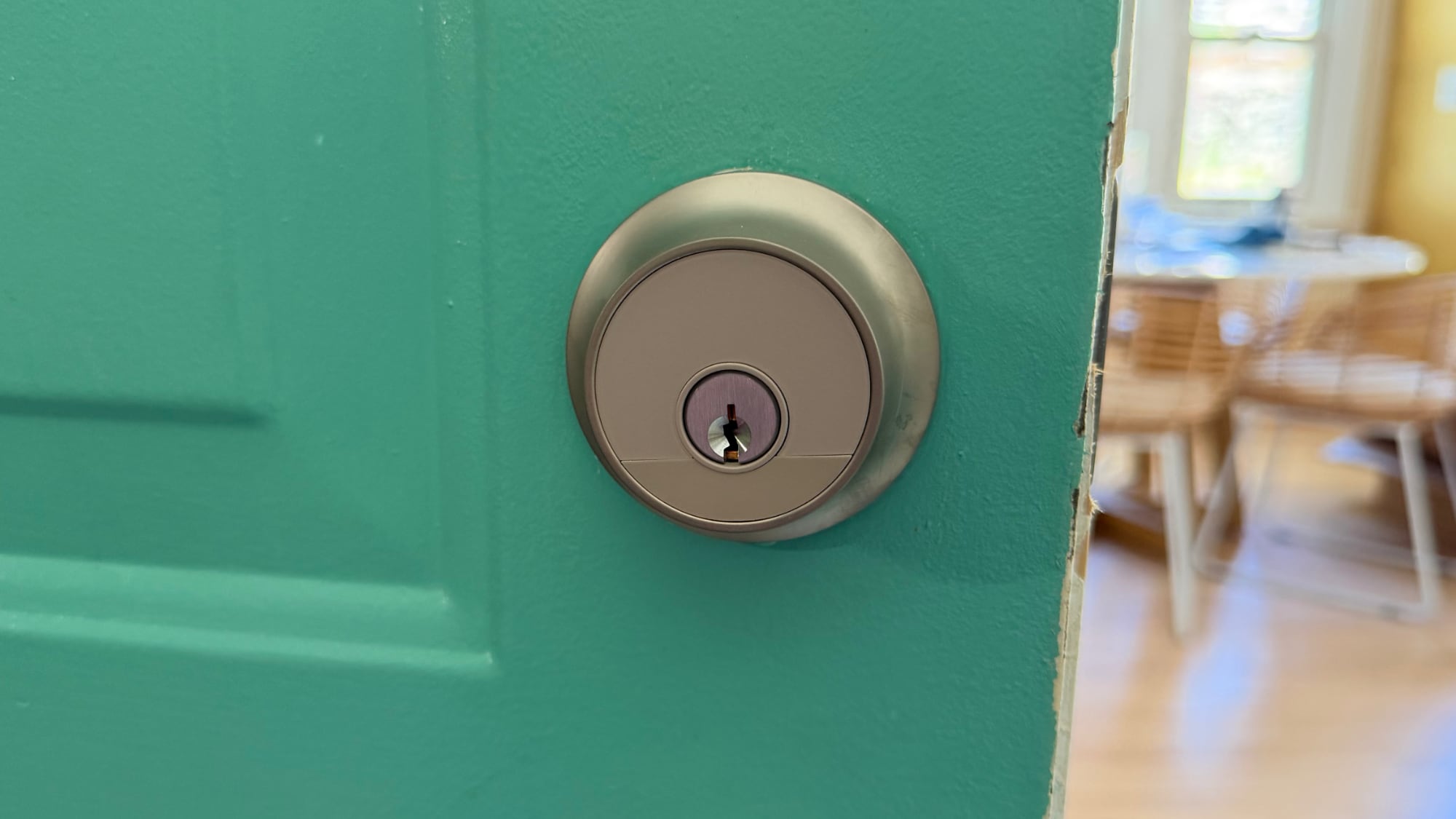
I've tested and reviewed several great HomeKit-compatible smart locks, but Level Locks are my personal favorite because of the look. From both the inside and the outside, Level Locks look like a standard deadbolt and not like a smart lock. I had feature-rich smart locks from Aqara that I was using for about a year after a review, but I got tired of looking at the bulky boxes on my doors. A couple of months ago, I bought two standard Level Locks, and then later, Level sent me the Level Lock Pro.

I don't think there's any smart lock solution that has a better aesthetic than the Level Lock, so if that's important to you, these are the locks to get. It comes in satin nickel and matte black, so it should match many standard doorknobs. The Level Lock Pro has an IP54 water and dust resistance rating, so it will hold up fine in the rain.


Level Locks are not the cheapest locks on the market, and depending on what you're comparing against, there's a premium for design. The Level Lock Pro is $349, and the Level Lock is $249. Aqara locks range from $150 to $270, and Matter locks from Eufy, Yale, and Kwikset are in that same range.

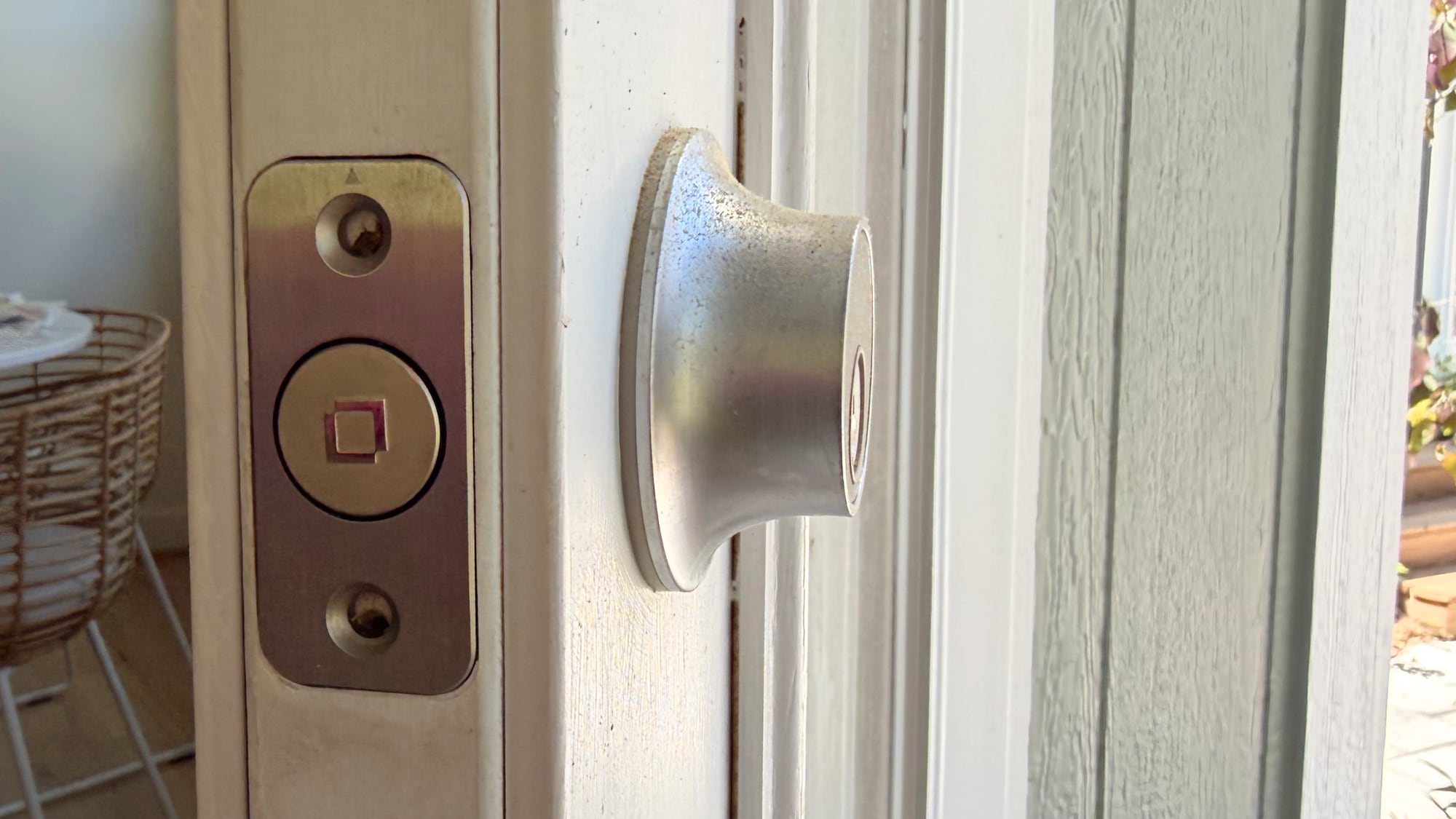
The Level Lock Pro replaces a standard deadbolt and strike plate on your door, so installation is a matter of pulling out the existing deadbolt and walking through the Level Lock Pro instructions to install the new lock. I am going to blame this on my crummy doors, but I have more trouble installing Level Locks than other smart locks. Level Locks have a wide, circular bolt that's not the shape of most deadbolts, and I haven't had a Level Lock setup where I didn't have to fuss with the fit of the lock in the door or the fit of the plate on the doorframe. I generally get things to work, but there's frustration involved.


There are smart locks that can unlock your door with fingerprint sensors, palm recognition, facial scans, and codes, but the Level Lock Pro is simpler. You can use a key, one of the two included NFC key fobs, tap to unlock with your phone or watch, use the Home app or Level app, or ask Siri to unlock the door.

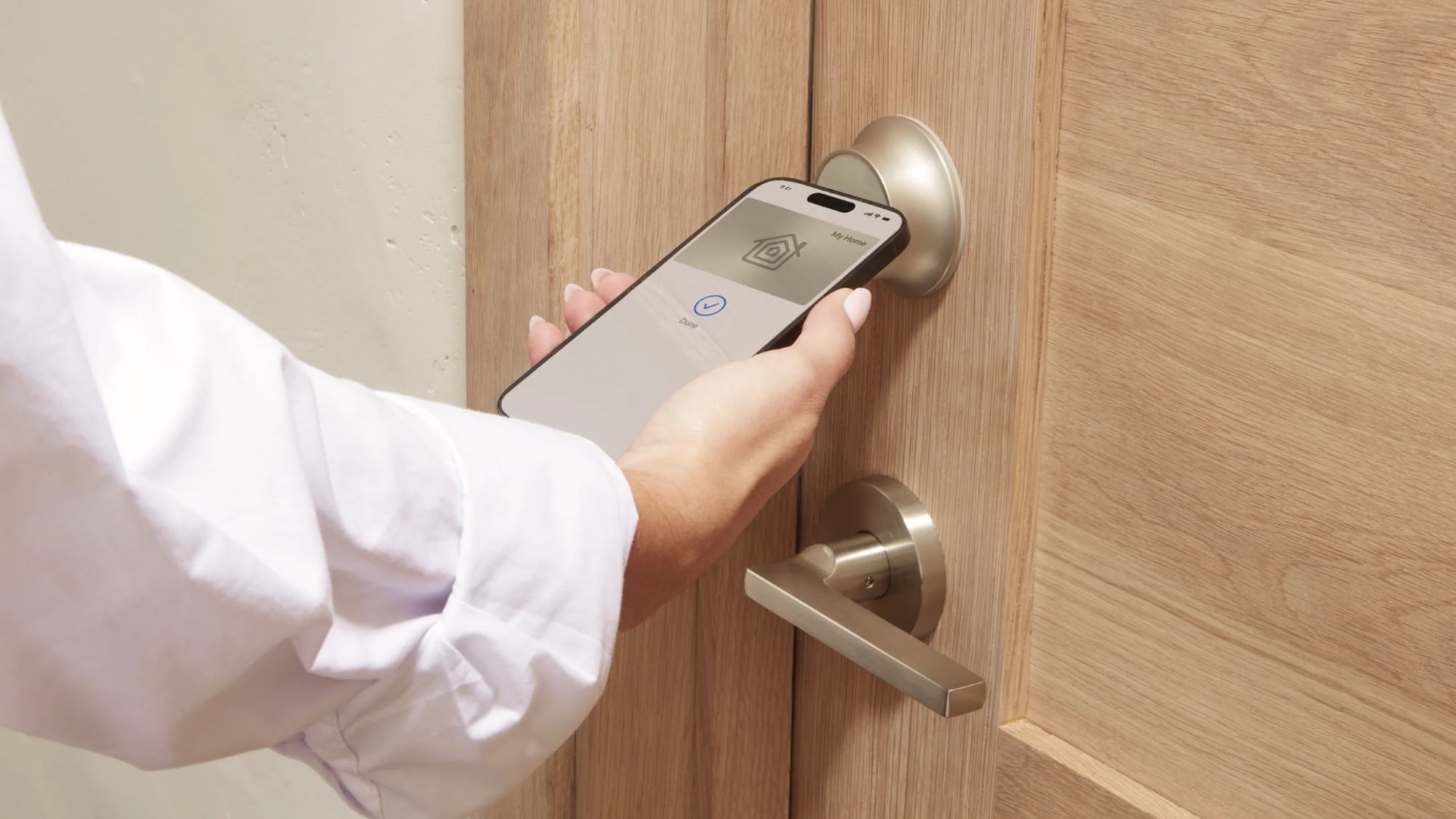
The Level Lock Pro integrates with HomeKit using Matter, and it also supports Apple Home Key so you can store a key in the Wallet app on iPhone or Apple Watch. With Home Key, I can unlock my door without having to unlock my iPhone and with no need for Face ID. I just tap my phone or my watch on the lock, and it unlocks.


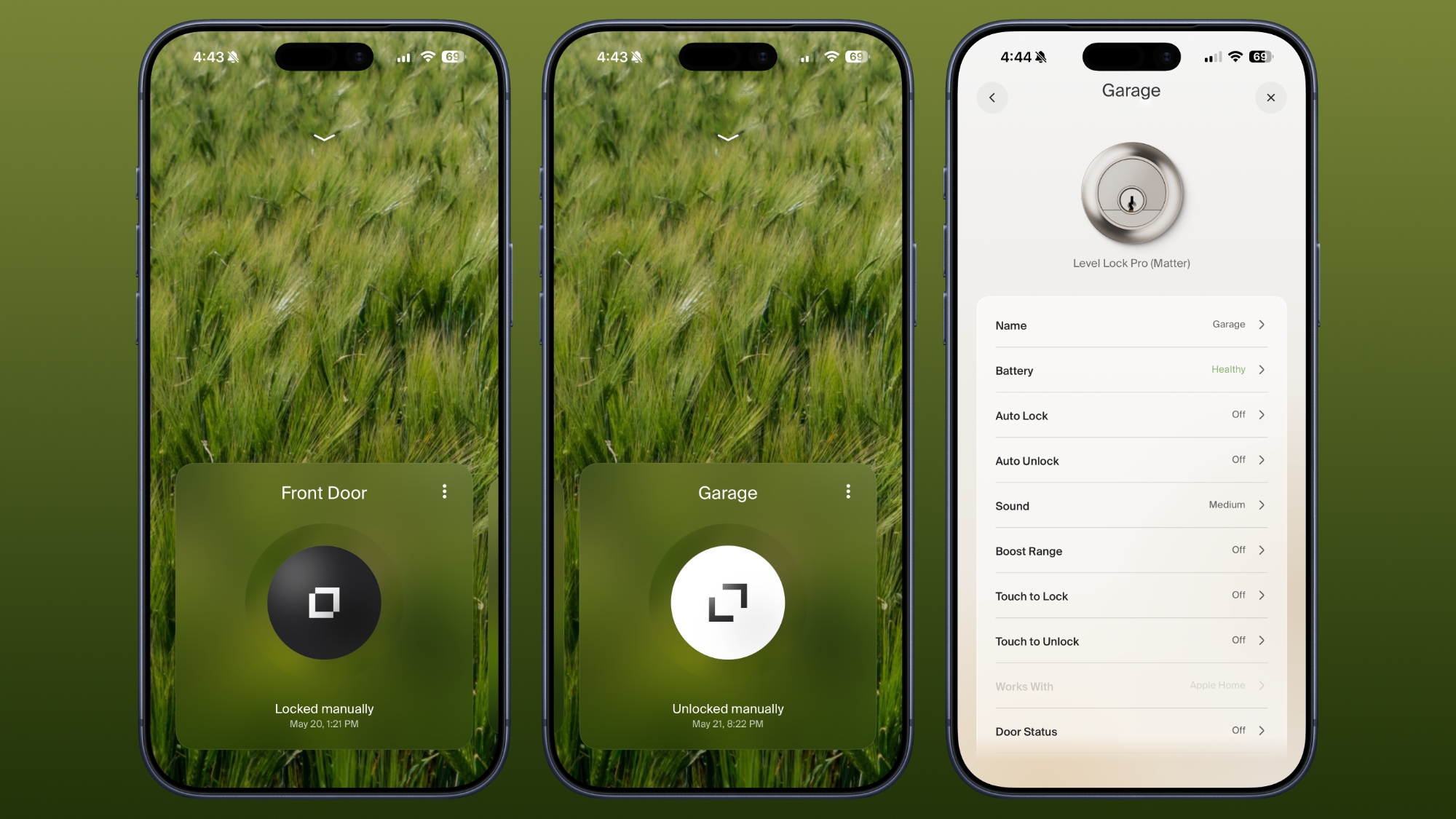
β€ŒSiriβ€Œ and the Home app work for unlocking too, and there's a Level app. I don't use the Level app, but it is available for locking and unlocking, assigning codes, setting up auto lock and auto unlock (which uses Bluetooth and unlocks when you're in range), adjusting sound, giving someone a door code, and enabling door status. Like the Level Lock, the Level app has an uncomplicated design, so it's easy to get to all of the features.

Door status is a Level Lock Pro feature that lets you know if your door is open or closed, and it works when the door is unlocked. I have the Level Lock Pro on my garage door, and it's a door that's often not locked, so it's useful to get an alert when it's opened.

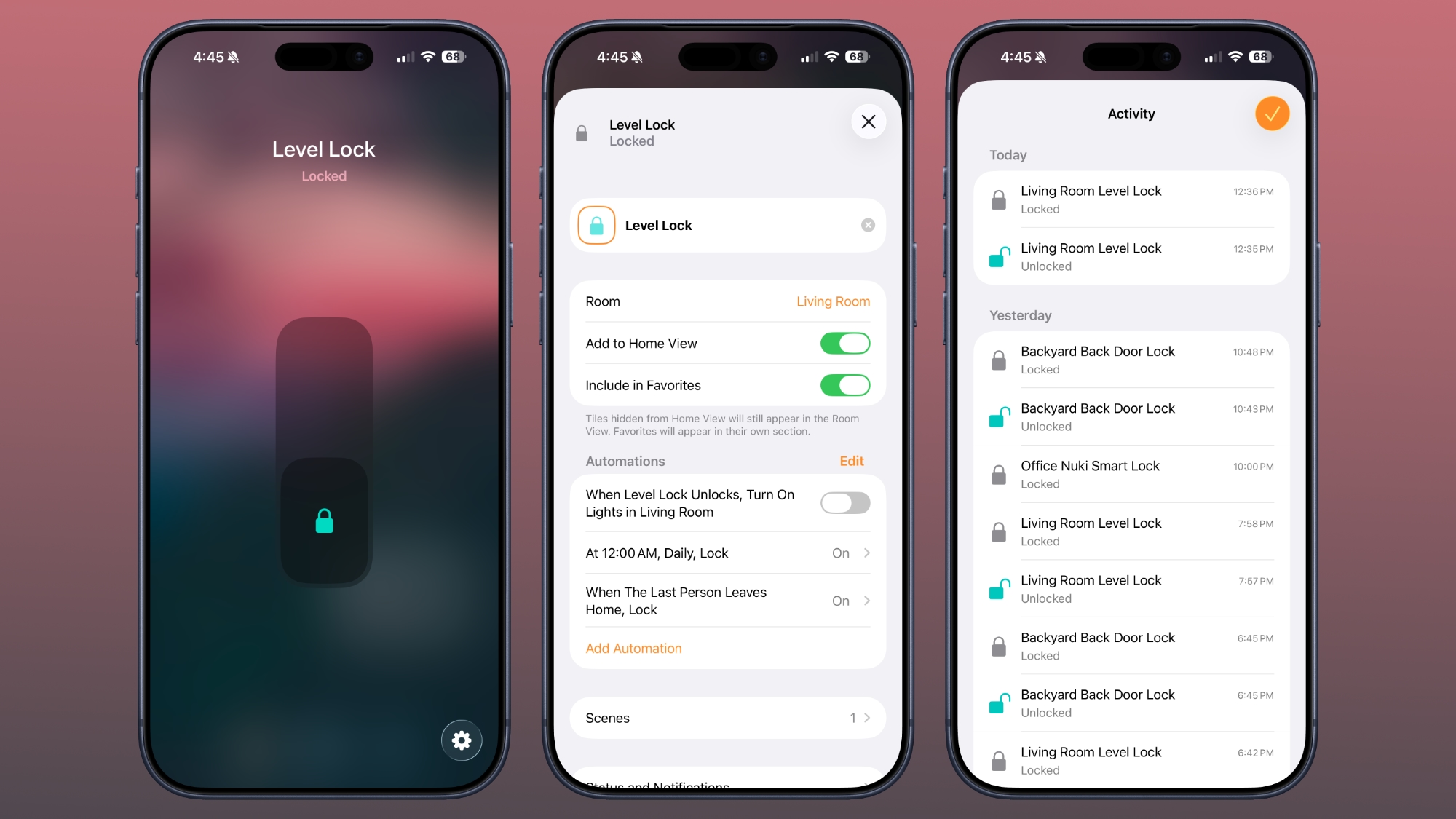
I use the Home app and β€ŒSiriβ€Œ to unlock my Level Locks, especially if I'm not home and need to let someone in. I also ask β€ŒSiriβ€Œ to open the door as I approach, so a lot of the time, I'm not even using tap to unlock. The Home app sends a notification to my iPhone and Apple TV when a connected lock is locked or unlocked, and the Home app Activity log keeps track of when each door was locked or unlocked. Everyone that's invited to an Apple Home can access the lock, but you can also share access with the Level app. The Level app supports temporary entry, which is useful for a one-time event or a weekly cleaning.


The Home app is also useful for automations, like locking up automatically when everyone leaves the home or unlocking the door at a certain time. I have an automation that locks all my locks at 10:00 p.m., just in case I forget to lock one of the doors.


For remote access features, you need a Matter-over-Thread controller and a border router, which are requirements fulfilled by a HomePod or β€ŒApple TVβ€Œ. You need one of those to add any Matter-enabled device to β€ŒHomeKitβ€Œ. The Level Lock Pro connects to Apple Home using Thread instead of Wi-Fi, but if you want Wi-Fi connectivity, there is an optional Level Connect Wi-Fi Bridge. I haven't needed it because β€ŒHomeKitβ€Œ provides all of the same functionality. You can also add on a keypad if you want that option.


Most smart locks have a battery in the box that goes on the door, but the Level Lock Pro's battery is in the deadbolt. It uses a CR2 Lithium battery, which fits inside the deadbolt once the cap is taken off. Changing the battery is a matter of opening the door, locking it, popping out the old battery, and adding in the new one. The Level app lets you know battery status, so you can keep tabs on when it's time to update the battery. Each battery lasts for about a year, and I haven't had to change mine yet.

According to Level, the Level Lock Pro has an ANSI Grade 1 bump- and pick resistant cylinder, which isn't common for smart locks. That means it's resistant to lockpicking, it's harder to drill out, and lock bumping is harder.

How to Buy


The Level Lock Pro is available from the Level website or from Amazon.com for $349.

Note: Level provided MacRumors with Level Lock Pro for the purpose of this review. No other compensation was received.

This article, "Level Lock Pro Review: An Apple Home Key Smart Lock That Doesn't Look Like One" first appeared on MacRumors.com

Discuss this article in our forums
  •  
❌