
 Log in
iPadOS 27 Hands-On: Everything New for iPad
Like iOS 27, iPadOS 27 gains a smarter, more capable version of Siri, the Siri app, and new Apple Intelligence features in apps, but there are a few iPad-only standouts.
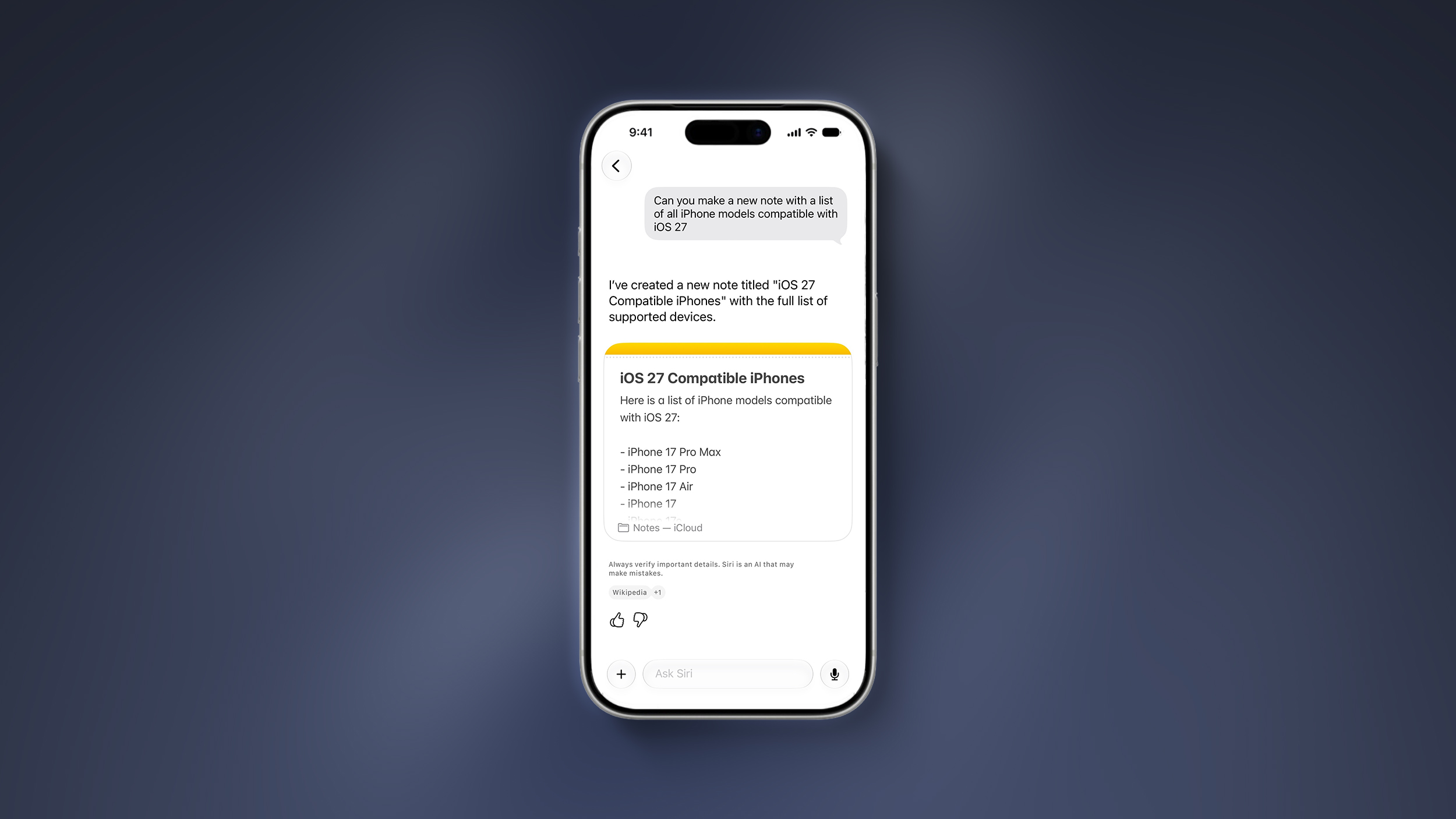
Siri AI on iPad has all of the same features as Siri AI on the iPhone, so it can access your personal data, search the web for answers, complete tasks in apps, and answer questions about what's on your screen. For people who write with Apple Pencil on iPad, it can index your handwritten notes so you can search through them. You can use Siri to take action on your notes, whether typed or handwritten.
Siri can summarize, rewrite, give you writing advice, check grammar, generate new text for you, and more. There's a systemwide Write with Siri feature for getting help no matter which app you're using.
There's a new Image Playground app that can generate images in any style, including photorealistic, and that powers the Image Wand in the Notes app. You can draw a quick sketch of something in Notes and then use Image Wand to turn it into a photorealistic visual aid.
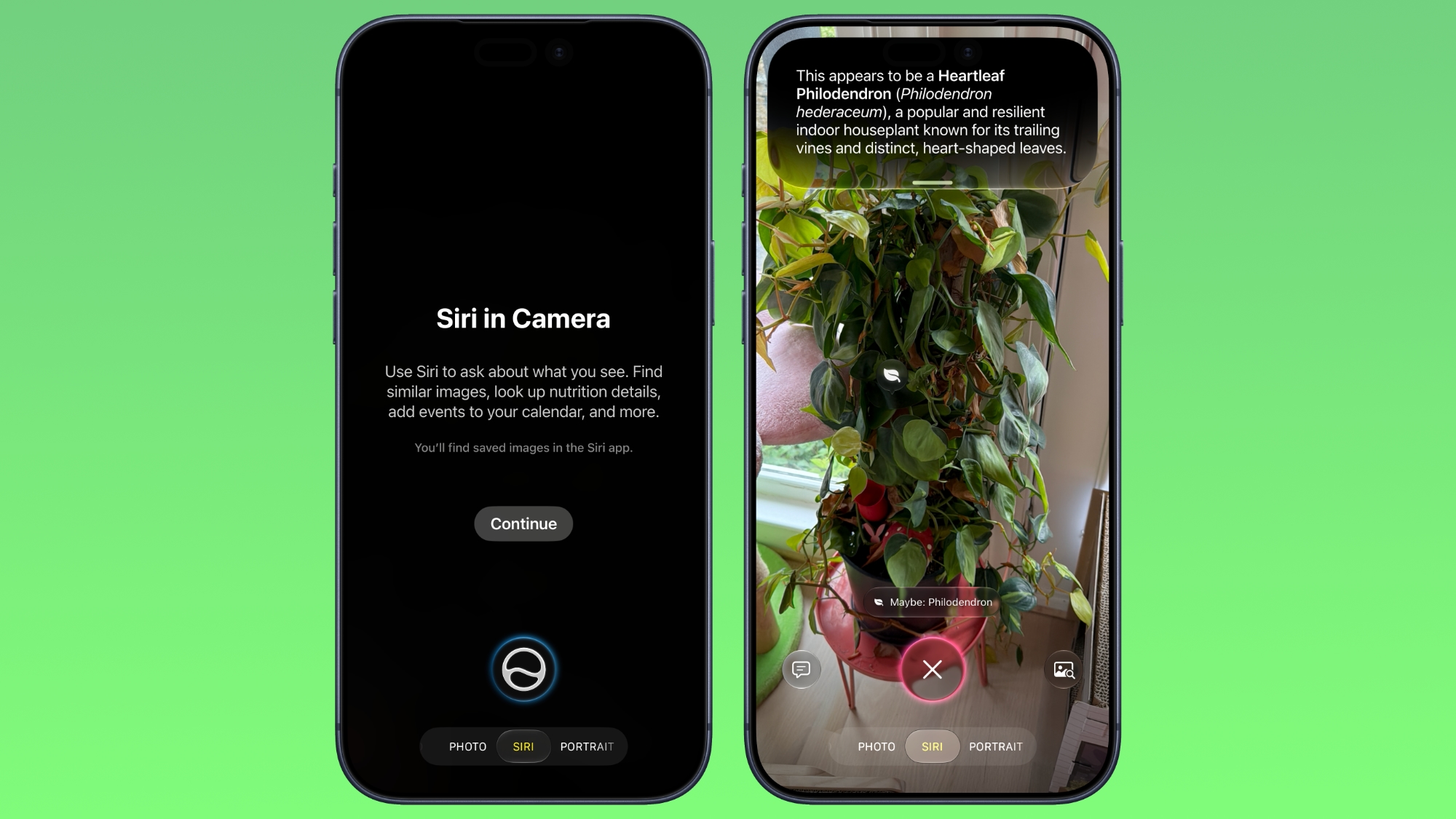
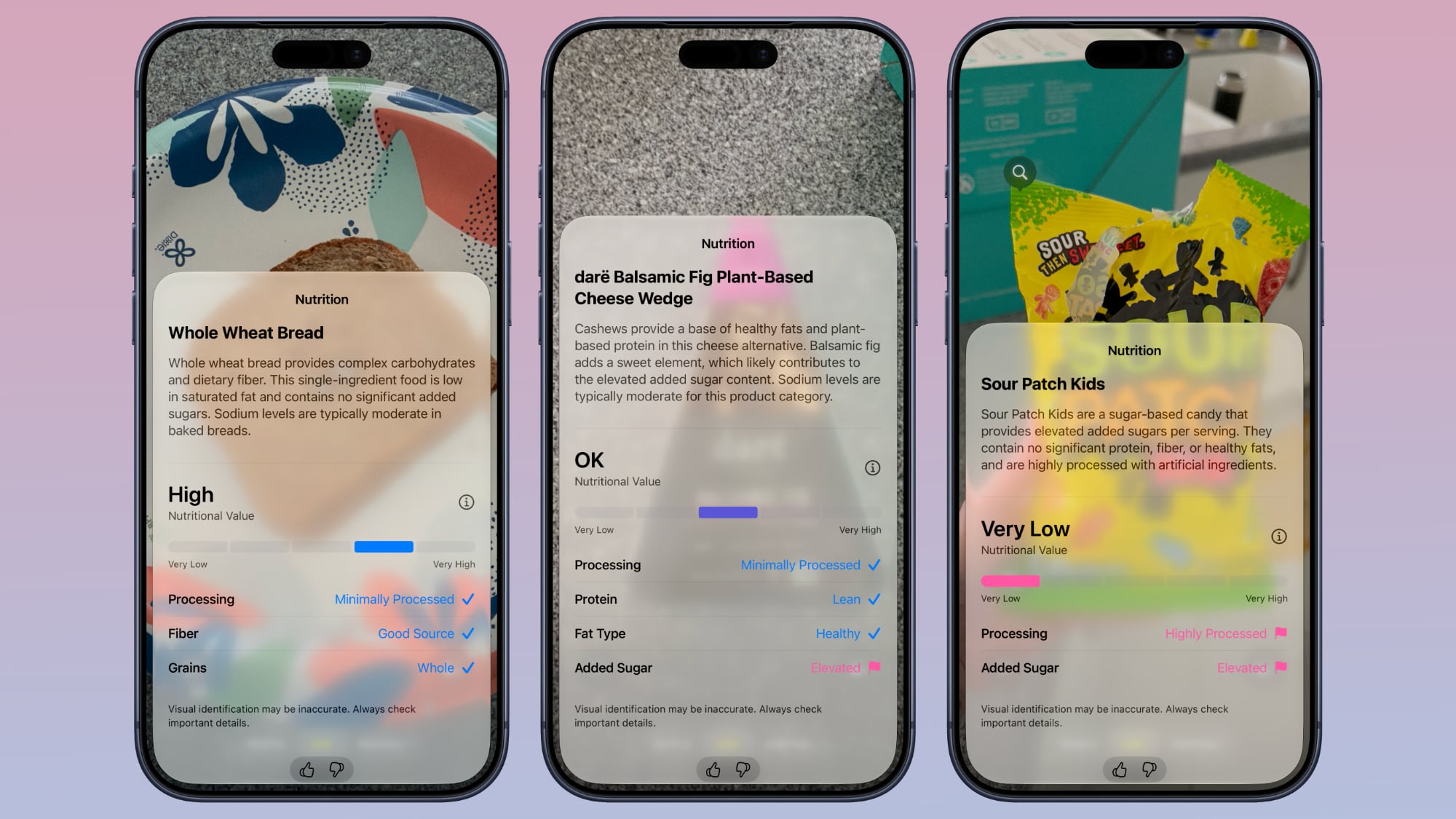
Visual Intelligence used to be an iPhone-only feature, but in iPadOS 27, it's expanding to the iPad. You can take a screenshot and then circle what you want to know more about with a finger or the Apple Pencil. The iPad supports the same Visual Intelligence features, like telling you the nutritional value of food and identifying plants and animals.
The Shortcuts app can use AI to automatically generate shortcuts for you, which can be especially useful on the iPad. If you want a quick way to change how the iPad's windowing works when you attach a keyboard vs. when you use it without a keyboard, you can describe that in a sentence or two and get a functional shortcut just a minute later.
Safari supports automatically grouping tabs, plus there's an AI feature for generating your own extensions. Like iOS 27, iPadOS 27 is also more responsive thanks to performance improvements. Browsing and transferring files are quicker, AirDrop is faster, apps launch more quickly, and multitasking on iPad is faster.
There's a Liquid Glass slider for adjusting opacity to your taste, and Apple also made other Liquid Glass improvements to boost readability. You can also resize iPhone apps that are running on the iPad.
Siri AI and Apple Intelligence in iPadOS 27 require an iPad with an M-series chip or the A17 Pro iPad mini. EU users won't get Siri AI on iPad when iPadOS 27 launches, and it's also not available in China.
Older iPads won't get Siri AI or Apple Intelligence features, but they will get the performance improvements Apple added. Older iPads will feel faster on iPadOS 27 than they do in iPadOS 26.
This article, "iPadOS 27 Hands-On: Everything New for iPad" first appeared on MacRumors.com
Discuss this article in our forums
Subscribe to the MacRumors YouTube channel for more videos.
Siri AI on iPad has all of the same features as Siri AI on the iPhone, so it can access your personal data, search the web for answers, complete tasks in apps, and answer questions about what's on your screen. For people who write with Apple Pencil on iPad, it can index your handwritten notes so you can search through them. You can use Siri to take action on your notes, whether typed or handwritten.
Siri can summarize, rewrite, give you writing advice, check grammar, generate new text for you, and more. There's a systemwide Write with Siri feature for getting help no matter which app you're using.
There's a new Image Playground app that can generate images in any style, including photorealistic, and that powers the Image Wand in the Notes app. You can draw a quick sketch of something in Notes and then use Image Wand to turn it into a photorealistic visual aid.
Visual Intelligence used to be an iPhone-only feature, but in iPadOS 27, it's expanding to the iPad. You can take a screenshot and then circle what you want to know more about with a finger or the Apple Pencil. The iPad supports the same Visual Intelligence features, like telling you the nutritional value of food and identifying plants and animals.
The Shortcuts app can use AI to automatically generate shortcuts for you, which can be especially useful on the iPad. If you want a quick way to change how the iPad's windowing works when you attach a keyboard vs. when you use it without a keyboard, you can describe that in a sentence or two and get a functional shortcut just a minute later.
Safari supports automatically grouping tabs, plus there's an AI feature for generating your own extensions. Like iOS 27, iPadOS 27 is also more responsive thanks to performance improvements. Browsing and transferring files are quicker, AirDrop is faster, apps launch more quickly, and multitasking on iPad is faster.
There's a Liquid Glass slider for adjusting opacity to your taste, and Apple also made other Liquid Glass improvements to boost readability. You can also resize iPhone apps that are running on the iPad.
Siri AI and Apple Intelligence in iPadOS 27 require an iPad with an M-series chip or the A17 Pro iPad mini. EU users won't get Siri AI on iPad when iPadOS 27 launches, and it's also not available in China.
Older iPads won't get Siri AI or Apple Intelligence features, but they will get the performance improvements Apple added. Older iPads will feel faster on iPadOS 27 than they do in iPadOS 26.
This article, "iPadOS 27 Hands-On: Everything New for iPad" first appeared on MacRumors.com
Discuss this article in our forums


 Note: MacRumors is an affiliate partner with some of these vendors. When you click a link and make a purchase, we may receive a small payment, which helps us keep the site running.

 Note: MacRumors is an affiliate partner with some of these vendors. When you click a link and make a purchase, we may receive a small payment, which helps us keep the site running.




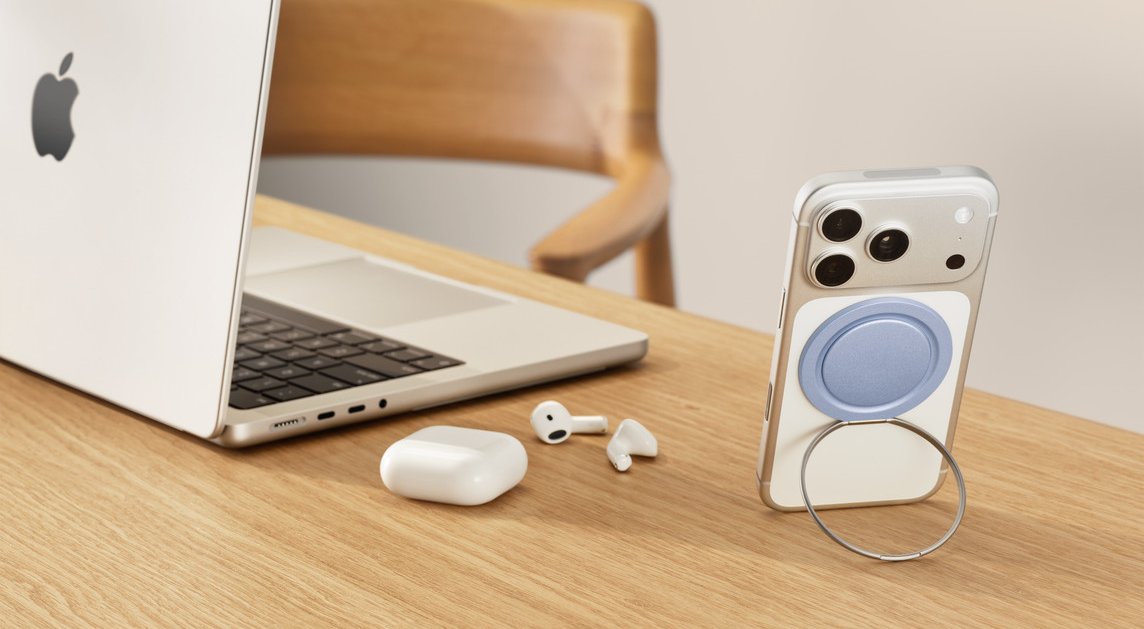 PopSockets Low-Pro











 Note: MacRumors is an affiliate partner with some of these vendors. When you click a link and make a purchase, we may receive a small payment, which helps us keep the site running.


