Apple first introduced the idea of a smarter version of
Siri at the 2024 Worldwide Developers Conference. Siri with
Apple Intelligence was supposed to launch as part of iOS 18, but the underlying architecture wasn't good enough, and Apple was forced to delay the feature. We're now expecting a new version of Siri in
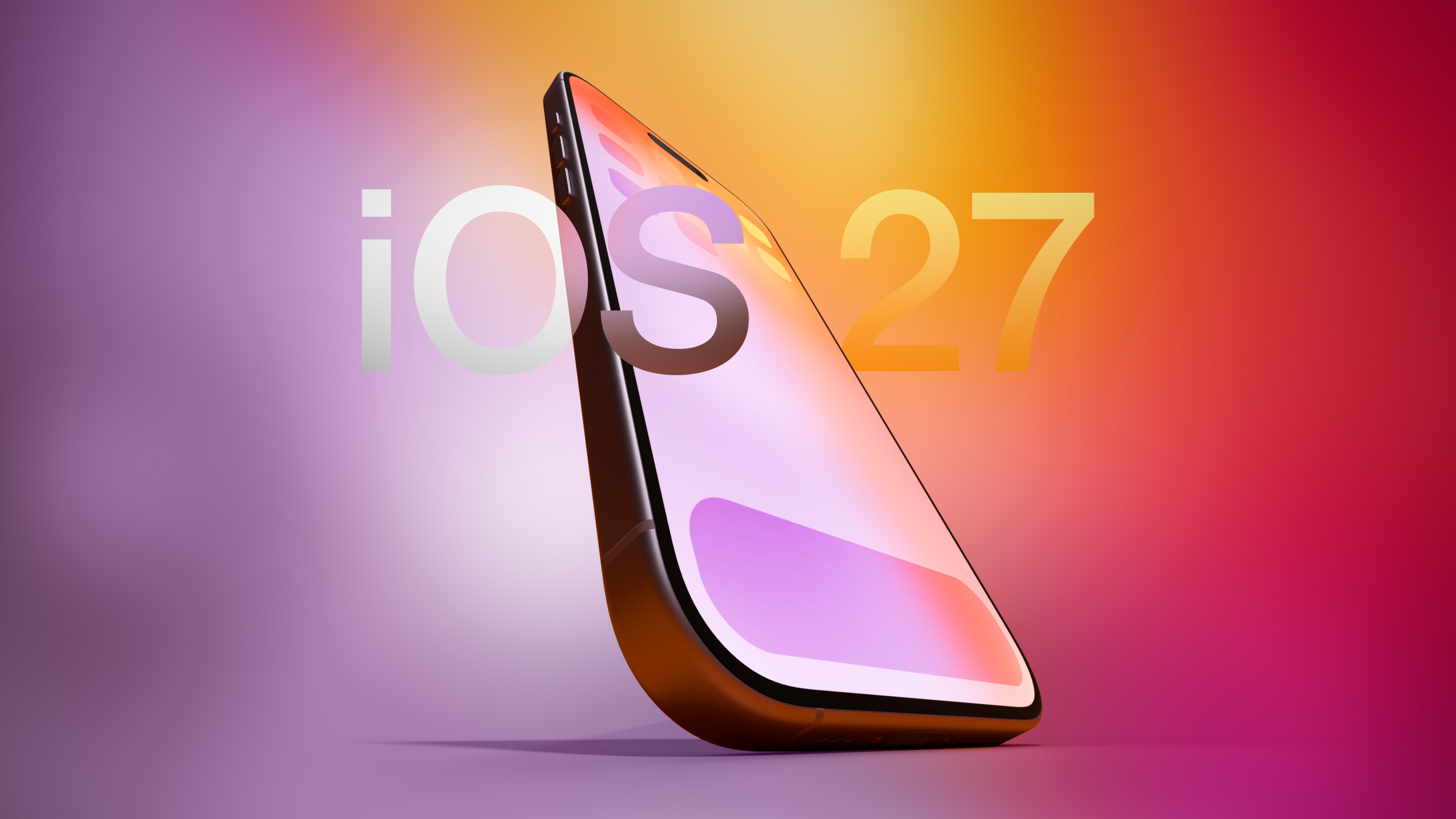
iOS 27 with some long-awaited smarts.
Siri's New Capabilities
Based on Apple's promises and rumors about what's coming in the new version of iOS, Siri in iOS 27 will be nothing like Siri in
iOS 26. In 2024, Apple showed us three ways that Siri will improve, but two years have passed and extra work has been done, so we're expecting even more than what Apple demonstrated back then.
Siri is going to be able to draw on user data and information from Apple devices, with access to personal data for completing tasks. The assistant is also going to be able to do more with apps, and it will be able to tell what's on the screen to answer questions.
Personal Context
Siri will be able to access emails, messages, files, photos, and more, learning all about you to help you complete tasks and keep track of what you've been sent. Apple offered some examples of how personal context will work:
- Show me the files Eric sent me last week.
- Find the email where Eric mentioned ice skating.
- Find the books that Eric recommended to me.
- Where's the recipe that Eric sent me?
- What's my passport number?
Onscreen Awareness
Onscreen awareness will let Siri see what's on your screen and complete actions involving whatever you're looking at. If someone texts you an address, you can tell Siri to add it to their contact card. Or if you're looking at a photo and want to send it to someone, you can ask Siri to do it for you.
App Integration
Siri will be able to do more in and across apps, performing actions and completing tasks that are just not possible with the personal assistant right now. We don't have a full picture of what Siri will be capable of, but Apple gave a few examples of what to expect.
- Moving files from one app to another.
- Editing a photo and then sharing it with someone.
- Getting directions home and sending the ETA in the Messages app.
- Drafting and then sending an email.
Siri will be able to complete tasks in Apple apps and in third-party apps, with developers able to expose app capabilities to Siri.
Siri as a Chatbot
Apple is turning
Siri into a full chatbot that users can interact with similarly to Claude or ChatGPT. The Siri chatbot will be integrated into Apple's operating systems at the system level, plus there will be a Siri app for back-and-forth conversations.
Siri will be able to do the same things that other chatbots can do. It will be able to search the web for answers to questions and provide summaries, evaluate and summarize uploaded documents, and even generate images and content so you can do things like get help with writing or creating an infographic.
Unlike ChatGPT and Claude, Siri will have deeper Apple device integration and more access to user data. Current chatbots can't access your mail app, what you've written in notes, your
Photos Library, or your messages, but Siri will have that information. Personal data access will set Siri apart and give iPhone users some of the features that Android users have been able to enjoy thanks to Gemini's integration with Google services.
Siri will be able to answer multi-part questions, remember what it was asked before, maintain context across requests, and remember details about the user.
Siri's Design
With Siri's chatbot transition, Apple will be making multiple Siri-related design changes. Siri will largely live in the
Dynamic Island, and there will be new ways to access Siri.
Swiping down from the center of the iPhone's display from the
Home Screen or any app will bring up a new "Search or Ask" feature in the Dynamic Island. A glowing, pill-shaped animation will be displayed in the Dynamic Island to indicate that Siri is processing a request.
When Siri has an answer, the Dynamic Island will expand into a transparent card with the result, incorporating images, info from the web, notes and other information relevant to the query or request. Swiping on the results card will bring up a conversation mode that looks similar to an iMessage chat, and there will be an option to transition to the full Siri app.
Search or Ask replaces Siri Suggestions and will let users launch apps, start text messages, ask about the weather, add calendar appointments, trigger shortcuts in apps, and search the web using Apple's new AI web search feature. Search or Ask queries will also be able to be sent to third-party chatbot services like ChatGPT instead of Siri.
While Siri can be accessed through a swipe in iOS 27, Apple is keeping the "Hey Siri" wake word and Siri activation through the Side button. With the new center swipe, accessing the Notification Center will be done with a swipe down on the left side of the display. Swiping down on the right side will continue to bring up Control Center.
Apple will also integrate an "Ask Siri" button into the menus of its apps, giving users a way to send content directly to Siri alongside a request.
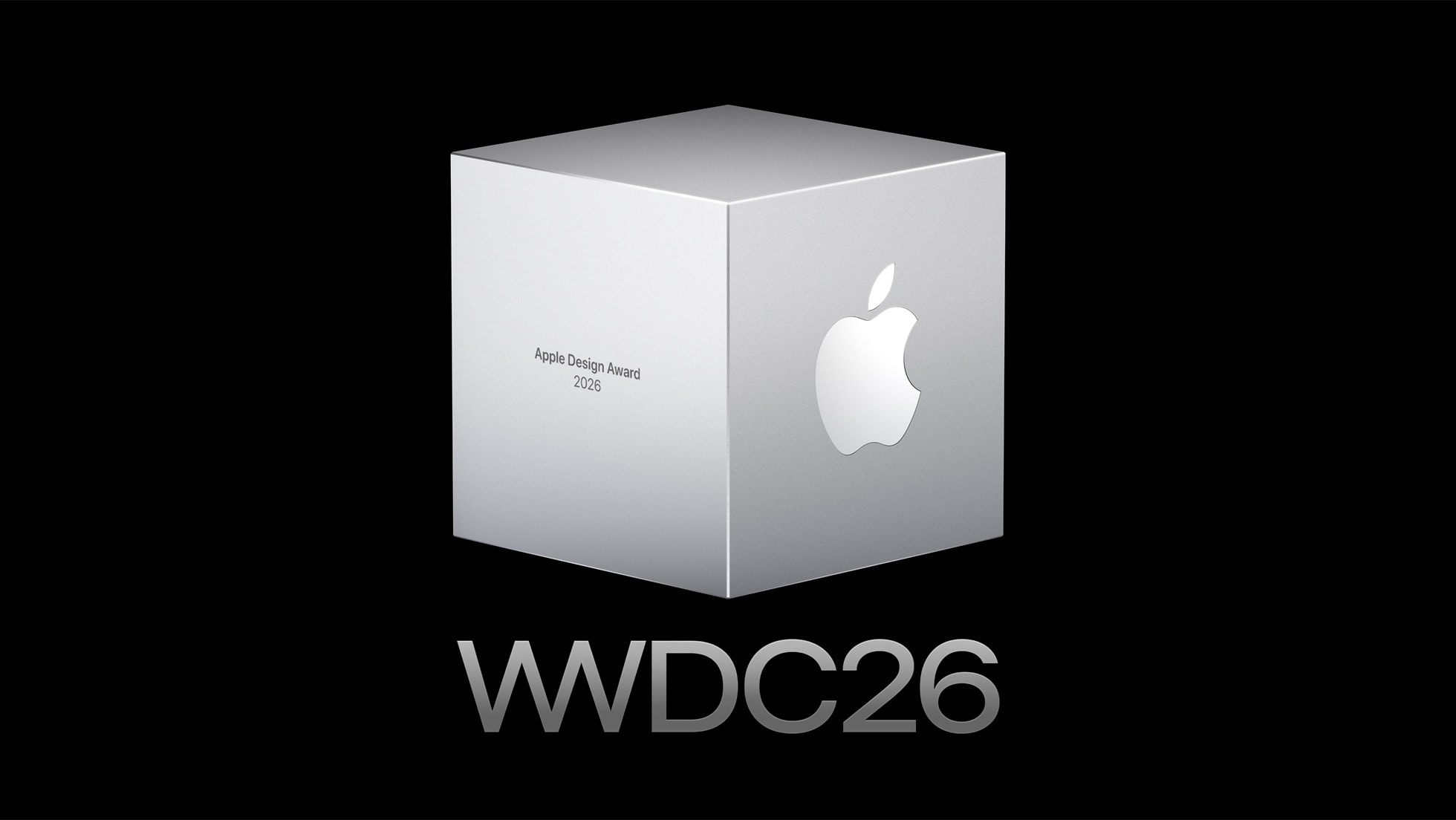
The new Siri interface uses dark colors with no light mode available. Siri UI elements have a dark background with color accents that mirror the options Apple is using in WWDC imagery. Apple's WWDC website features a white Swift bird with subtle highlights in pink, dark blue, purple, and orange.
A Siri App
There will be a dedicated Siri app for interacting with Siri, and it will look similar to apps for third-party chatbots but with an Apple design aesthetic. We have a separate guide on the Siri app.
Privacy
Apple plans to lean into privacy as a
central principle of its approach to AI, giving it a way to distinguish Siri from other chatbot options. Apple will likely aim to keep as much processing on-device as possible to limit the amount of data that leaves a user's device.
Apple said that Apple Intelligence features will continue to run on Apple devices and Private Cloud Compute.
Apple will have limits around memory, including restrictions on the information that can persist and how long it is kept. Users will be able to auto-delete Siri chats and requests after a set period of time, like 30 days or one year. There will also be an option to keep chats permanently.
Siri can be turned off right now, as can Apple Intelligence, and there's no sign that's going to change in iOS 27. Users who don't want to enable Siri or use the new features will not have to.
Siri Extensions
Apple is letting
rival chatbots integrate with Siri in iOS 27, expanding on the OpenAI partnership that currently allows Siri to hand off requests to ChatGPT. Apple plans to allow other chatbots like Claude and Gemini to work with Siri, so users will be able to send questions to their favorite chatbot instead of Siri.
iPhone users will be able to select which services they want to use inside Siri through "Extensions" options coming to iOS 27, iPadOS 27, and
macOS 27. The options will be available in the Apple Intelligence and Siri section of the Settings app, with Apple providing download links for chatbot apps. There will be a dedicated
Extensions section in the
App Store that will serve as a way to choose a third-party AI app.
Siri will be the default for the Search or Ask interface, but rumors suggest users will be able to select other chatbots to speak with. Users will also be able to
choose third-party AI services as the default for Apple Intelligence features like Writing Tools and
Image Playground, expanding Apple Intelligence integration beyond ChatGPT.
Apple also plans to let users choose voices from third-party AI to use instead of Siri, so there will be a distinct audio difference between a response from Siri and a response from the user's chatbot of choice. Siri would use one voice, while responses from third-party AI options would use another voice.
Gemini Help
To get Siri up and running, Apple
partnered with Google to use Gemini AI models instead of using its own AI models. Apple signed a multi-year deal to use Google's Gemini models and cloud technology for its Apple Foundation Models.
Google and Apple said that the next generation of Apple Foundation Models will be based on Google Gemini models, with Gemini used to power future Apple Intelligence features and the more personalized version of Siri.
Apple said Google's AI technology offered the most capable foundation for its models.
Device Compatibility
Apple Intelligence features require an iPhone 15 Pro or later, and it's possible some of the new Siri options could be limited to those same models.
Launch Date
Apple will preview the new Siri at its
WWDC 2026 keynote event on June 8, with betas of iOS 27, iPadOS 27, and macOS 27 provided to developers the same day. Public betas will come in July, and the software updates will launch in September.
It is not yet clear if all of the new Siri features will be available in the beta, or even right when iOS 27 launches.
This article, "
Siri in iOS 27: Every New Feature and Change to Expect" first appeared on
MacRumors.comDiscuss this article in our forums

 Log in
 Apple Towson Town Center

 Note: MacRumors is an affiliate partner with some of these vendors. When you click a link and make a purchase, we may receive a small payment, which helps us keep the site running.

 Note: MacRumors is an affiliate partner with LG. When you click a link and make a purchase, we may receive a small payment, which helps us keep the site running.

 As noted


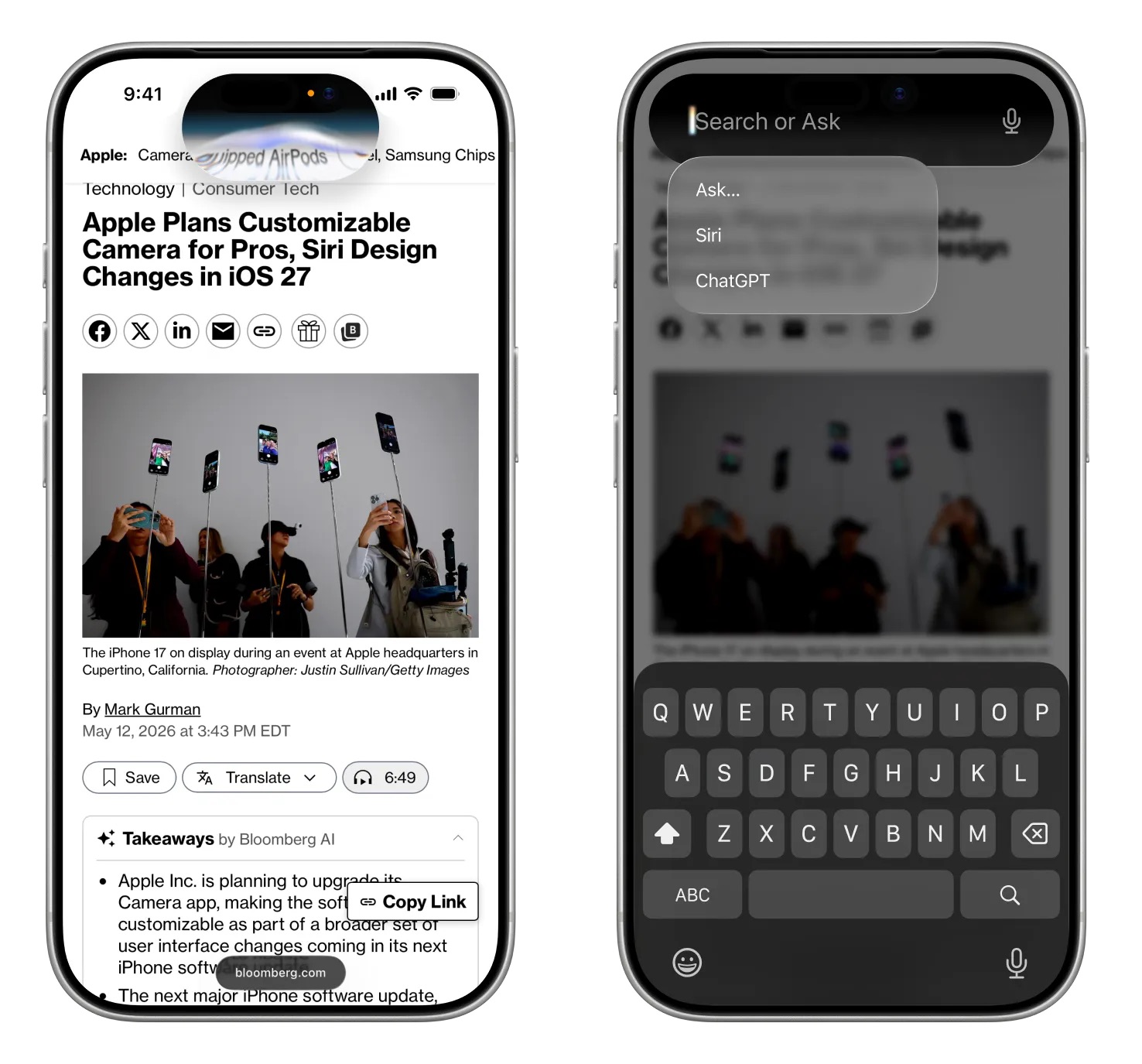 Image via


 Note: MacRumors is an affiliate partner with some of these vendors. When you click a link and make a purchase, we may receive a small payment, which helps us keep the site running.


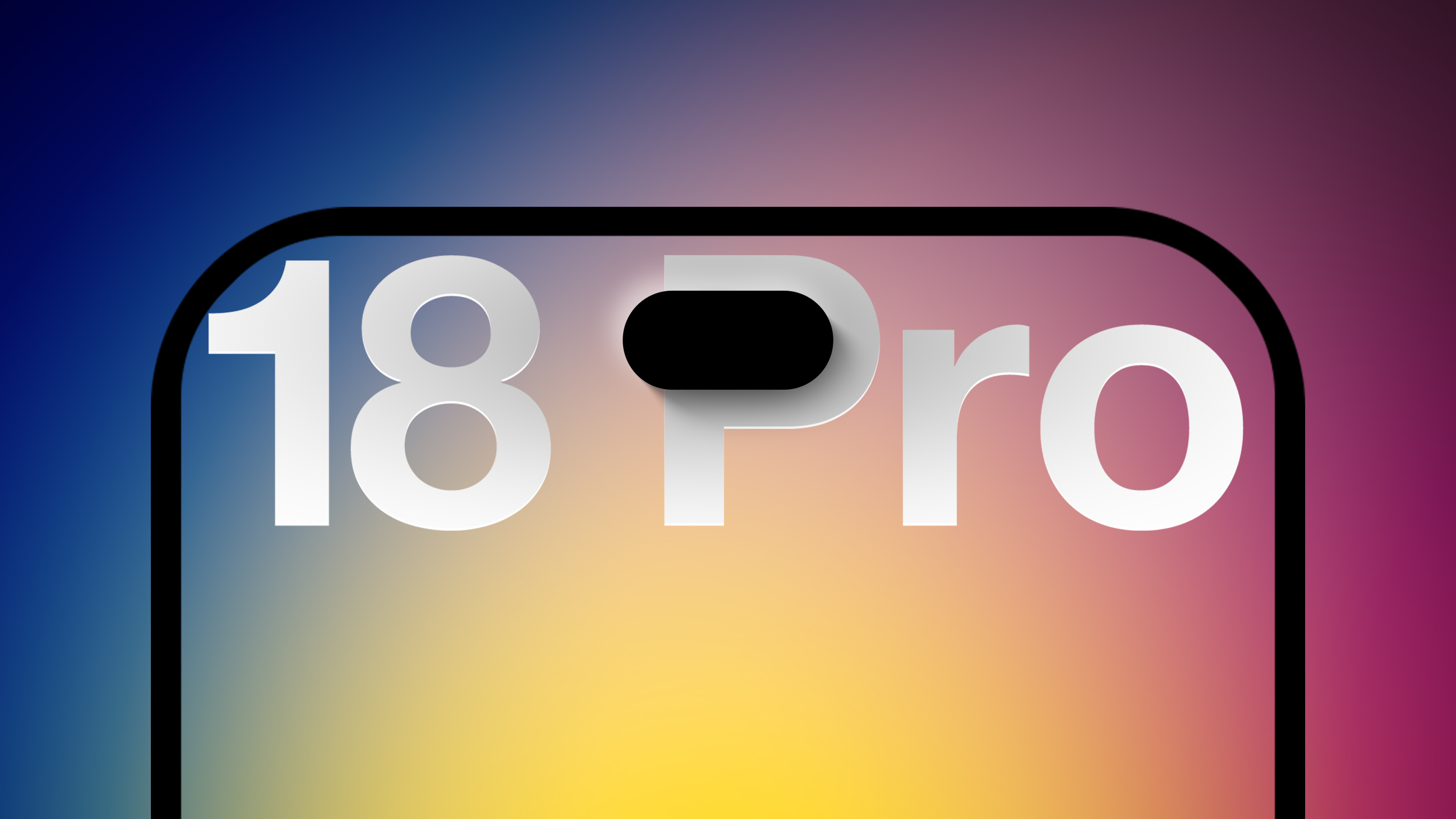
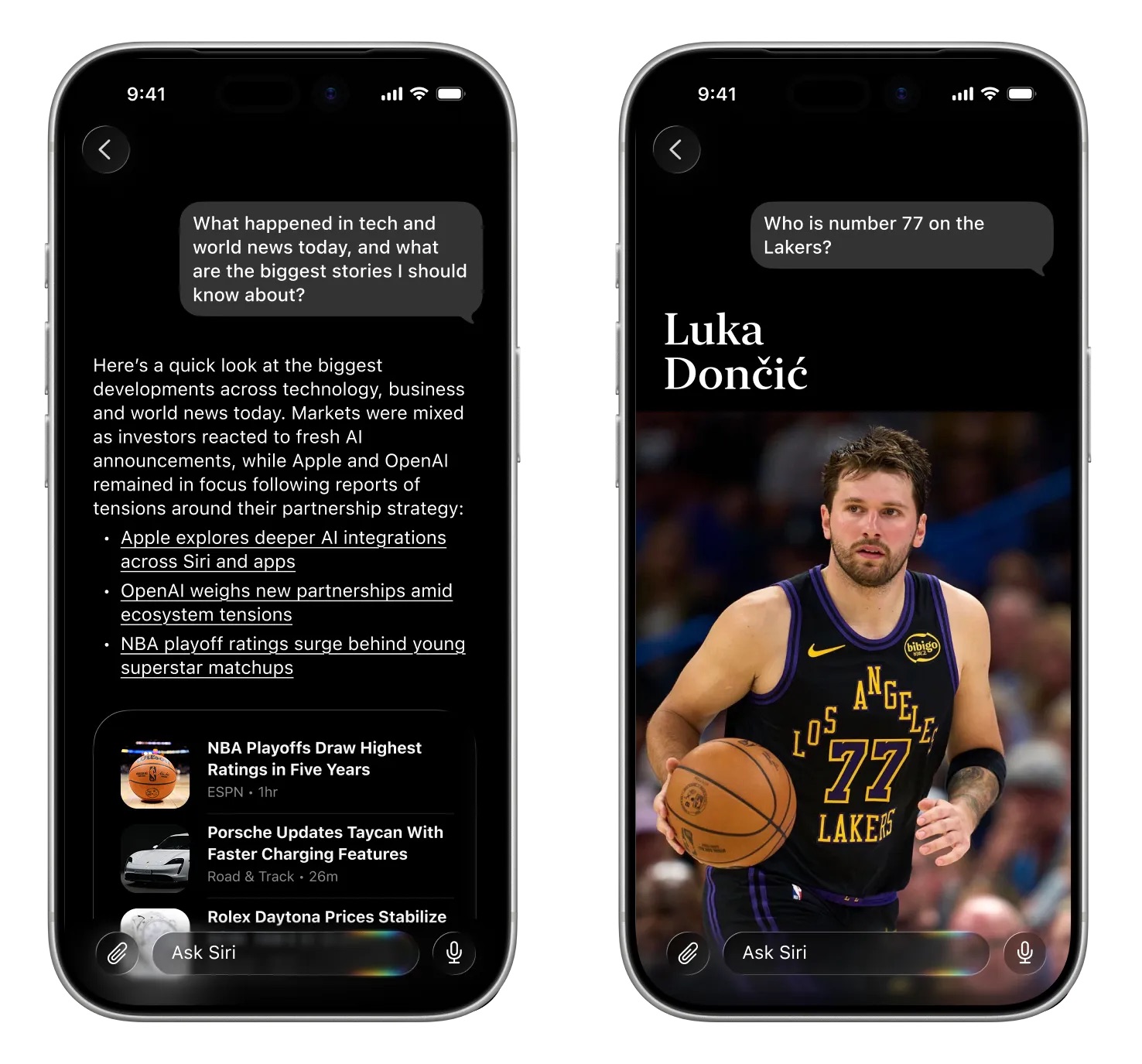 Image via
 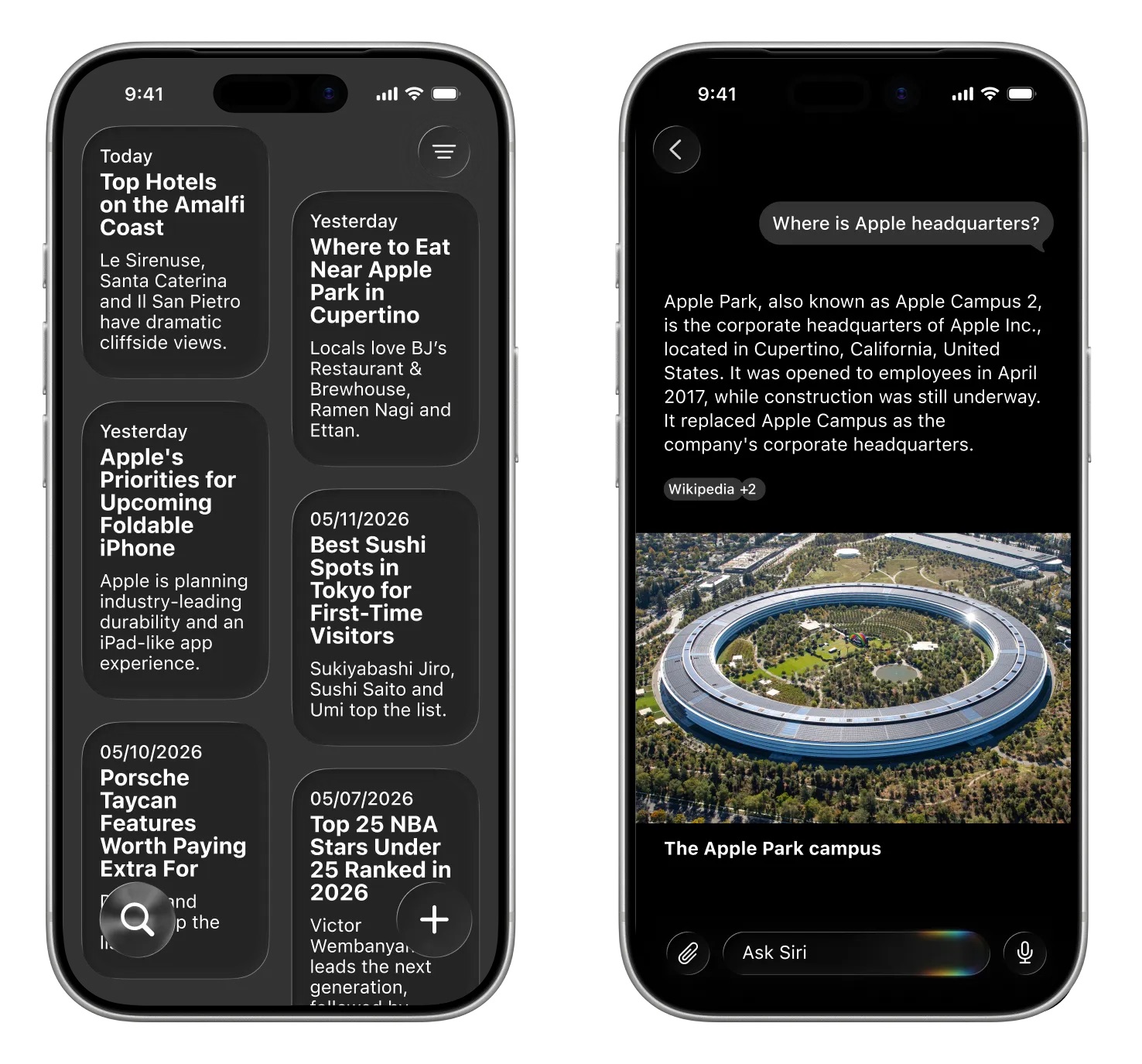 Image via