Log in
WSL containers is now generally available
WSL is central to our commitment to making Windows the best place to build, run and manage Linux workloads. As AI, cloud-native development, containers, and open-source ecosystems continue to converge on Linux, more developers are choosing to perform these workloads directly on Windows devices. We’re continuing our journey towards this goal with a new feature in WSL: WSL containers, which is generally available today.
To try it out, simply run For a deeper look at how WSL containers are built, how they work with WSL, and the architecture behind the platform, see our WSL containers architecture blog.
Let's get into what's new with GA.
For a deeper look at how WSL containers are built, how they work with WSL, and the architecture behind the platform, see our WSL containers architecture blog.
Let's get into what's new with GA.
Adding
Our top feature request for WSLc is adding compose support, and this will be our focus for our next iterations.
Our aim is for
wsl --update in your terminal or download the latest release from GitHub and you will gain access to:
- WSL containers CLI:
wslc.exeto directly build, run and deploy Linux containers on Windows, or use its built-in aliascontainer.exeto run the same familiar container commands - WSL containers API: Access functions to run Linux containers programmatically in your native Windows apps – unlocking scenarios like running local AI workloads or using cloud-based containerized applications locally.
For a deeper look at how WSL containers are built, how they work with WSL, and the architecture behind the platform, see our WSL containers architecture blog.
Let's get into what's new with GA.
New commands and capabilities
Since public preview, we've continued to evolve WSL containers and our focus has been on making every day container workflows simpler, improving visibility into running environments, and adding the flexibility needed to manage containers at scale. As part of the GA release, we've introduced several new commands and capabilities across container lifecycle, networking, and observability. Here are a few highlights, and you can view the full change logs on our releases page:wslc container restart— restart a running containerwslc container cp— copy files in and out via tar archivewslc system info— see the state of your container environment at a glancewslc network connectandwslc network disconnect— attach and detach containers from networkswslc network createnow supports arbitrary network driver options- wslc events – Streams real time container activity
- Container health checks are now supported
--stop-timeoutonwslc createandwslc run, including-1for an infinite timeout--mountsupport duringwslc createandwslc run- A configurable storage path for the default
wslcsession, so you can put your container storage on the drive you want.
Enterprise manageability for WSL containers
This release extends Microsoft Intune and Microsoft Defender for Endpoint (MDE) integrations in WSL to include container workflows as well. MDE’s existing plugin for WSL has been augmented to also include support for containers. MDE can surface process, file and network activity from WSL containers and connect that activity back to Windows host, helping security teams investigate suspicious activity without creating a separate security workflow. Microsoft Intune has also added controls to enable or disable WSL container and restrict image pulls to approved registries. Additionally, on your Intune dashboard you will see new settings specific to the WSL container feature:- Allow WSL containers access - Control access to the entire WSL containers feature.
- WSL containers registry allow list - For WSL containers enterprise adoption, organizations need stronger controls over the container images that can be introduced into their environment. With container registry allow lists, administrators can define approved registries and help ensure developers only pull container images from that list, that meet organizational security and compliance requirements.
Partner and community integrations
Partners and community contributors are bringing WSL containers into the editors, terminals and desktop tools developers already use, adding support for WSLc into existing projects or creating new ones. We're grateful for the fantastic community contributions that continue to expand the ecosystem around WSL containers.- VS Code dev container support: Use
wslcas your default driver for creating and interacting with VS Code dev containers - Aspire: Aspire can use WSL Containers as first-class container runtime
- VS Code container extension: A popular extension to manage your containers in VS Code, now supports
wslc. - Lazywslc: A TUI dashboard to manage your WSL containers
- WSL Container Desktop: WinUI 3 desktop app for managing WSL containers, Kubernetes (k3s) and container registries.
- WSLc remote: A short wrapper script to run
wslcfrom within WSL distros
What's next for WSL
Over time, we see Linux on Windows evolving beyond a development environment into a strategic execution platform for AI and cloud-native workloads, participating in the same enterprise security, management, and governance frameworks as Windows. We will continue to invest in the broader WSL experience, and in context of this release wanted to highlight two WSL specific items on our roadmap.Adding wslc compose
Our top feature request for WSLc is adding compose support, and this will be our focus for our next iterations.
Our aim is for wsl compose up to work with your existing compose.yaml files, unchanged. We’ve started on this and hope to share more soon.
WSL fundamental improvements
We are also actively investigating how to better improve some of the core platform capabilities for WSL including networking, cross-OS file performance and more. You can see some of this work today with wslc, supporting up to 2x faster performance when accessing Windows files from Linux environments, helping reduce one of the most common cross-OS bottlenecks. It also introduces the newconsomme network mode, enabled for container workflows which improves networking compatibility across developer and enterprise scenarios.
These foundational improvements benefit WSL distributions, WSL containers, and other container technologies built on WSL, reflecting a broader effort to make Linux on Windows feel increasingly seamless and integrated.
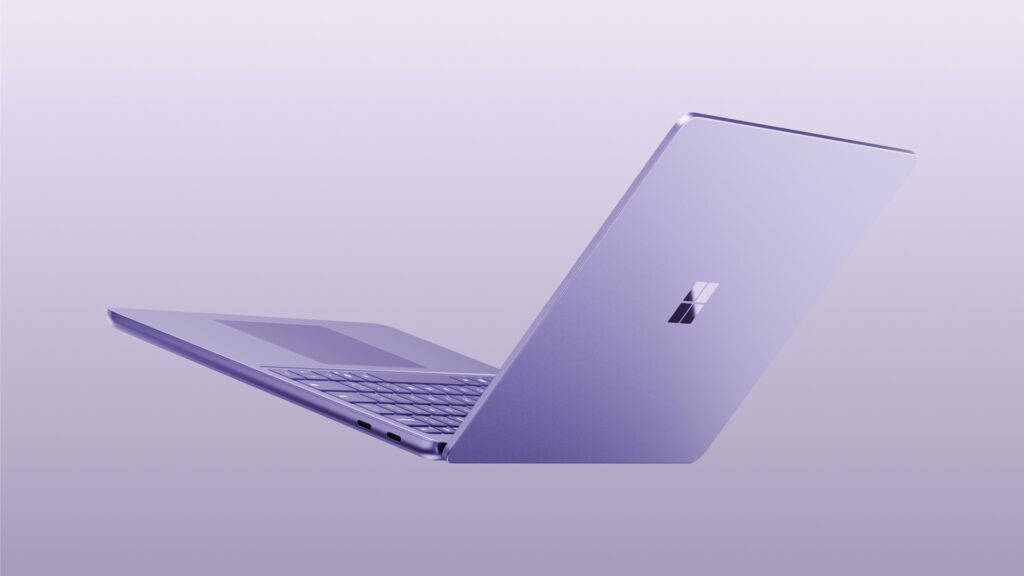



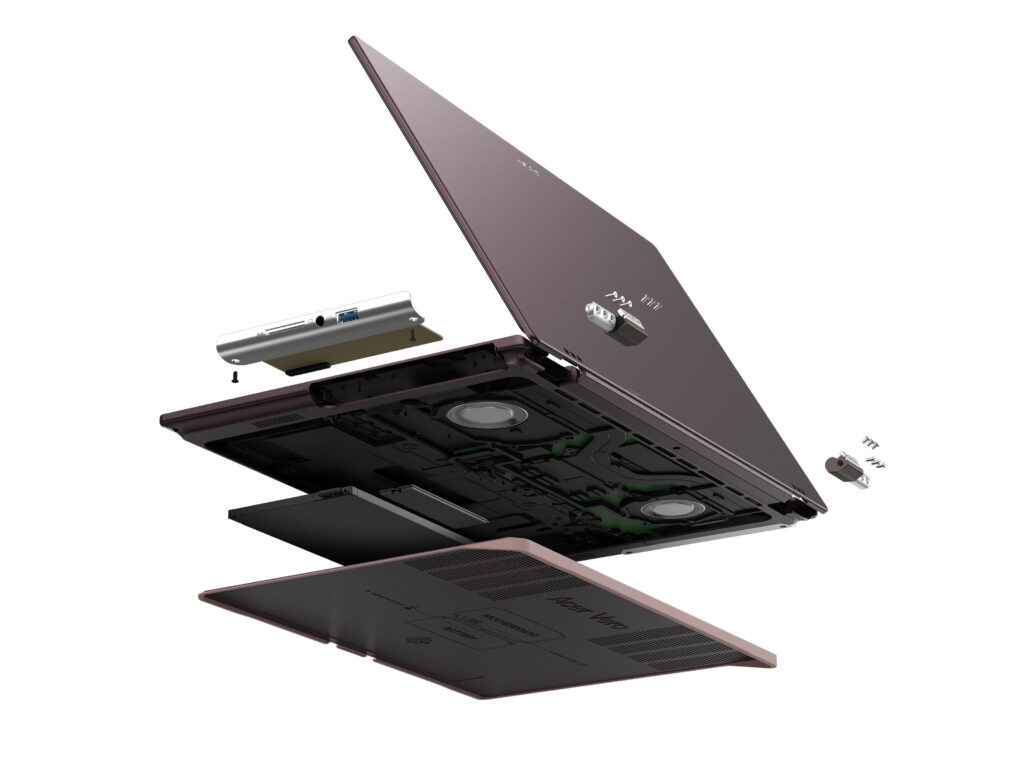 Acer Vero 16[/caption]
Acer’s Windows compute lineup at IFA 2026 also included the
Acer Vero 16[/caption]
Acer’s Windows compute lineup at IFA 2026 also included the 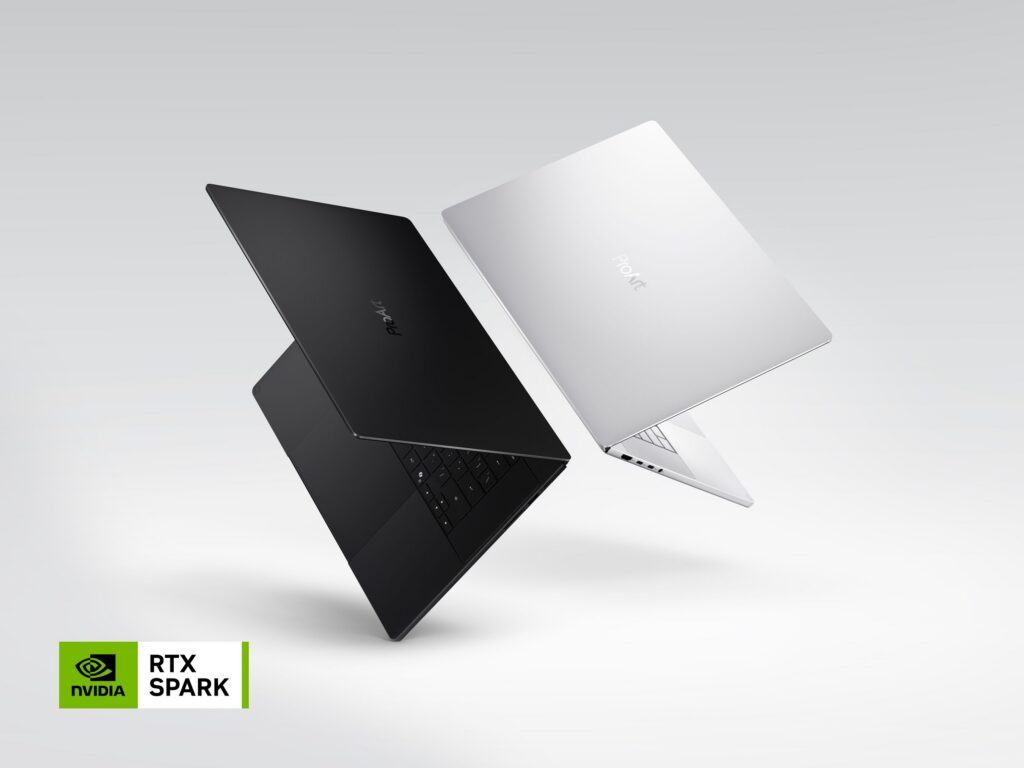 ProArt Laptop (Nano Black & Neo White)[/caption]
 Dell 14S Laptop[/caption]
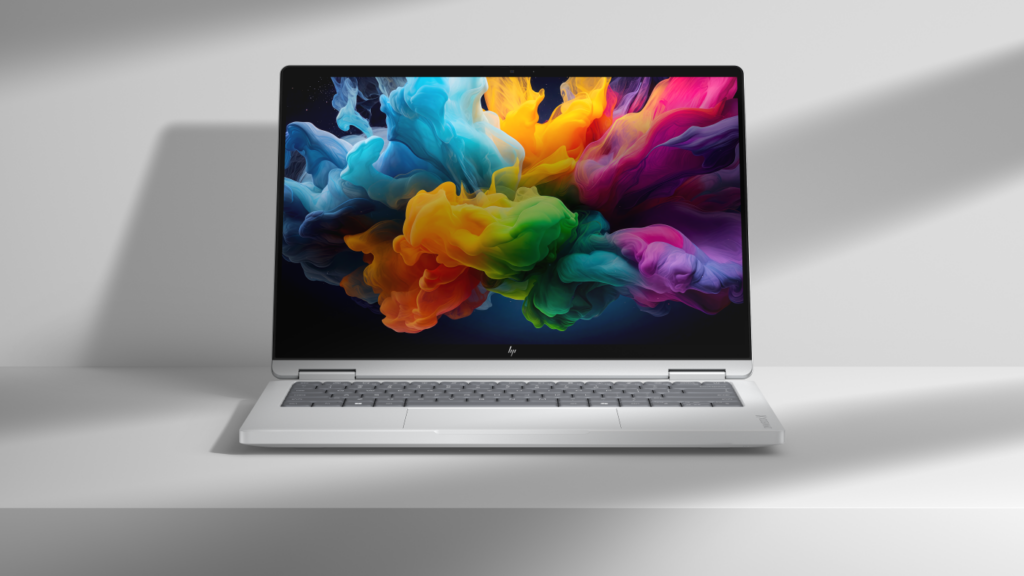 HP OmniBook X 14[/caption]
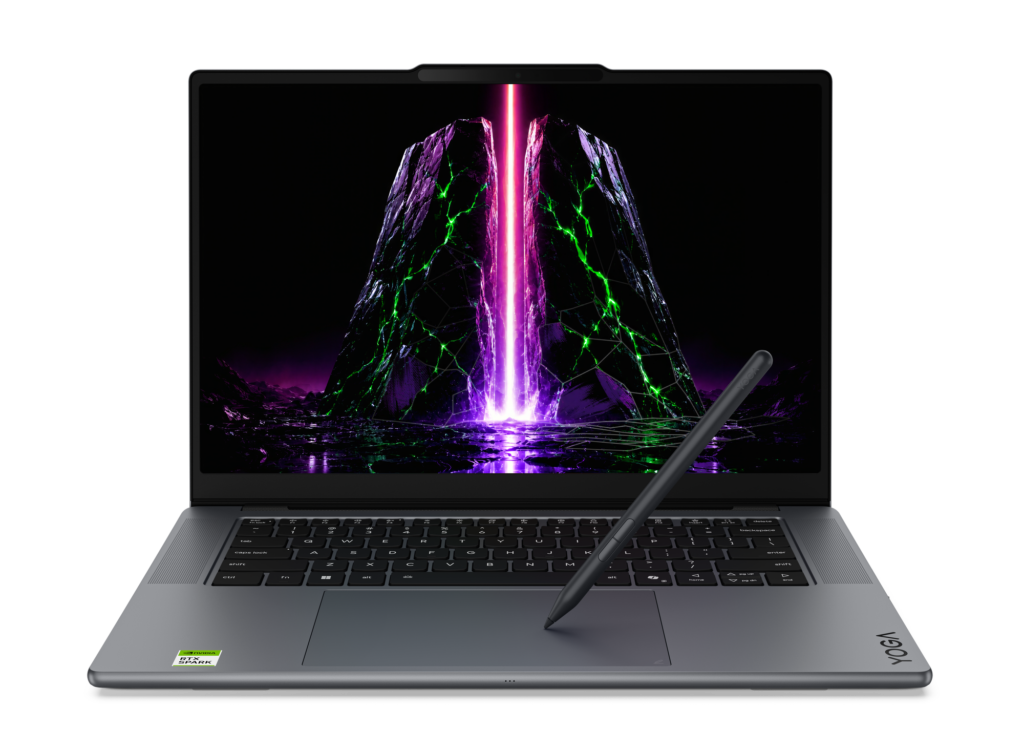 Yoga Pro 9n (15”, 11)[/caption]
For students, families, and everyday users, the new
Yoga Pro 9n (15”, 11)[/caption]
For students, families, and everyday users, the new 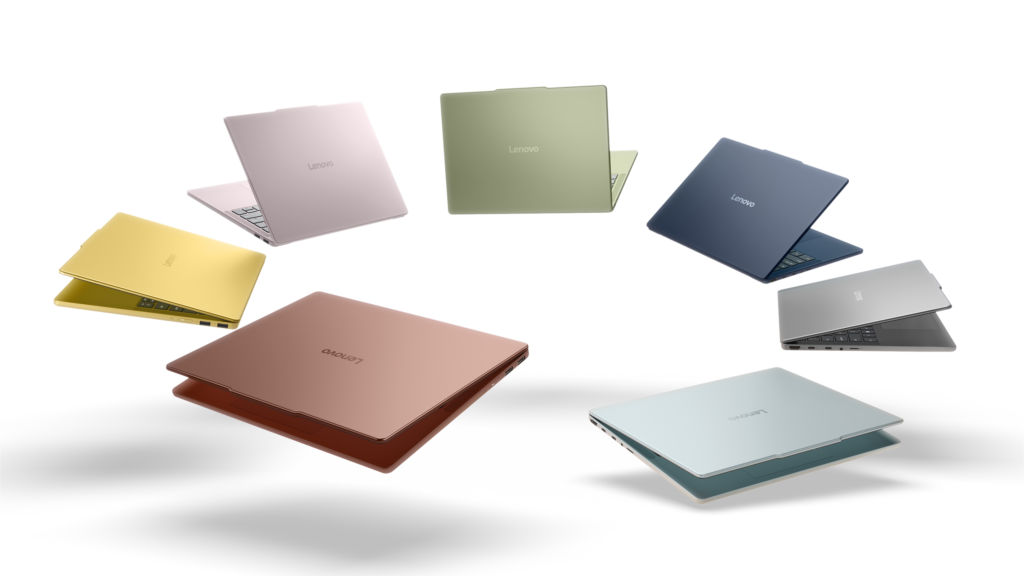 IdeaPad Vibe[/caption]
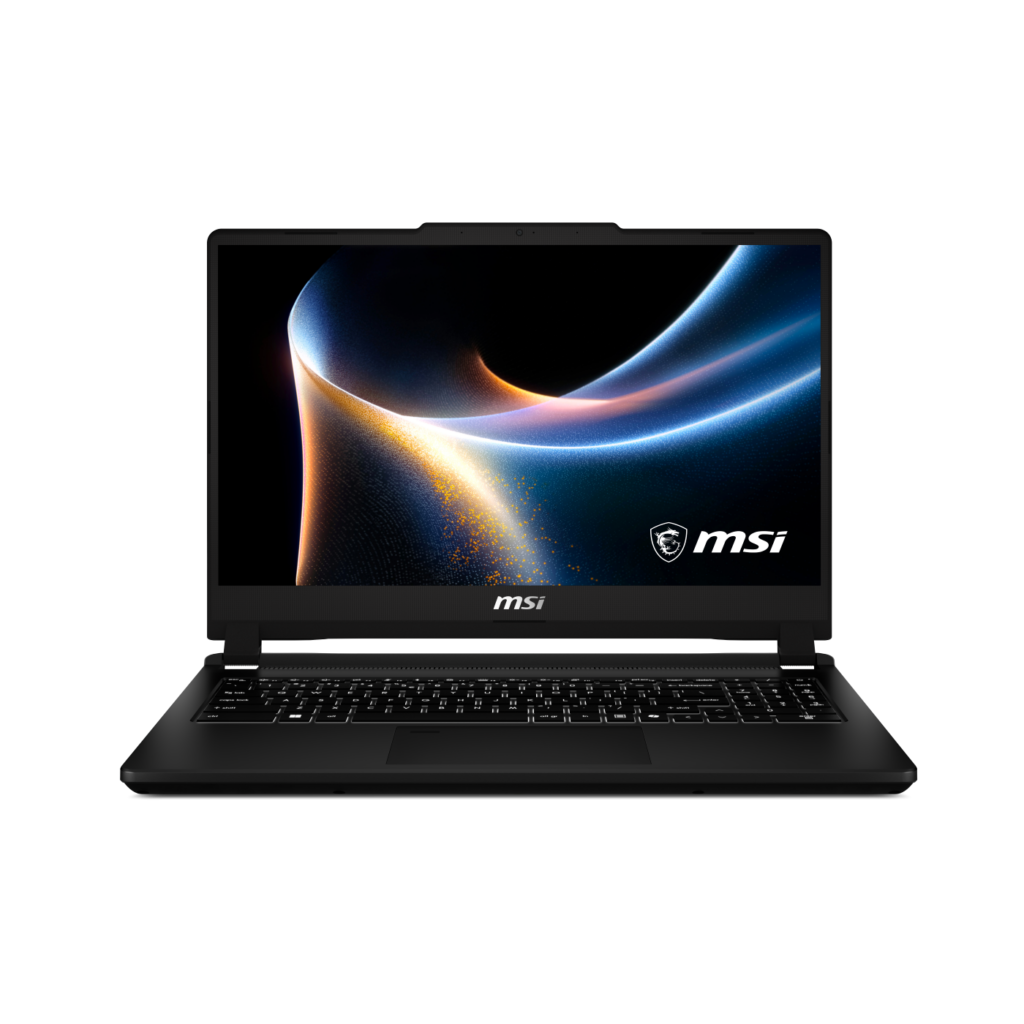 Venture 15[/caption]
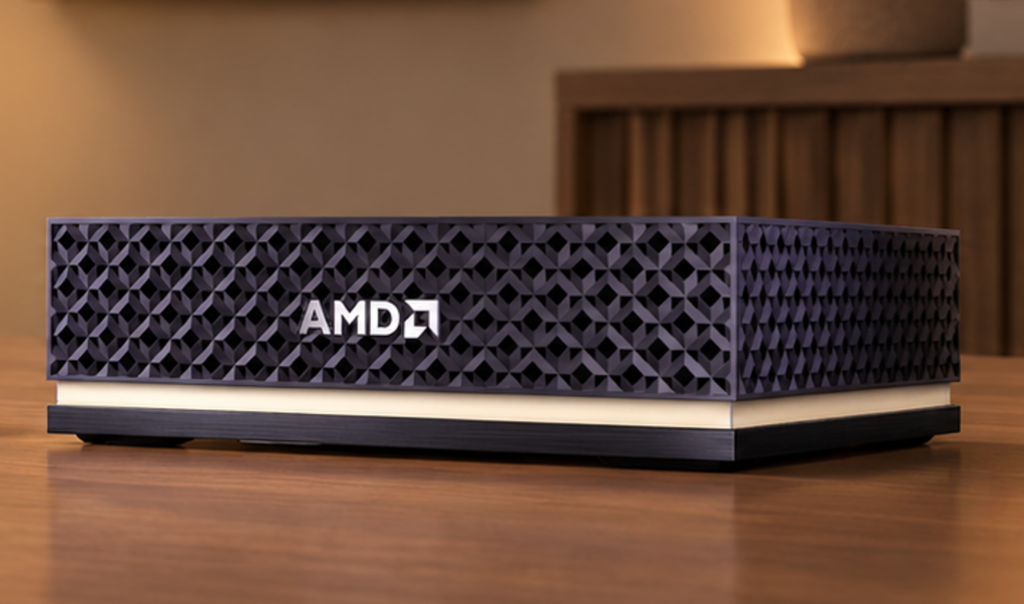 Ryzen AI Halo[/caption]
 NVIDIA RTX Spark Superchip[/caption]
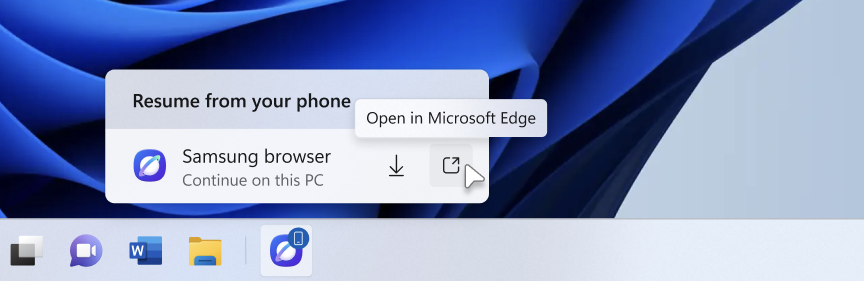
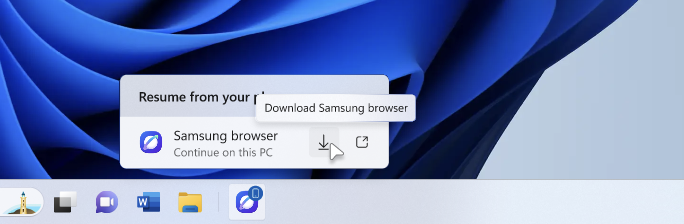




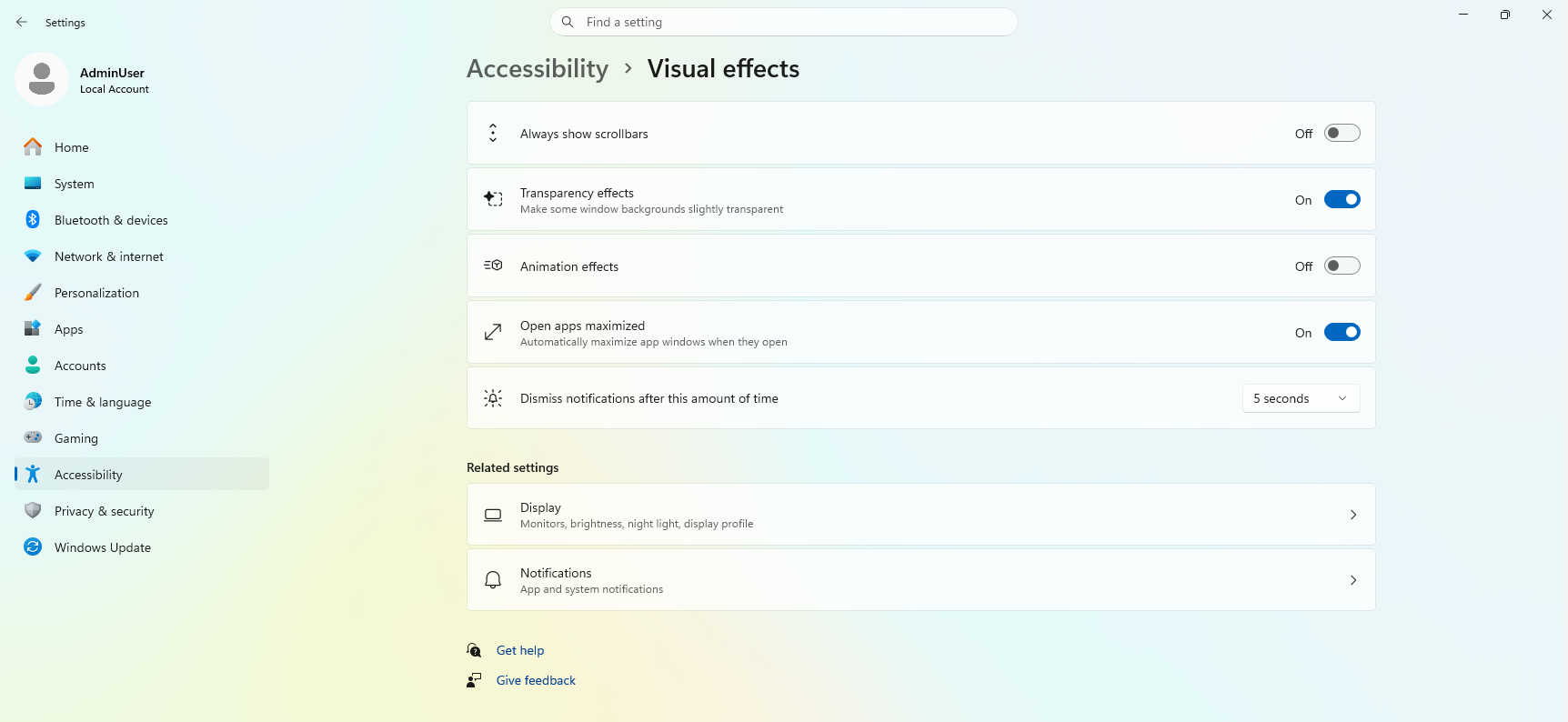
 We’ve also pre-configured Windows Settings for coding across File Explorer, Search, Start, and the Taskbar. File Explorer shows file extensions, hidden files, the full path in the title bar, and the details pane, with long-path support enabled. Recently used files and folders and sync provider tips are turned off for a cleaner workspace. In Search and Start, Command Palette is enabled, while Start menu tips and account notifications are turned off to reduce distractions.
Windows Subsystem for Linux (WSL) has become foundational for running Linux workloads on Windows. Last year we open-sourced WSL. Building on that momentum at Build 2026, we integrated WSL more deeply into Windows with WSL containers to provide a built-in way to create, run, and interact with Linux containers directly on Windows.
Together, with Project Zenith, these choices create a calm, and meaningful starting point for development. Project Zenith is not about prescribing a single workflow. You can continue to configure, extend, and personalize your environment around the tools, languages, and frameworks you prefer. It is about beginning from a better baseline, shaped by the settings and tools developers reach for first, so a new device works with you to accelerate your workflows.
We’ve also pre-configured Windows Settings for coding across File Explorer, Search, Start, and the Taskbar. File Explorer shows file extensions, hidden files, the full path in the title bar, and the details pane, with long-path support enabled. Recently used files and folders and sync provider tips are turned off for a cleaner workspace. In Search and Start, Command Palette is enabled, while Start menu tips and account notifications are turned off to reduce distractions.
Windows Subsystem for Linux (WSL) has become foundational for running Linux workloads on Windows. Last year we open-sourced WSL. Building on that momentum at Build 2026, we integrated WSL more deeply into Windows with WSL containers to provide a built-in way to create, run, and interact with Linux containers directly on Windows.
Together, with Project Zenith, these choices create a calm, and meaningful starting point for development. Project Zenith is not about prescribing a single workflow. You can continue to configure, extend, and personalize your environment around the tools, languages, and frameworks you prefer. It is about beginning from a better baseline, shaped by the settings and tools developers reach for first, so a new device works with you to accelerate your workflows.
 Recent STEM and education apps available on Windows on Arm devices[/caption]
 Recent security apps available on Windows on Arm devices[/caption]
 Recent productivity apps available on Windows on Arm devices[/caption]
 Recent creativity, social media and entertainment apps available on Windows on Arm devices[/caption]
The takeaway is clear: Windows on Arm is no longer defined by potential, but by a rapidly expanding ecosystem of devices with apps available across workloads that customers depend on most. As developers continue to invest in Arm-native experiences and compatibility, customers gain more choices, flexibility, and confidence in adopting the next generation of Windows devices.
As the ecosystem continues to expand, the Microsoft App Assure team is ready to assist software developers interested in bringing their apps to Windows on Arm. Through our
Recent creativity, social media and entertainment apps available on Windows on Arm devices[/caption]
The takeaway is clear: Windows on Arm is no longer defined by potential, but by a rapidly expanding ecosystem of devices with apps available across workloads that customers depend on most. As developers continue to invest in Arm-native experiences and compatibility, customers gain more choices, flexibility, and confidence in adopting the next generation of Windows devices.
As the ecosystem continues to expand, the Microsoft App Assure team is ready to assist software developers interested in bringing their apps to Windows on Arm. Through our 
 See what customers are saying about Windows 365. Learn more at aka.ms/Windows365Stories.[/caption]
Over the past five years, we’ve evolved Windows 365 in meaningful ways and introduced new offerings to meet our customers’ diverse needs:
See what customers are saying about Windows 365. Learn more at aka.ms/Windows365Stories.[/caption]
Over the past five years, we’ve evolved Windows 365 in meaningful ways and introduced new offerings to meet our customers’ diverse needs:
 This graphic was published by Gartner, Inc. as part of a larger research document and should be evaluated in the context of the entire document available at aka.ms/DaaSMQ2026. Note: Gartner does not endorse any company, vendor, product or service depicted in its publications, and does not advise technology users to select only those vendors with the highest ratings or other designation. Gartner publications consist of the opinions of Gartner’s business and technology insights organization and should not be construed as statements of fact. Gartner disclaims all warranties, expressed or implied, with respect to this publication, including any warranties of merchantability or fitness for a particular purpose. Gartner, Magic Quadrant for Desktop as a Service, 5 August 2026, By
 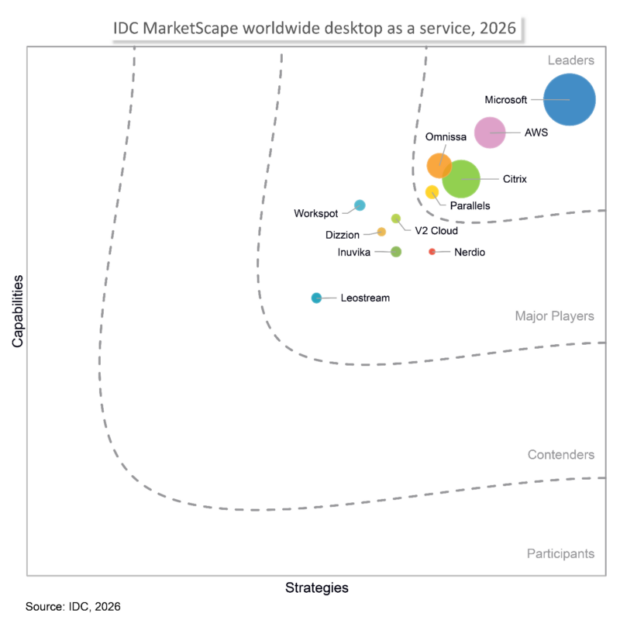 IDC MarketScape vendor analysis model is designed to provide an overview of the competitive fitness of ICT suppliers in a given market. The research methodology utilizes a rigorous scoring methodology based on both qualitative and quantitative criteria that results in a single graphical illustration of each vendor’s position within a given market. The Capabilities score measures vendor product, go-to-market and business execution in the short-term. The Strategy score measures alignment of vendor strategies with customer requirements in a 3-5-year timeframe. Vendor market share is represented by the size of the icons.[/caption]
“Microsoft offers a fully integrated DaaS stack where endpoint management, identity, security, and compliance serve as native prebuilt components.” Additionally, “Microsoft stands out as the only vendor to productize the agentic workspace as a distinct purchasable offering alongside the standard managed desktop. This provides a robust production foundation for IT leaders whose DaaS strategies must accommodate AI agent deployment over the next three years."
- IDC MarketScape: Worldwide Desktop as a Service 2026 Vendor Assessment (Doc #US54118526, July 2026)
IDC MarketScape vendor analysis model is designed to provide an overview of the competitive fitness of ICT suppliers in a given market. The research methodology utilizes a rigorous scoring methodology based on both qualitative and quantitative criteria that results in a single graphical illustration of each vendor’s position within a given market. The Capabilities score measures vendor product, go-to-market and business execution in the short-term. The Strategy score measures alignment of vendor strategies with customer requirements in a 3-5-year timeframe. Vendor market share is represented by the size of the icons.[/caption]
“Microsoft offers a fully integrated DaaS stack where endpoint management, identity, security, and compliance serve as native prebuilt components.” Additionally, “Microsoft stands out as the only vendor to productize the agentic workspace as a distinct purchasable offering alongside the standard managed desktop. This provides a robust production foundation for IT leaders whose DaaS strategies must accommodate AI agent deployment over the next three years."
- IDC MarketScape: Worldwide Desktop as a Service 2026 Vendor Assessment (Doc #US54118526, July 2026)
 Windows 365 monitoring and reporting platform (generally available in September) and a new agent for Windows 365 administrators (limited preview).[/caption]