Log in
Build anywhere, stay in flow: How Windows 365 is redefining the developer experience
Development teams are under increasing pressure to ship software faster, even as the environments they rely on grow more complex. However, modern development has only become harder to provision and maintain with AI-assisted development, cross-platform toolchains, tighter security demands and specialized compute requirements. As a result, developers still spend too much time configuring machines, troubleshooting environment drift, and waiting for access instead of building and shipping software.
Windows 365 provides secure, flexible Cloud PCs that can complement local development and give teams an easier path from access to first commit. Developers can select an environment suited to each workload while IT applies consistent identity, security, management and governance.
 London Stock Exchange Group increases developer productivity with Windows 365. “Windows 365 gives us the ability to provide different types of performance and development environments plus access to GitHub Copilot, where we’ve seen an increase in developer productivity and efficiency.” says Sandra Lee, Group Chief Information Security Officer, LSEG.
 Siemens uses Windows 365 for scenarios that include developers who need specialized digital tools, as well as employees requiring temporary access. “In all these cases, we need a trustworthy device and a verified identity in our IT landscape—even if the access is only intended to be temporary,” says Hendrik Harder, Global Service Owner Virtual Client at Siemens.
 ABN AMRO transforms the workplace for 3,500 offshore developers with Windows 365. Developers reported smoother performance, faster onboarding and more productivity, while IT teams benefited from simplified operations and scalability. “The first time I used Windows 365, I thought I was using my own laptop—the performance was that smooth,” says Peter Witmond, Product Owner Virtual Workplace at ABN AMRO.
Five ways Windows 365 supports modern development
1. Give developers a ready-to-code, customizable environment
A ready-to-code Windows 11 developer configuration provides developers with a prepared environment from day one. Autopilot device preparation can install required applications and scripts before first sign-in, while Azure Compute Gallery integration supports standardized custom images. Planned VM customization will provide additional flexibility to configure project-specific SDKs, tools, scripts, and dependencies within enterprise guardrails.2. Scale compute and run local AI directly on the Cloud PC
Cloud PC configurations up to 32 vCPU and GPU-enabled options give teams the right compute for memory-intensive development, graphics, AI, data and visualization workloads. Select local language models can run directly on appropriately sized Cloud PCs, providing more predictable costs while preserving access to hosted models when greater scale or performance is required. https://www.youtube.com/watch?v=M-WDKwkGuZc See how a ready-to-code Windows 365 Cloud PC uses Foundry Local and local language models to build and run an AI meeting-summary app without consuming cloud tokens. 3. Contain agent activity during development Developers increasingly use coding and autonomous agents to generate code, execute tasks and maintain long-running workflows. With Windows 365 support for Microsoft Execution Containers (MXC) becoming generally available in the coming months, customers will be able to run supported agent workloads, from coding agents such as GitHub Copilot CLI to autonomous agents such as OpenClaw on managed Cloud PCs. Process and session isolation help contain agent activity, while familiar enterprise security and governance controls allow organizations to manage these workloads with confidence.4. Build and run enterprise agents securely
AI agent builders have different needs. As agents move from development into sustained enterprise workflows, they may require dedicated environments that operate independently from users’ devices. Windows 365 for Agents provides Microsoft Entra-joined, Microsoft Intune-managed, and policy-enforced Cloud PCs where agents can perform computer-use tasks across browsers, desktop applications, and legacy systems. New preview capabilities extend secure access to on-premises applications and help IT manage agent pools at scale.Companies such as Login VSI, WorkspaceDNA, and Simular are already building AI agents that can run on Windows 365 for Agents.5. Protect sensitive development work
Organizations need to give developers flexibility without exposing source code or confidential data. Windows 365 works with Microsoft Entra, Microsoft Intune, and Microsoft security capabilities to apply consistent identity, access, compliance and endpoint controls. For example, context-based redirection, now in preview can restrict clipboard, drive, printer or USB redirection based on security conditions, while output protection helps safeguard on-screen information.Why modern development needs an environment that responds to change
As development workflows evolve in the era of AI, developers need different environments based on workloads. Local devices remain essential for developers when direct hardware access, offline work, or specialized local performance matters. Pairing the latest in hardware innovation with software optimized for development helps developers build breakthrough experiences. Project Zenith offers a ready-to-code distraction-free Windows experience on developer-class devices with 64+ GB unified memory and 250+ GB/s memory bandwidth, so developers can get started. And cloud-based environments can complement local development when continuity across devices, workload isolation, flexible compute, or secure access creates a better outcome. Developers should be able to choose the environment best suited to their work while maintaining a consistent, trusted development experience. A developer may move between coding, compute-intensive builds and testing, AI-augmented application development, and work in a secure customer environment. Each workload benefits from an environment optimized for its specific requirements.Windows 365 brings the right environment to developers
A modern developer environment should allow developers to begin coding on day one, support customization for specific projects and provide secure governance without limiting developer flexibility. Windows 365 brings these capabilities together in a personalized Cloud PC that developers can access through the Windows App or a browser, while their applications, code, settings and project state remain securely managed in the Microsoft Cloud. With Windows 365, developers can start with a Windows 11 developer configuration featuring familiar tools such as Visual Studio Code, Git, GitHub Copilot CLI, Python, Node.js and Windows Subsystem for Linux with Ubuntu. Meanwhile, platform engineering and IT teams can standardize environments with reusable images and automated preparation while centrally managing identity, security, policy, monitoring, and lifecycle controls. The result is more than a desktop in the cloud: it is a faster path from access to first commit. Customers are already seeing this balance of developer flexibility and enterprise control in practice:London Stock Exchange Group increases developer productivity with Windows 365. “Windows 365 gives us the ability to provide different types of performance and development environments plus access to GitHub Copilot, where we’ve seen an increase in developer productivity and efficiency.” says Sandra Lee, Group Chief Information Security Officer, LSEG.Siemens uses Windows 365 for scenarios that include developers who need specialized digital tools, as well as employees requiring temporary access. “In all these cases, we need a trustworthy device and a verified identity in our IT landscape—even if the access is only intended to be temporary,” says Hendrik Harder, Global Service Owner Virtual Client at Siemens.
ABN AMRO transforms the workplace for 3,500 offshore developers with Windows 365. Developers reported smoother performance, faster onboarding and more productivity, while IT teams benefited from simplified operations and scalability. “The first time I used Windows 365, I thought I was using my own laptop—the performance was that smooth,” says Peter Witmond, Product Owner Virtual Workplace at ABN AMRO.
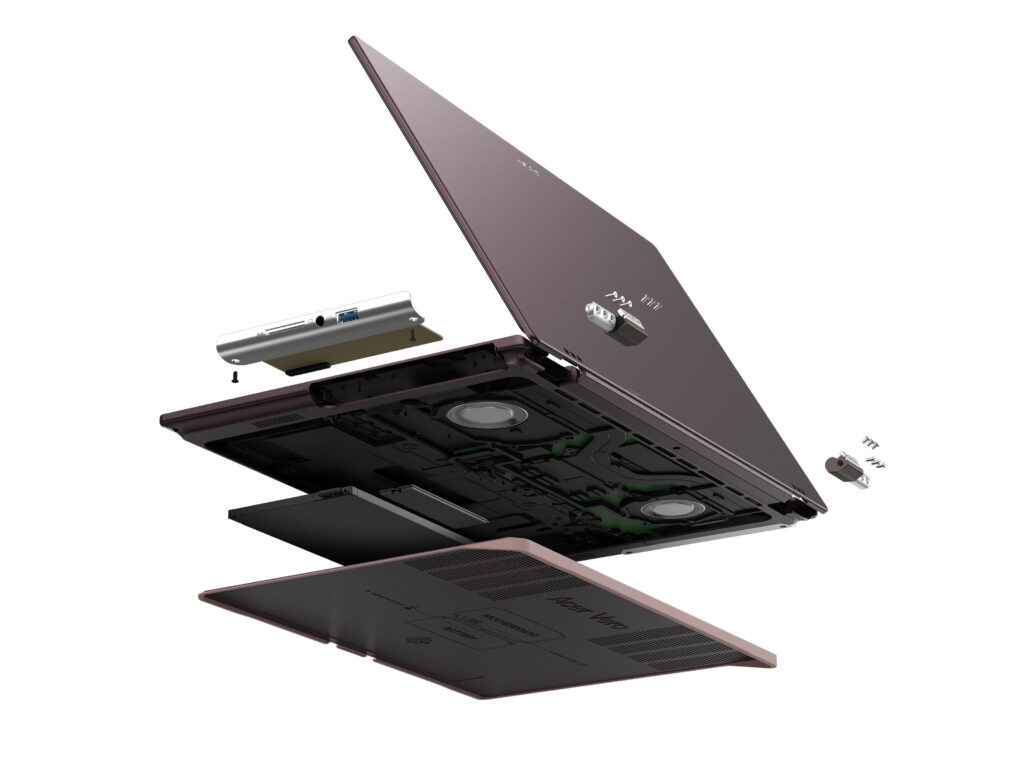 Acer Vero 16[/caption]
Acer’s Windows compute lineup at IFA 2026 also included the
Acer Vero 16[/caption]
Acer’s Windows compute lineup at IFA 2026 also included the 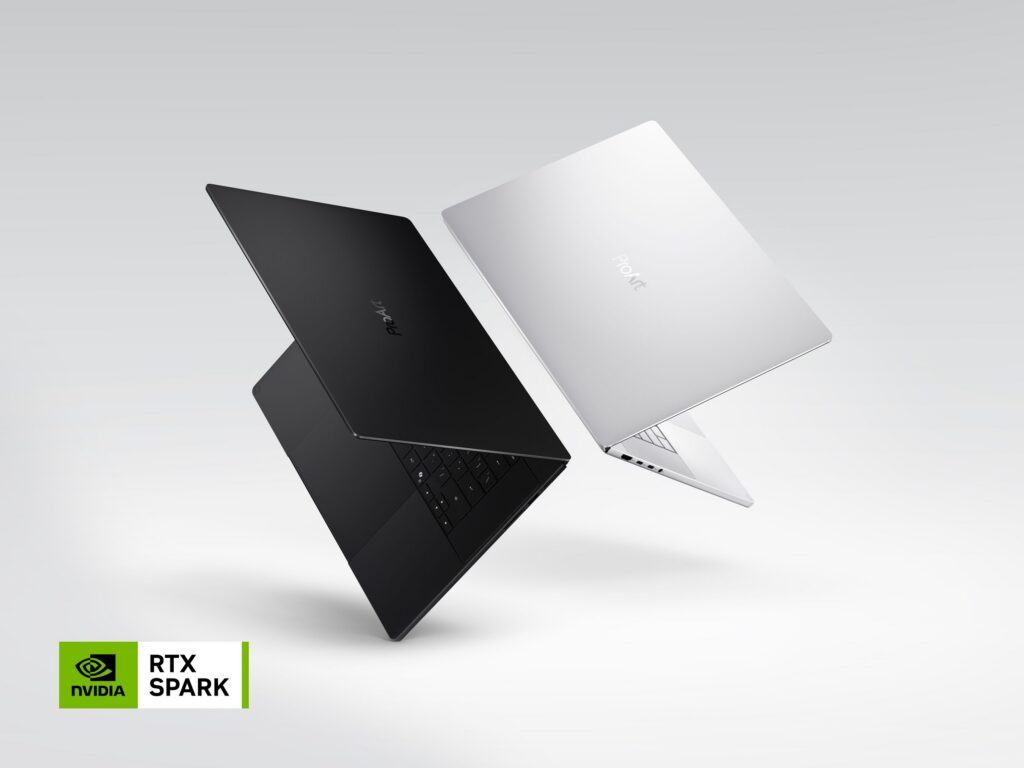 ProArt Laptop (Nano Black & Neo White)[/caption]
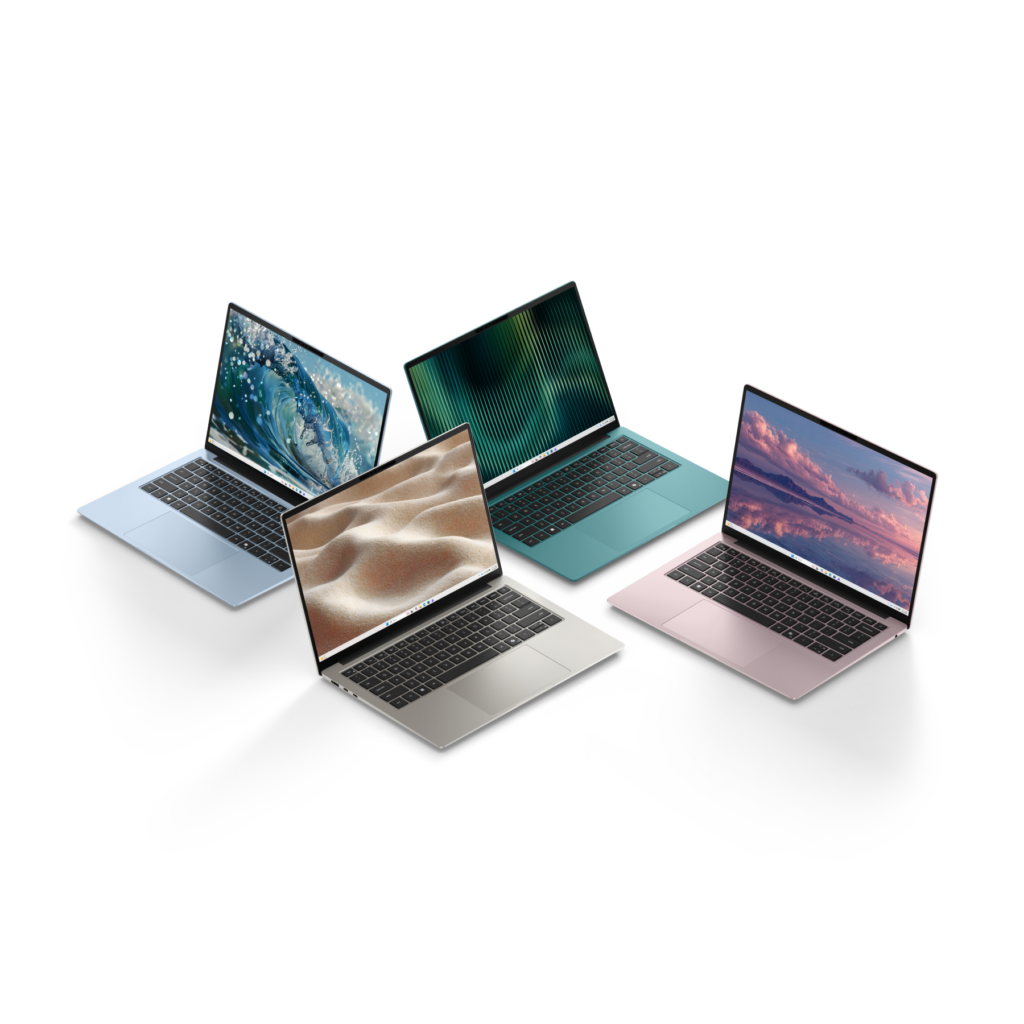 Dell 14S Laptop[/caption]
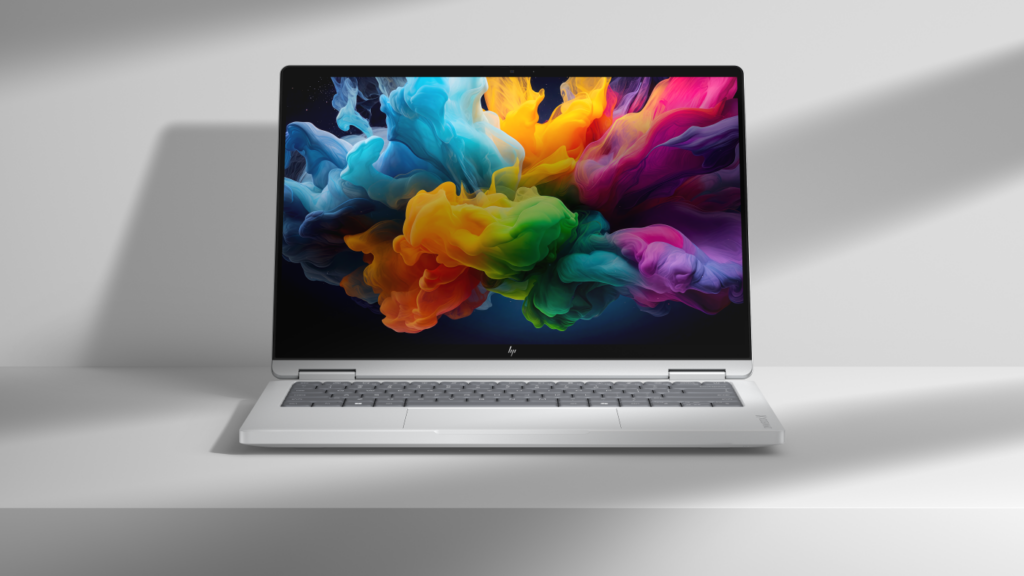 HP OmniBook X 14[/caption]
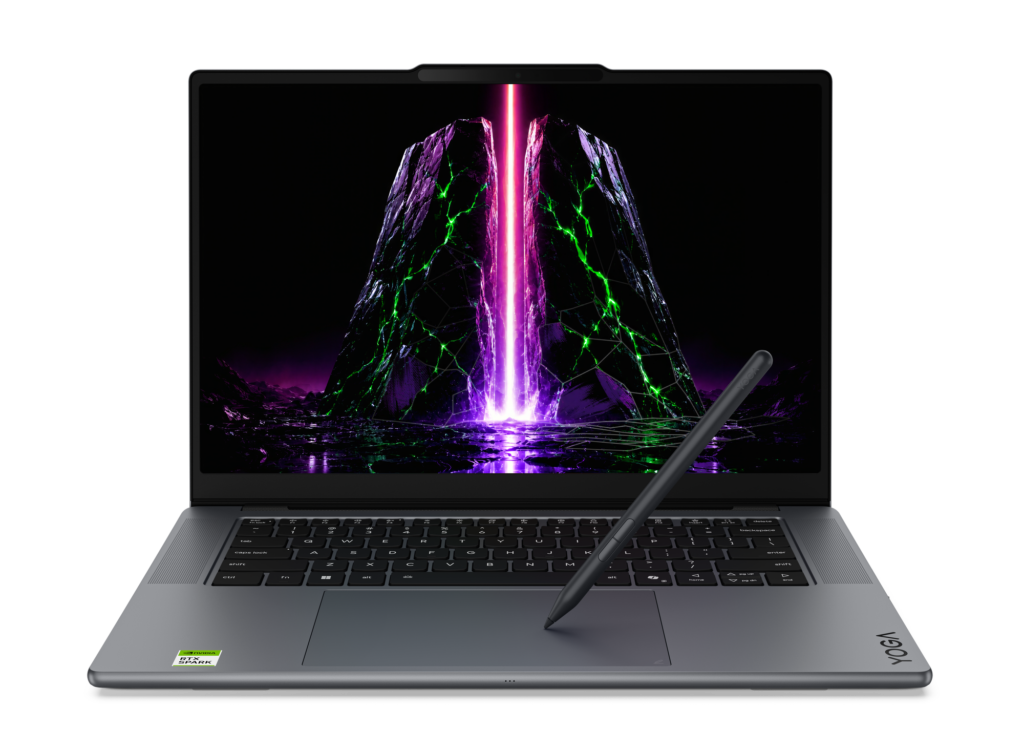 Yoga Pro 9n (15”, 11)[/caption]
For students, families, and everyday users, the new
Yoga Pro 9n (15”, 11)[/caption]
For students, families, and everyday users, the new 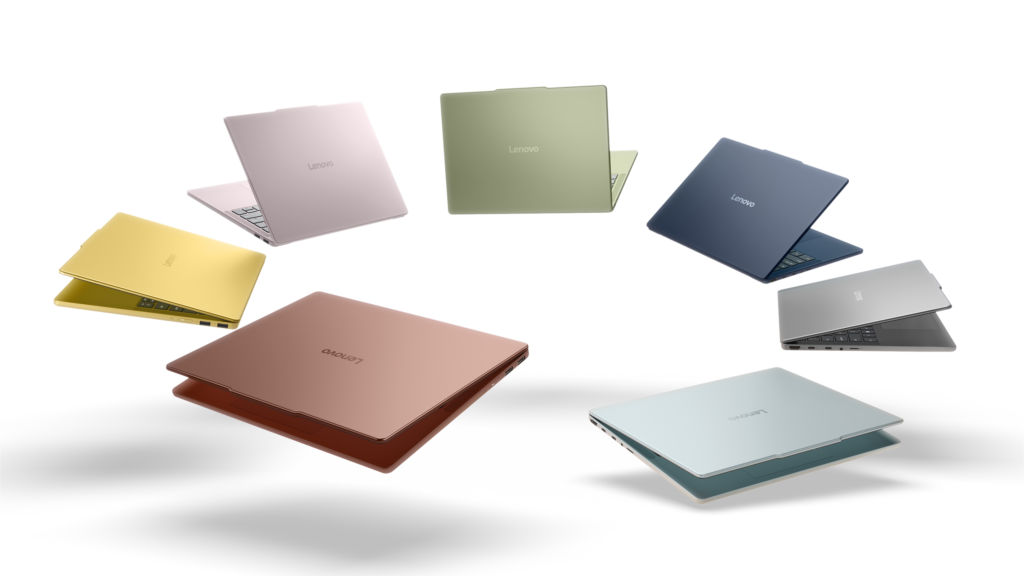 IdeaPad Vibe[/caption]
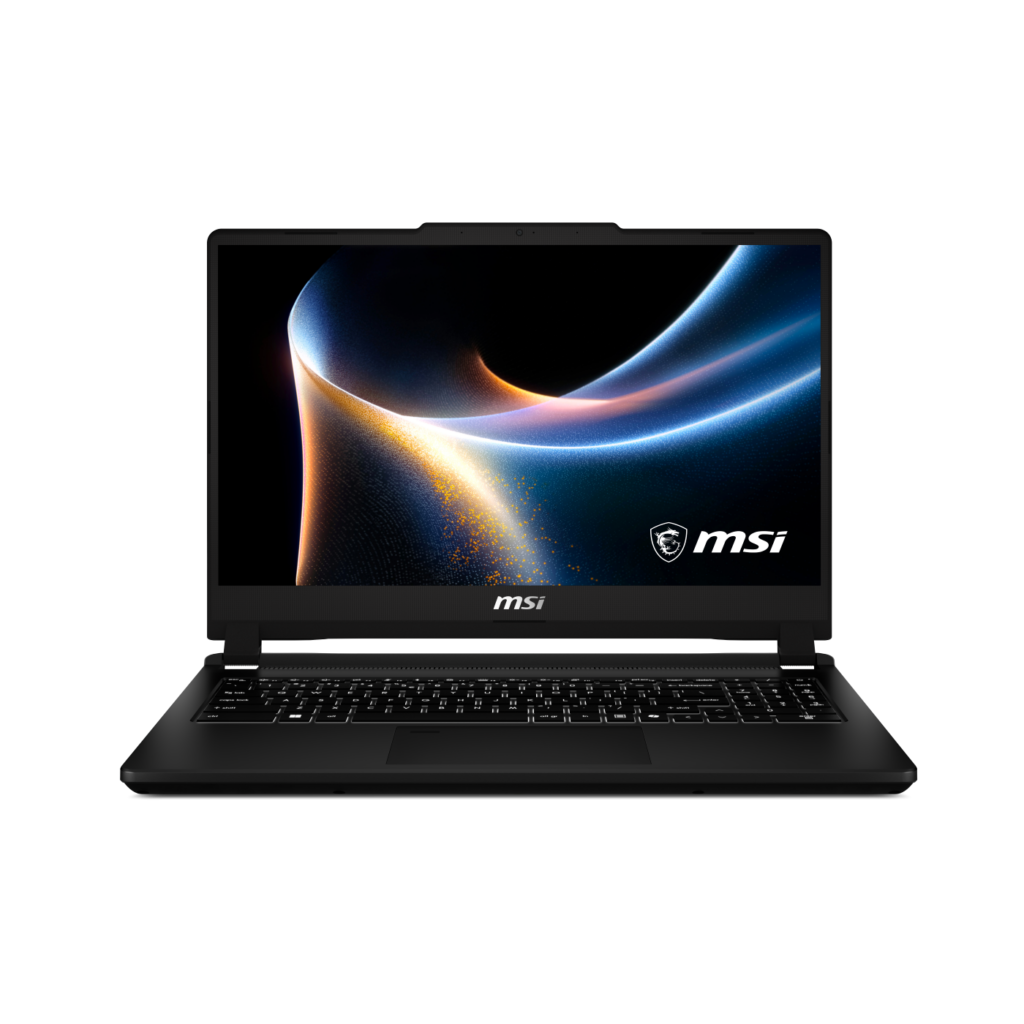 Venture 15[/caption]
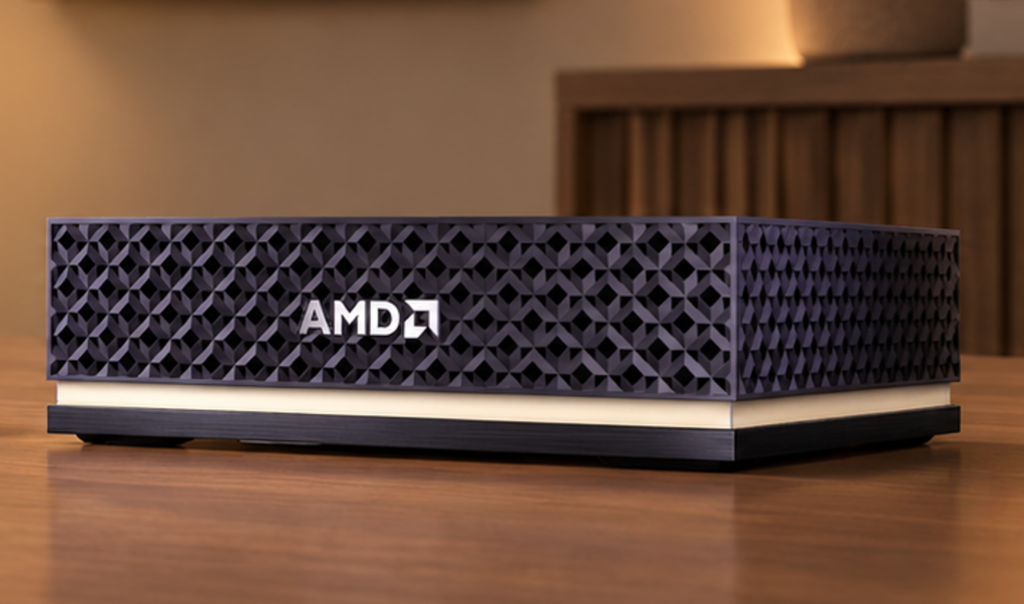 Ryzen AI Halo[/caption]
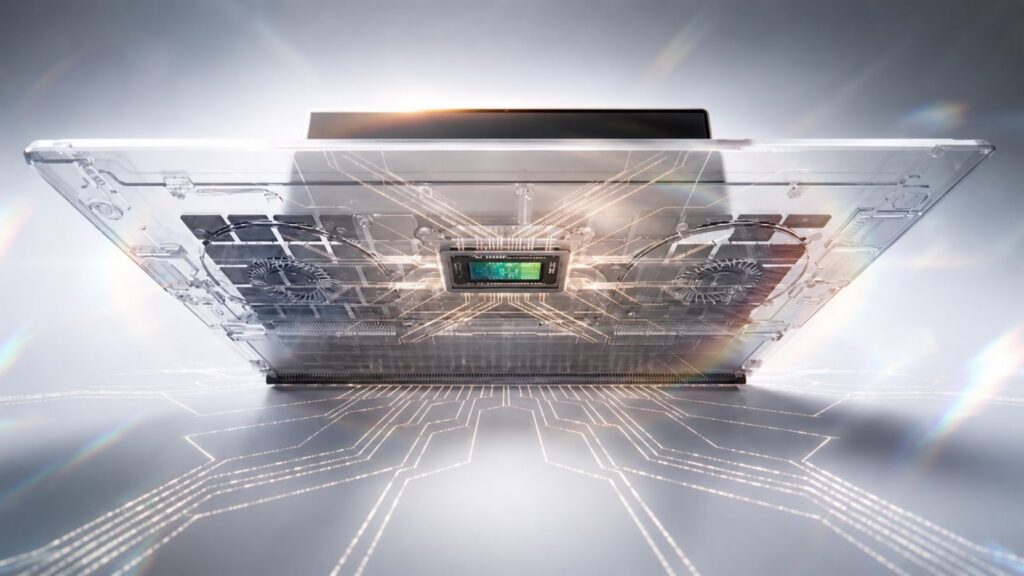 NVIDIA RTX Spark Superchip[/caption]
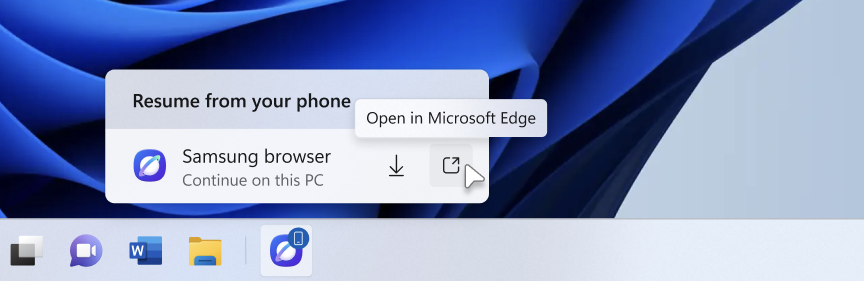
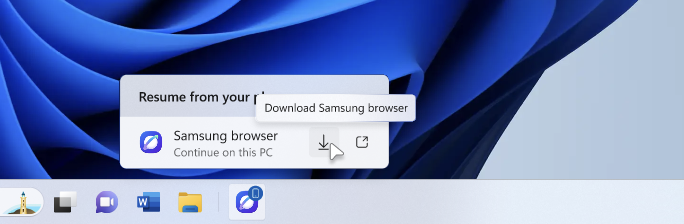
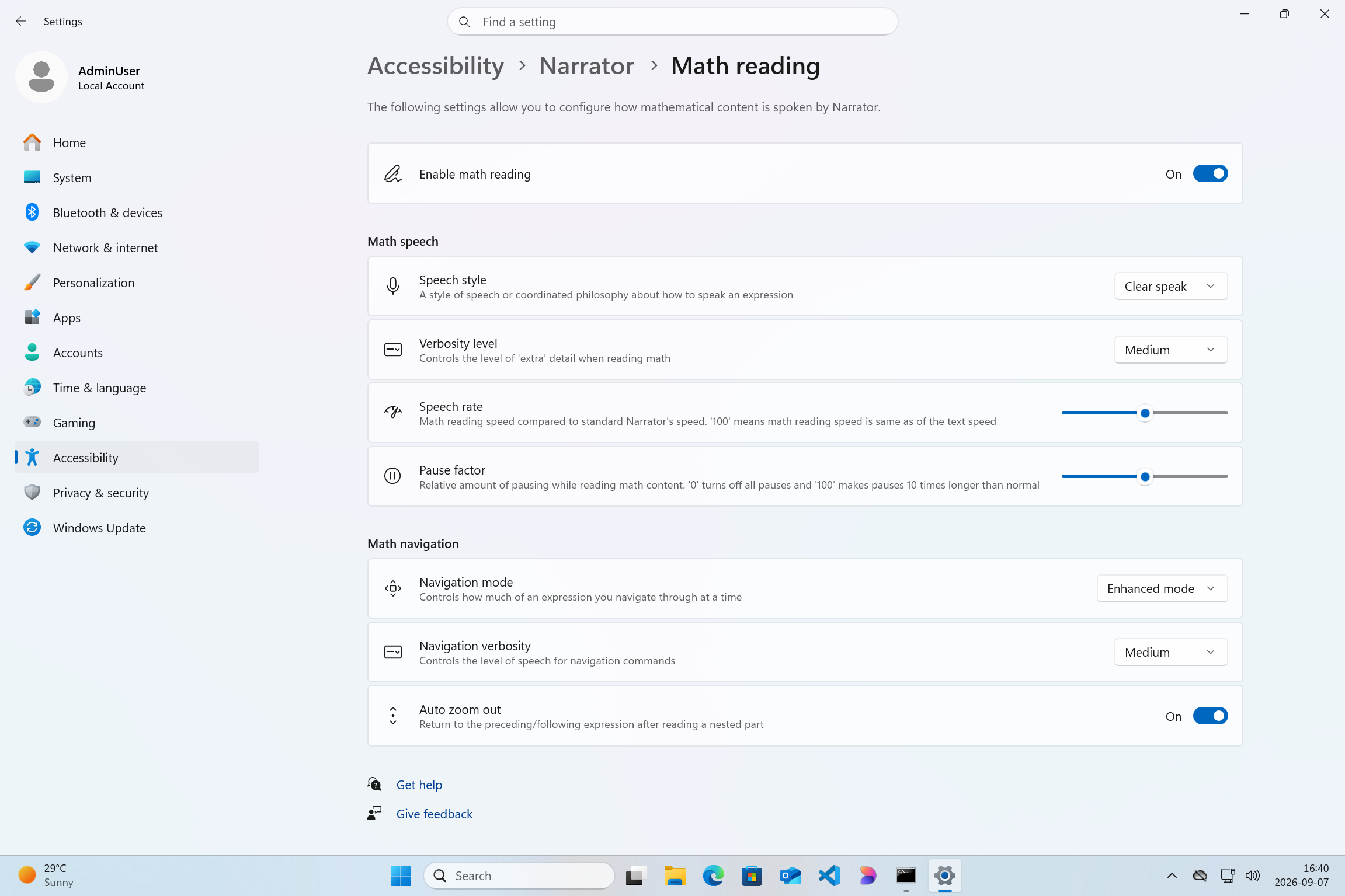
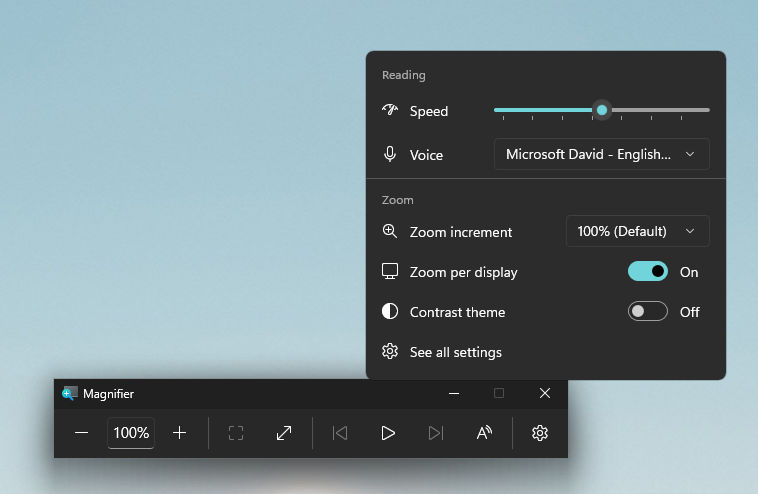



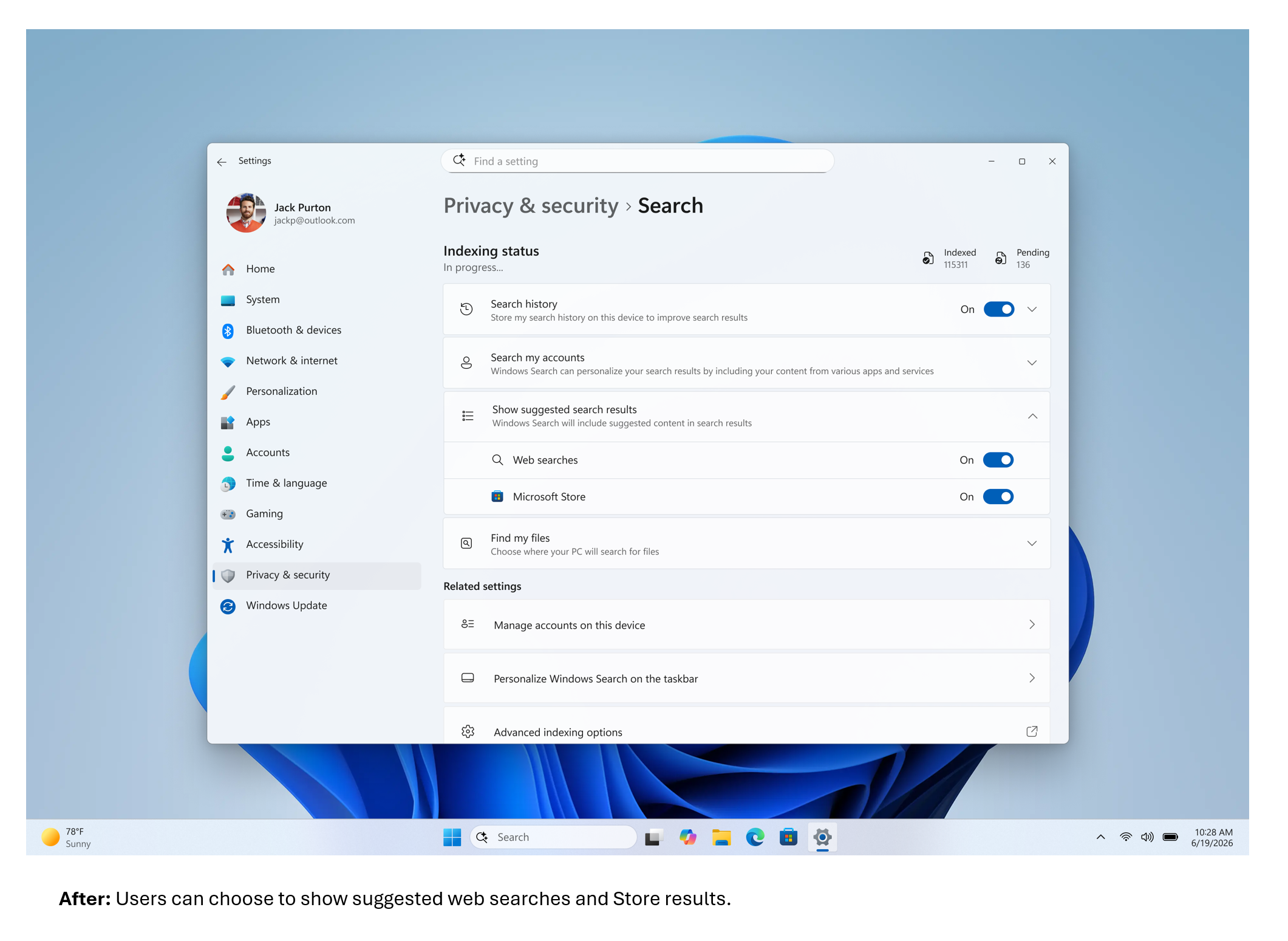
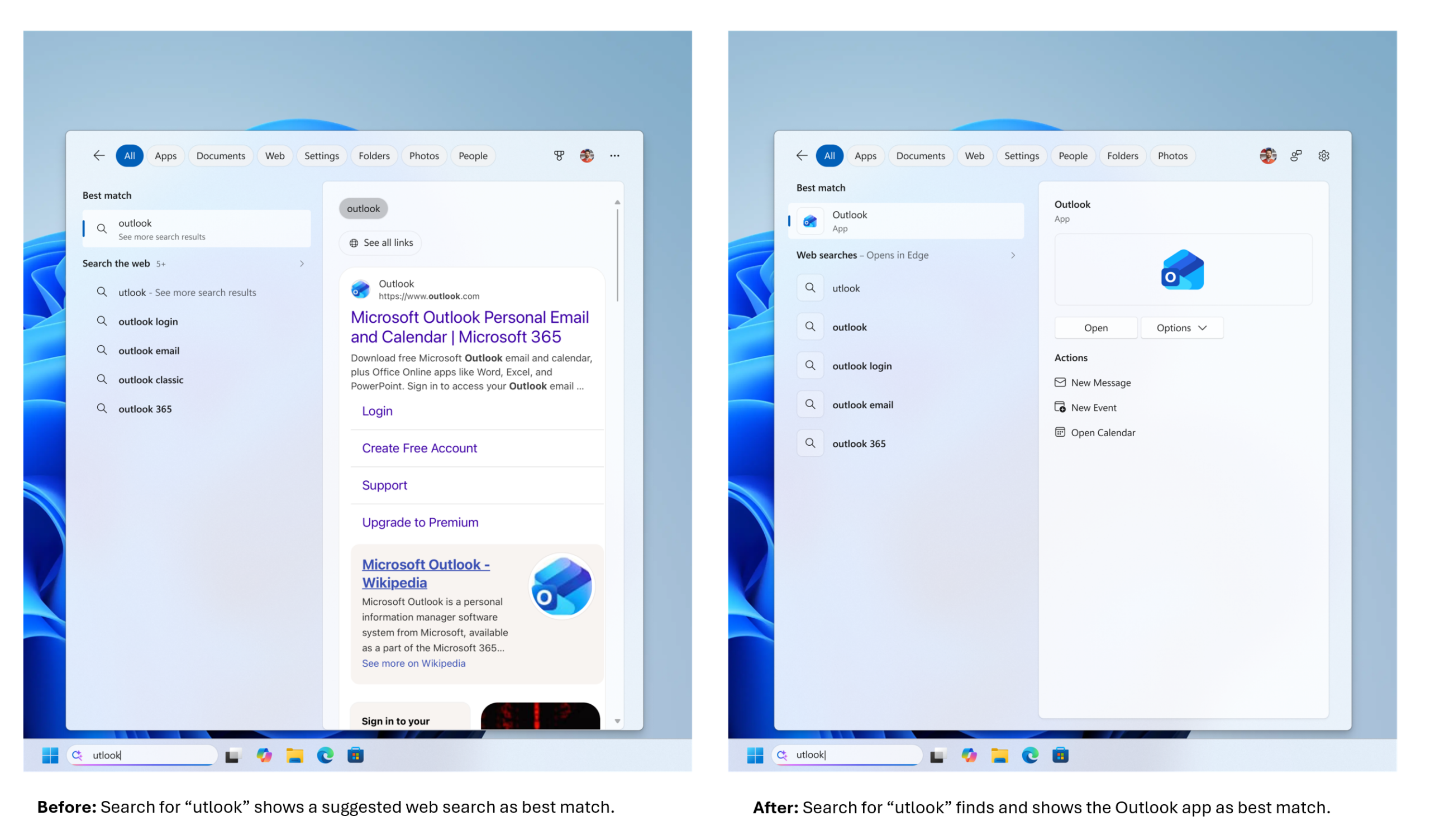
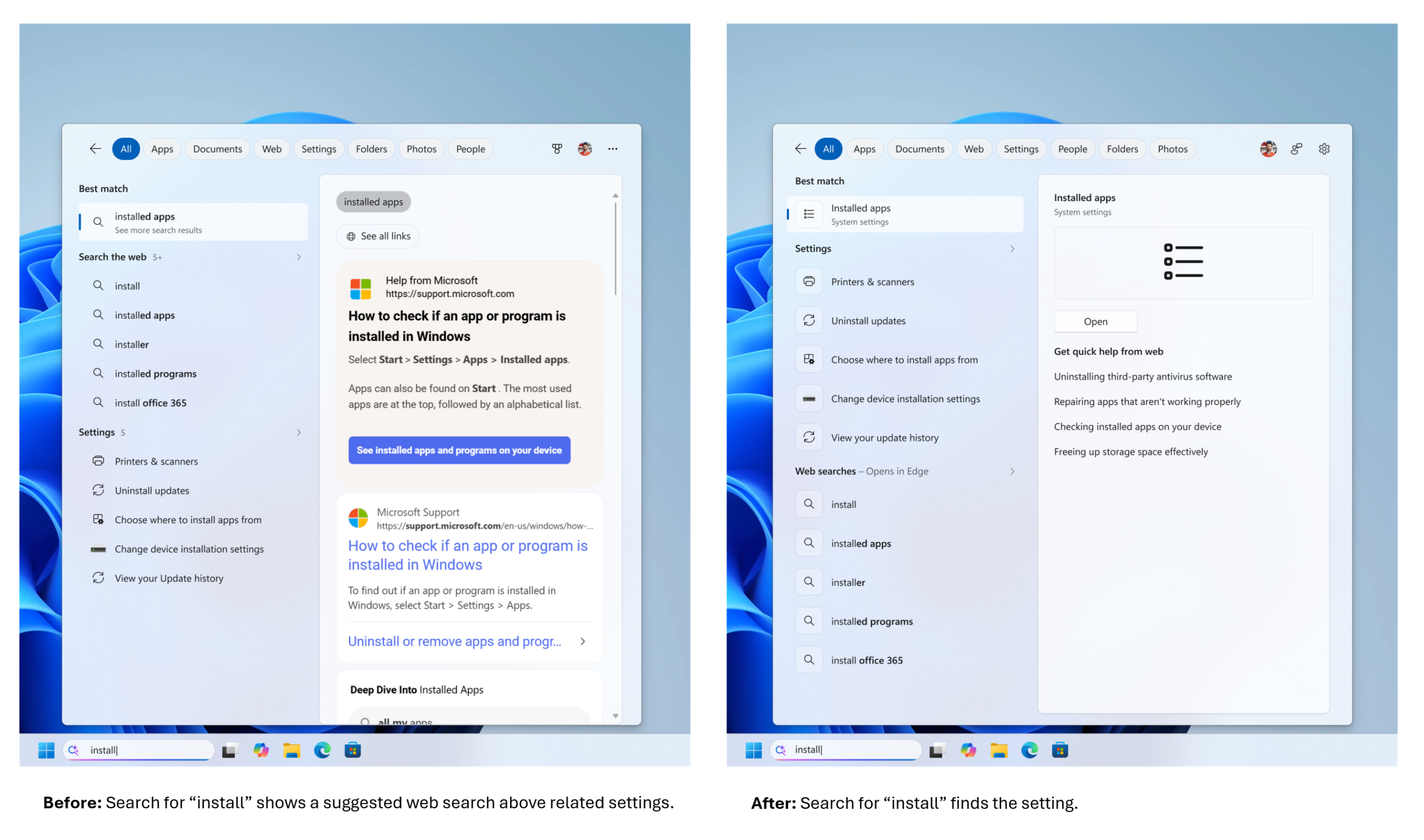
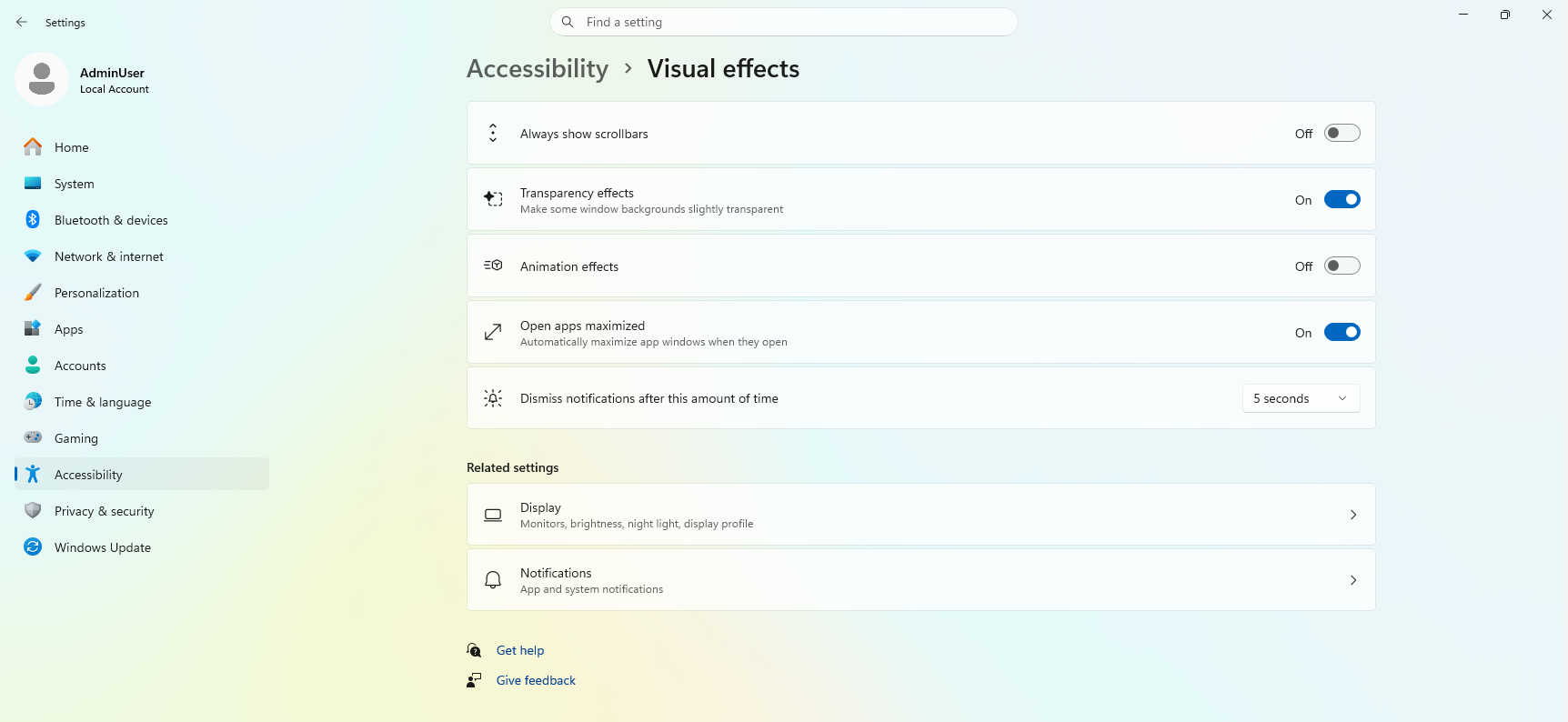
 We’ve also pre-configured Windows Settings for coding across File Explorer, Search, Start, and the Taskbar. File Explorer shows file extensions, hidden files, the full path in the title bar, and the details pane, with long-path support enabled. Recently used files and folders and sync provider tips are turned off for a cleaner workspace. In Search and Start, Command Palette is enabled, while Start menu tips and account notifications are turned off to reduce distractions.
Windows Subsystem for Linux (WSL) has become foundational for running Linux workloads on Windows. Last year we open-sourced WSL. Building on that momentum at Build 2026, we integrated WSL more deeply into Windows with WSL containers to provide a built-in way to create, run, and interact with Linux containers directly on Windows.
Together, with Project Zenith, these choices create a calm, and meaningful starting point for development. Project Zenith is not about prescribing a single workflow. You can continue to configure, extend, and personalize your environment around the tools, languages, and frameworks you prefer. It is about beginning from a better baseline, shaped by the settings and tools developers reach for first, so a new device works with you to accelerate your workflows.
We’ve also pre-configured Windows Settings for coding across File Explorer, Search, Start, and the Taskbar. File Explorer shows file extensions, hidden files, the full path in the title bar, and the details pane, with long-path support enabled. Recently used files and folders and sync provider tips are turned off for a cleaner workspace. In Search and Start, Command Palette is enabled, while Start menu tips and account notifications are turned off to reduce distractions.
Windows Subsystem for Linux (WSL) has become foundational for running Linux workloads on Windows. Last year we open-sourced WSL. Building on that momentum at Build 2026, we integrated WSL more deeply into Windows with WSL containers to provide a built-in way to create, run, and interact with Linux containers directly on Windows.
Together, with Project Zenith, these choices create a calm, and meaningful starting point for development. Project Zenith is not about prescribing a single workflow. You can continue to configure, extend, and personalize your environment around the tools, languages, and frameworks you prefer. It is about beginning from a better baseline, shaped by the settings and tools developers reach for first, so a new device works with you to accelerate your workflows.
 Recent STEM and education apps available on Windows on Arm devices[/caption]
 Recent security apps available on Windows on Arm devices[/caption]
 Recent productivity apps available on Windows on Arm devices[/caption]
 Recent creativity, social media and entertainment apps available on Windows on Arm devices[/caption]
The takeaway is clear: Windows on Arm is no longer defined by potential, but by a rapidly expanding ecosystem of devices with apps available across workloads that customers depend on most. As developers continue to invest in Arm-native experiences and compatibility, customers gain more choices, flexibility, and confidence in adopting the next generation of Windows devices.
As the ecosystem continues to expand, the Microsoft App Assure team is ready to assist software developers interested in bringing their apps to Windows on Arm. Through our
Recent creativity, social media and entertainment apps available on Windows on Arm devices[/caption]
The takeaway is clear: Windows on Arm is no longer defined by potential, but by a rapidly expanding ecosystem of devices with apps available across workloads that customers depend on most. As developers continue to invest in Arm-native experiences and compatibility, customers gain more choices, flexibility, and confidence in adopting the next generation of Windows devices.
As the ecosystem continues to expand, the Microsoft App Assure team is ready to assist software developers interested in bringing their apps to Windows on Arm. Through our 
 See what customers are saying about Windows 365. Learn more at aka.ms/Windows365Stories.[/caption]
Over the past five years, we’ve evolved Windows 365 in meaningful ways and introduced new offerings to meet our customers’ diverse needs:
See what customers are saying about Windows 365. Learn more at aka.ms/Windows365Stories.[/caption]
Over the past five years, we’ve evolved Windows 365 in meaningful ways and introduced new offerings to meet our customers’ diverse needs:
 This graphic was published by Gartner, Inc. as part of a larger research document and should be evaluated in the context of the entire document available at aka.ms/DaaSMQ2026. Note: Gartner does not endorse any company, vendor, product or service depicted in its publications, and does not advise technology users to select only those vendors with the highest ratings or other designation. Gartner publications consist of the opinions of Gartner’s business and technology insights organization and should not be construed as statements of fact. Gartner disclaims all warranties, expressed or implied, with respect to this publication, including any warranties of merchantability or fitness for a particular purpose. Gartner, Magic Quadrant for Desktop as a Service, 5 August 2026, By
 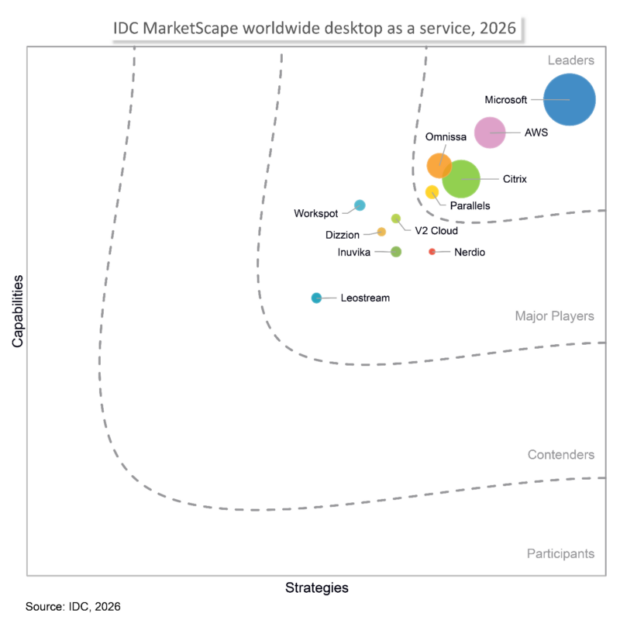 IDC MarketScape vendor analysis model is designed to provide an overview of the competitive fitness of ICT suppliers in a given market. The research methodology utilizes a rigorous scoring methodology based on both qualitative and quantitative criteria that results in a single graphical illustration of each vendor’s position within a given market. The Capabilities score measures vendor product, go-to-market and business execution in the short-term. The Strategy score measures alignment of vendor strategies with customer requirements in a 3-5-year timeframe. Vendor market share is represented by the size of the icons.[/caption]
“Microsoft offers a fully integrated DaaS stack where endpoint management, identity, security, and compliance serve as native prebuilt components.” Additionally, “Microsoft stands out as the only vendor to productize the agentic workspace as a distinct purchasable offering alongside the standard managed desktop. This provides a robust production foundation for IT leaders whose DaaS strategies must accommodate AI agent deployment over the next three years."
- IDC MarketScape: Worldwide Desktop as a Service 2026 Vendor Assessment (Doc #US54118526, July 2026)
IDC MarketScape vendor analysis model is designed to provide an overview of the competitive fitness of ICT suppliers in a given market. The research methodology utilizes a rigorous scoring methodology based on both qualitative and quantitative criteria that results in a single graphical illustration of each vendor’s position within a given market. The Capabilities score measures vendor product, go-to-market and business execution in the short-term. The Strategy score measures alignment of vendor strategies with customer requirements in a 3-5-year timeframe. Vendor market share is represented by the size of the icons.[/caption]
“Microsoft offers a fully integrated DaaS stack where endpoint management, identity, security, and compliance serve as native prebuilt components.” Additionally, “Microsoft stands out as the only vendor to productize the agentic workspace as a distinct purchasable offering alongside the standard managed desktop. This provides a robust production foundation for IT leaders whose DaaS strategies must accommodate AI agent deployment over the next three years."
- IDC MarketScape: Worldwide Desktop as a Service 2026 Vendor Assessment (Doc #US54118526, July 2026)
 Windows 365 monitoring and reporting platform (generally available in September) and a new agent for Windows 365 administrators (limited preview).[/caption]