Lees weergave
Gunnar Wolf: systemd for Linux SysAdmins
This post is an unpublished review for systemd for Linux SysAdmins
systemd. Yes, in full lowercase. If there is ever a technology to cause controversy in the Linux world, this is it. Since its inception in 2010, systemd’s goals were set quite high — replacing the vital part in every Linux system that takes care of the system boot process. It quickly reached maturity, allowing its to be adopted as the main init system in most major distributions just five years later. But even given we are describing events that happened over a decade ago, systemd adoption still raises the temperature in any Linux-related discussion.
David Both’s comprehensive book tackles the “what”, the “why” and the “how” issues surrounding systemd. Carefully divided in 16 chapters, going from explaining the basics and some of the technical and political history behind the project to the different subsystems and aspects covered by systemd, its almost 450 pages can scare people away — but the text is written in a very clear, tutorial-like fashion, and while it can be read sequentially, cover-to-cover, the book is amenable for readers to pick a single aspect and jump straight to the relevant chapter.
One of the frequent criticisms the systemd project has received is that it aims to basically rewrite all of a Linux system, and just looking at this book’s index shows there is some truth to it. The first chapter is an introduction to the systemd project and a brief overview of its history (including the controversies around it), and the following four chapters deal about understanding and controlling the system boot process.
But that still leaves ten chapters to account for — they cover different aspects or sub-projects of systemd, such as time and date issues (synchronization, time specifications, and controlling repetitive tasks), understanding and leveraging the system journal that strongly departs from the old syslog system, network configuration and firewall management, system health and performance debugging — all of them, aspects that in the traditional Unix philosophy were managed by independent programs… And I can identify several systemd sub-projects not covered by this book!
We long-time Unix and Linux administrators took pride in how highly performant and stable systems were supported by the simplicity of our tools; systemd critics point out this massive project has absorbed dozens of individual tools, yielding corporate control over vast swaths of vital system tooling. Truth is… as a sysadmin myself, systemd is today one of my greatest allies.
I appreciate the author evaluates every component independently, including his personal evaluation of each — even stating he prefers working with the traditional programs in several areas.
If there is a criticism I must make about this book is that, although typographically it is well formed and taken care of, given it includes large amounts of console captures, having a maximum width below 70 characters means several lines are unnaturally cut short (and continued with odd indentations). I understand there is probably no “right” way to solve this, but it does affect the feeling of naturally reading the text.
Apple Unveiled These Five New Apps Last Week
Siri AI App
One of the biggest announcements of WWDC 2026 was Siri AI, a ground-up rebuild of Apple's voice assistant that for the first time comes with a dedicated standalone app.
Like other chatbots, Siri can search the web and access general world knowledge, evaluate documents, solve math problems, and take action in and across apps, such as getting detailed Maps directions with multiple stops, editing and sharing photos, or writing an email in the user's own writing style. The app lets users type or talk to it like a chat thread, and syncs conversation history across all devices through iCloud.
The Siri app is available in most of Apple's next-generation operating systems, arriving this fall as part of iOS 27, iPadOS 27, macOS Golden Gate, watchOS 27, and visionOS 27. The operating systems are currently available to developers in beta, though access to Siri AI itself involves a waitlist. Siri AI will not be available in the EU at launch, though Apple says it is working on a path forward.
Apple TV Remote App Returns
Apple used to offer an Apple TV Remote app in the App Store, but it was removed in 2020. With this year's major updates, Apple is restoring the app as a proper Home Screen icon. It comes pre-installed with iOS 27 and iPadOS 27. To add it to the Home Screen as an app, users can swipe down, search for "Remote," then tap and hold the app icon to drag it into place. It is also accessible via the App Library.
All-New Find My on Apple Watch
watchOS 27 is bringing a long-overdue consolidation to Find My on Apple Watch. Previously split across separate Find Devices, Find People, and Find Items apps, the new app consolidates everything into a single, map-centric interface.
The main screen provides quick access to actions like getting directions and finding nearby items, and Precision Finding is available for locating a paired iPhone, AirPods Pro 3, or AirTag 2. The redesign also introduces more flexible sharing options, giving users greater control over how they share their location and item tracking with others.
Pass Designer
Apple also introduced Pass Designer, a new Mac app for building and previewing Apple Wallet passes aimed at developers and businesses. The app supports templates provided by Apple or custom designs, letting developers bring in images such as logos, backgrounds, and strip images. As edits are made, Pass Designer updates a real-time preview using the same rendering as iOS and watchOS, so what is seen in Pass Designer is exactly what customers will see on their device. Pass Designer validates the pass as work progresses, alerting developers to issues such as missing required key values.
For boarding passes and event tickets, Pass Designer also supports semantic tags, which add structured data such as event dates, venue locations, and flight details that the system uses to enable features like Siri Suggestions, Calendar integration, and Maps directions. It can also automatically generate a backward-compatible pass structure from semantic data, ensuring passes work across devices where semantic tags may not be supported.
Pass Designer beta requires macOS 27 or later and is available to download now for registered Apple developers.
Claris FileMaker Go 2026
Unlike the four WWDC announcements, this app is already available. Claris FileMaker Go 2026 became available on June 10. FileMaker is a low-code database application platform that lets users build custom apps to organize, manage, and automate data without extensive programming knowledge.
The new version of the app adds support for iOS and iPadOS 26, and brings Google Gemini to FileMaker's roster of supported AI models, which already includes Anthropic, OpenAI, and Cohere. The 2026 release also focuses on developer productivity, infrastructure resilience, and an AI-ready architecture, and was shaped directly by feedback from the Claris developer community.
FileMaker is developed by Claris International, a subsidiary of Apple.
This article, "Apple Unveiled These Five New Apps Last Week" first appeared on MacRumors.com
Discuss this article in our forums
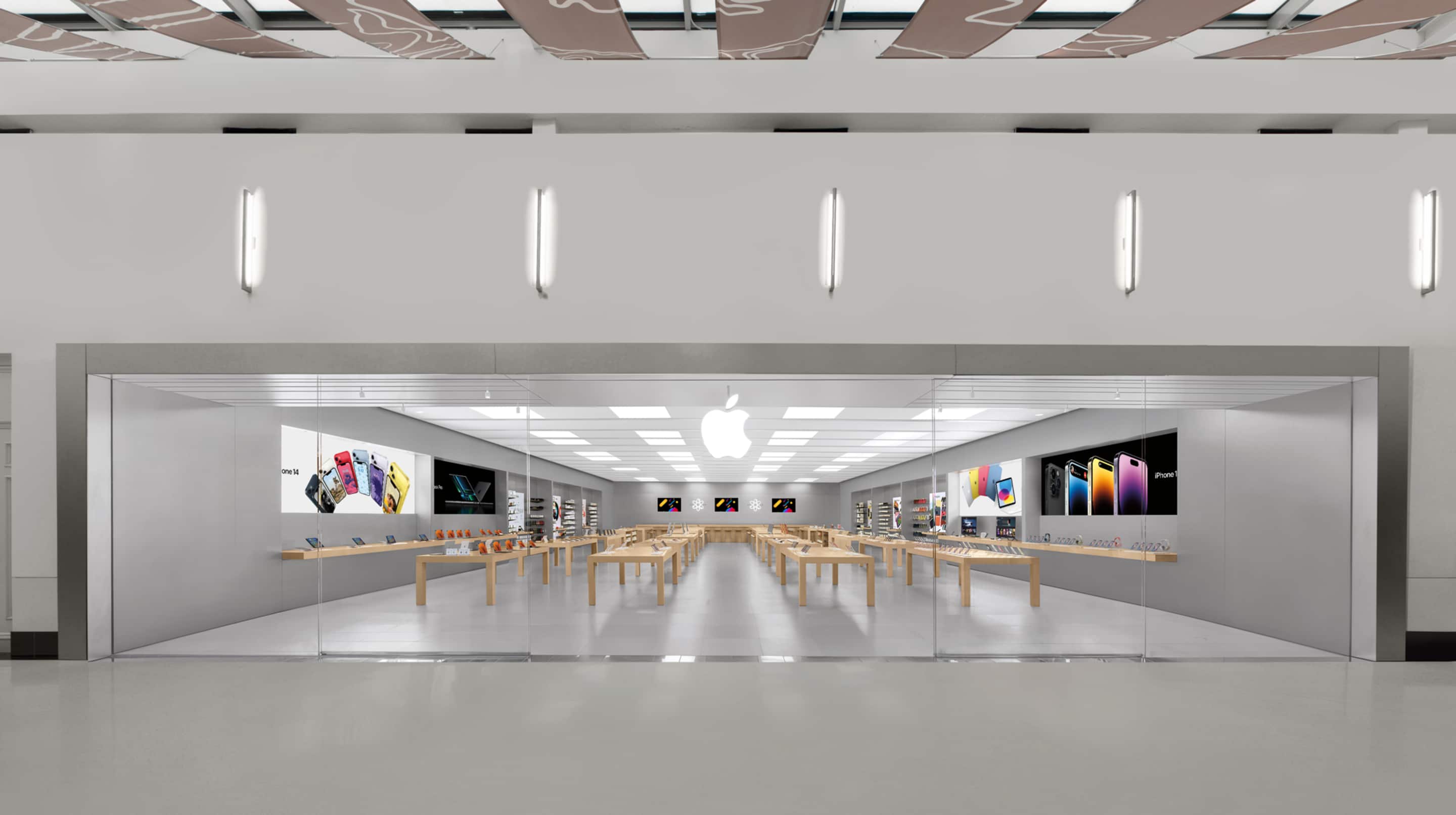
Three Apple Stores in U.S. Are Permanently Closing Today
The locations that are closing on the evening of Saturday, June 20:
- Apple Trumbull in Trumbull, Connecticut
- Apple North County in Escondido, California
- Apple Towson Town Center in Towson, Maryland
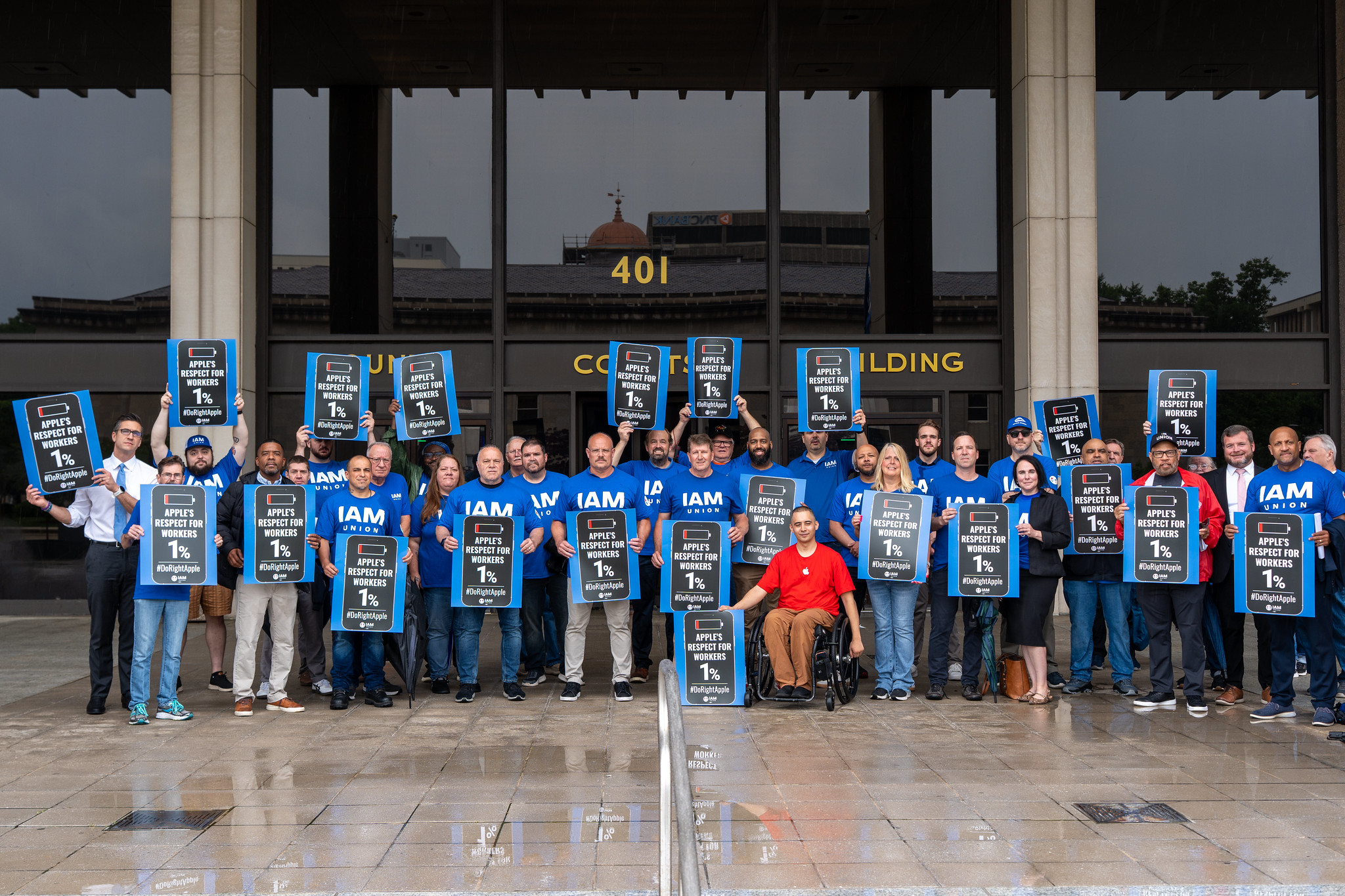
Notably, the staff at the Towson Town Center location became Apple's first retail employees in the U.S. to unionize in 2022. They belong to the International Association of Machinists and Aerospace Workers' Coalition of Organized Retail Employees (IAM CORE), and they signed a collective bargaining agreement with Apple in 2024.
Apple Towson Town CenterThe union and the store's employees have been protesting the planned closure, and some politicians in Maryland have voiced their support.
The union is upset that Apple is allowing non-unionized employees at the Trumbull and North County stores to transfer to nearby locations, but not extending this offer to unionized employees at the Towson location. For its part, Apple said it is simply honoring the terms of the collective bargaining agreement that the employees agreed to.
According to Apple, the contract states that in the event of a store closure, Apple would transfer or rehire employees if the company opened a new store within 50 miles of the current location at Towson Town Center. In any other circumstance, the union negotiated for employees to receive severance, which is being provided.
Apple said it has no current plans to open a new store in the area, but if it were to do so within 18 months after the collective bargaining agreement was ratified, the affected employees would have the right of first refusal.
Nevertheless, IAM has accused Apple of potential union busting and said that the agreement "requires equal treatment."
"Apple workers in Towson voted to join the IAM, fought for and won a contract, and are now being punished for it," said IAM President Brian Bryant. "Apple signed a collective bargaining agreement that requires equal treatment. It is time for Apple to honor that agreement and do right by these workers before June 20."
Towson Town Center is genuinely in a state of decline and has lost many other major retailers in recent years, so it is very likely that Apple is exiting the shopping mall at least partly due to the worsening conditions. Nevertheless, the situation might lead employees at other stores to worry that joining a union does not always work out, and that could be advantageous to Apple given that the company has discouraged unionization.
This article, "Three Apple Stores in U.S. Are Permanently Closing Today" first appeared on MacRumors.com
Discuss this article in our forums
Russell Coker: HP Z4 G4
In what is hopefully the conclusion of my hunt for a cheap tower server supporting REBAR [1] I have just bought a HP Z4 G4 with W-2125 CPU for $320.
Hardware
One interesting thing is that it has an adaptor from SATA power to 8 pin PCIe power. According to Wikipedia the 8 pin connector provides 150W at 12V [2]. According to Wikipedia SATA power cables include 3 12V pins each of which can deliver 1.5A [3] which is 54W. The system as I received it had a single SATA power plug connected so potentially 150W could be drawn from a connector designed for 54W. The first thing I did was to connect a second SATA power connector on the same cable so I could have connectors designed for a total of 108W supplying potentially 150W (and definitely more than 75W).
I found two versions of the specs for this system, this version seems to match what I bought as it references W-21xx CPUs [4] while this version matches what I would rather have with a W-22xx CPU [5]. The URL naming scheme implies that there are potentially at least a few other variants out there. So much for the “buy name brand and you can buy two systems with the same model and have them work the same” benefit you hope to get. Why don’t they just name them “G4.1”, “G4.2”, etc?
It seems that W-21xx and W-22xx CPUs are incompatible, so the W-2295 scoring 30,804 multithread and 2,634 single thread on passmark that I hoped to get isn’t an option [6].
The system is well designed for space efficiency, both it and the Z640 are 17cm wide but the Z4G4 allows my to close the lid with the Intel Battlemage card installed which doesn’t come close to fitting in a Z640. It has 8 DIMM sockets and with the ready availability of 32G DIMMS that allows 256G of RAM which is the maximum the motherboard supports. That compares well to the Z640 that only has 4 DIMM slots and the Z6G4 which only has 6.
The system supports a maximum RAM speed of DDR4-2666 which is better than the DDR4-2400 of the Z640 but less than the DDR4-2933 of the Z6G4.
The NVMe sockets on the motherboard are a convenient feature. Most systems I run need at most two NVMe devices so this saves a PCIe slot which is important when dealing with GPUs that take 2+ slots. Also for systems that don’t really need NVMe I can use some of the small NVMe devices that I have no other use for. 128G NVMe devices aren’t even worth selling and 256G will be of little use in the near future. So when I move to gen4 Z servers I can use up some of them without wasting slots.
Using the lesser socket LGA2066 in the Z4G4 is a minor annoyance, but for a single socket system 18 cores is probably enough.
The BIOS has an option for single-socket NUMA, which is basically locking cores in a single CPU to specific RAM channels. I enabled it but it did nothing presumably because I only have 2 DIMMs. When I get more DIMMs I’ll do some tests of that and compare it with NUMA on my Z840.
Variants
There are many different variants of the Z4G4 and the only way to recognise them is by the CPU not by any part number or serial number AFAIK. The first difference is between server grade CPUs (the W-2xxx CPUs) and desktop grade CPUs (the i7 and i9 CPUs). The systems with i7 and i9 CPUs don’t support ECC RAM which makes them less reliable, gives smaller limits for RAM
The below table compares the Z640 which is my current desktop PC with the Z4G4, Z6G4, and Z8G4 systems. For the latter 3 I have included multiple options for the parts that differ in different models in the same name series. The Z4G4 I have is an early one which only supports W-21xx CPUs which means a maximum RAM speed of 2666 and the best possible CPU would only be 15% faster than my Z640. I can only use this for ML stuff as it’s the only system I have with REBAR support (which works well).
| Z640 (1 socket) | Z4G4 | Z6G4 (1 socket) | Z8G4 | |
|---|---|---|---|---|
| DIMM slots | 4 | 8 | 6 | 24 |
| Max DDR4 speed | 2400 | 2666/2933 | 2666/2933 | 2666/2933 |
| Max DIMM size | 32G | 64G | 64G | 64G/128G |
| System Max Ram | 128G | 512G | 192G/384G | 1.5T/3T |
| CPU Socket | LGA2011-3 | LGA2066 | LGA3647 | LGA3647 |
| Best CPU | E5-2699A v4 | W-2195/W-2295 | Platinum 8180/W-3275 | Platinum 8180/8280 |
| Motherboard NVMe | 0 | 2 | 2 | ? |
Conclusion
In my previous blog post I concluded that the next step up for me would be DDR5 systems [10]. But now some of the LGA3647 systems are appealing. The Z8G4 would be a decent upgrade from my current Z840 build server and should be affordable long before any two socket DDR5 system becomes affordable.
The Z4G4 doesn’t have any potential for useful upgrades. But for me it was a good cheap way to house a GPU that had already damaged the motherboard of one good system. If the Z4G4 has a PCIe slot break the way my Z840 did then it wouldn’t bother me a lot. It was annoying to discover how limited this variant of the Z4G4 is after buying it, but at that price I can’t complain.
A Z6G4 could be a nice workstation if I found one at a really low price. The only reason I’d seek one out is if I had a need for a desktop workstation with REBAR support, which seems unlikely.
- [1] https://etbe.coker.com.au/2026/05/04/tower-servers-rebar/
- [2] https://en.wikipedia.org/wiki/PCI_Express#6-_and_8-pin_power_connectors
- [3] https://en.wikipedia.org/wiki/SATA#SATA_power_connectors
- [4] https://h20195.www2.hp.com/v2/getpdf.aspx/c05527757.pdf?ver=4
- [5] https://h20195.www2.hp.com/v2/getpdf.aspx/c05527757.pdf
- [6] https://tinyurl.com/2avfb8qe
- [7] https://tinyurl.com/2ddf7t5y
- [8] https://tinyurl.com/kgmagfs
- [9] https://etbe.coker.com.au/2026/04/10/hp-z640-e5-2696-v4/
- [10] https://etbe.coker.com.au/2025/08/02/server-cpu-sockets/
Related posts:
- Tower Servers and Resizable BAR A feature on modern PCIe implementations is “Resizable BAR” AKA...
- Server CPU Sockets I am always looking for ways of increasing the compute...
- More About the HP ML110 Gen9 and z640 In May 2021 I bought a ML110 Gen9 to use...
Russell Coker: Font Sizes
The Problem
In 2019 I blogged about getting a 4K monitor because of my vision being inadequate for a 2560*1440 monitor [1]. Now I’m using a 40″ 5120*2160 monitor [2] and still trying to find the correct balance between how much I want to see on the screen and what I am physically capable of seeing on screen.
Currently Kitty is my terminal emulator of choice [3]. What I most like about it is the feature of having multiple terminal windows in a single OS window, so instead of having 9 or 16 different xterm instances running all with possible alignment issues I have a single window for all terminals which can be brought to the foreground. The impending 6.7 release of KDE (my favourite Linux desktop environment) [4] includes the feature of per-screen virtual desktops which might be the feature I need to make multiple monitors usable for me. One of the factors stopping me from using multiple monitors in the past was the issue of not getting the alignment of dozens of xterms right if a monitor goes to sleep mode and is regarded as disconnected, moving a few Kitty windows is much easier than moving dozens of xterms (also a tiling window manager isn’t my style).
I’ve just decided that the Terminus font (my favourite out of the monospaced fonts in Debian) is too small for me at 9.0 point. But then I tried 10.0 which looked really ugly and an experiment showed that 10.5 looked good.
What I’ve Learned
This is the best explanation I’ve seen of how ridiculous the whole font point thing is [5]. It doesn’t and won’t ever correlate to pixels. So what we ideally want to do is set the size on screen to match the actual pixel size of the font. I can’t find any software to interrogate a font file and find out what sizes it supports. The web page for the Terminus font says that it supports 6×12, 8×14, 8×16, 10×18, 10×20, 11×22, 12×24, 14×28 and 16×32 [6]. So the question is how to get a terminal program that uses one of those.
Kitty doesn’t and won’t support specifying font size by pixel. I tried some other terminal programs, I started with the Debian Wiki page TerminalEmulator [7] which wasn’t very helpful, I added some new entries to that page. There doesn’t seem to be another option for a terminal emulator with multiple terminals in one OS window that can arrange them automatically. I didn’t even get to the stage of checking whether other terminal emulators supported font size in pixels.
The lcdf-typetools package contains the program otfinfo which gives some interesting information on fonts but nothing about the font sizes in pixels.
Sites like Coding Font to compare fonts [8] can never work properly as the fonts will always be slightly different sizes as the same point size doesn’t mean the same display size.
The Current Situation
On my 5120*2160 monitor with 9 Kitty terminal sessions with 9.0 point font they each have 277*50 characters. With 10 point it’s 237*46 but fuzzy and unpleasant to read. With 10.5 point it’s 208*43 which isn’t as good as I’m used to but is still almost 4.5* as many characters as the original 80*25 standard for terminals.
Some time before 2019 I had a 4*4 array of terminal windows that were 100*25 or 120*25. That left some space at the right and bottom so I could open another 8 or 9 terminals that were partially obscured if I needed to. By 2019 before getting a 4K monitor I had a 3*3 array of terminal windows as my standard desktop and a larger monitor that did 4K resolution allowed me to have 16+ terminals again. Now with Kitty I routinely have 9 terminals in a 3*3 array and I can easily open more if I need them and have them resize appropriately.
This situation works reasonably well, but the element of just trying different sizes in 0.5 point increments until I find something that looks good is unpleasant. I should be able to specify the next largest increment of the bitmaps in the font and just have it look good.
Conclusion
It would be good if more people tested the terminal emulators in Debian and added information to the wiki page about them. The current page is useful but needs more information to support the variety of features that people find important.
We need some tools to provide information on fonts in Debian, such as the sizes of bitmapped fonts.
The whole point size thing is just wrong and would ideally go away. The vast majority of font use nowadays is for things that will probably never end up on a printed page so trying to map it to a physical size in fractions of an inch makes no sense. But that’s just one of many horrible things used for backwards compatibility that aren’t going to go away any time soon. Really everything involving inches should go away.
- [1] https://etbe.coker.com.au/2019/11/18/4k-monitors/
- [2] https://etbe.coker.com.au/2024/07/23/more-5120×2160-monitor/
- [3] https://etbe.coker.com.au/2023/10/29/hello-kitty/
- [4] https://kde.org/announcements/plasma/6/6.7.0/
- [5] https://tonsky.me/blog/font-size/
- [6] https://terminus-font.sourceforge.net/
- [7] https://wiki.debian.org/TerminalEmulator
- [8] https://www.codingfont.com/
Related posts:
- Kitty and Mpv 6 months ago I switched to Kitty for terminal emulation...
- Hello Kitty I’ve just discovered a new xterm replacement named Kitty [1]....
- Source Code With Emoji The XKCD comic Code Quality [1] inspired me to test...
Top Stories: Apple Price Hikes Coming, 20th Anniversary iPhone Rumors, and More
In other news this week, rumors covered not just the iPhone 18 but also the 20th anniversary iPhone that's still over a year away, while Apple customers can some receive new perks with Chase credit cards and we went hands on with macOS Golden Gate to see what's new, so read on below for all the details on these stories and more!
Top Stories
Tim Cook Says Apple Price Increases Are 'Unavoidable' Due to Memory Costs
Hang onto your hats! Apple will be raising prices on at least some products to offset the high cost of memory and storage, CEO Tim Cook told The Wall Street Journal this week. Apple is no longer able to absorb the increased prices and will need to pass some of the cost on to consumers.
"Unfortunately, price increases are unavoidable," said Cook. "We're doing our best to mitigate the huge increases that are being passed to us, and we've been trying to shield our customers from the increases, but the situation has become unsustainable."
Cook did not say which products will get price increases or how much pricing will go up. The iPhone 18 Pro and iPhone 18 Pro Max coming in September could be more expensive than the iPhone 17 Pro and iPhone 17 Pro Max, while prices on iPads and Macs could also go up in the near future.
Apple's 20th Anniversary iPhones to Come in Two Sizes, Will Launch Alongside Gen 2 Foldable iPhone
Apple is "ramping up" work on the 20th anniversary iPhone that it plans to launch next year, reports Bloomberg. Multiple rumors have suggested the device will have an edge-to-edge display with curved glass at all sides for a nearly borderless visual effect.
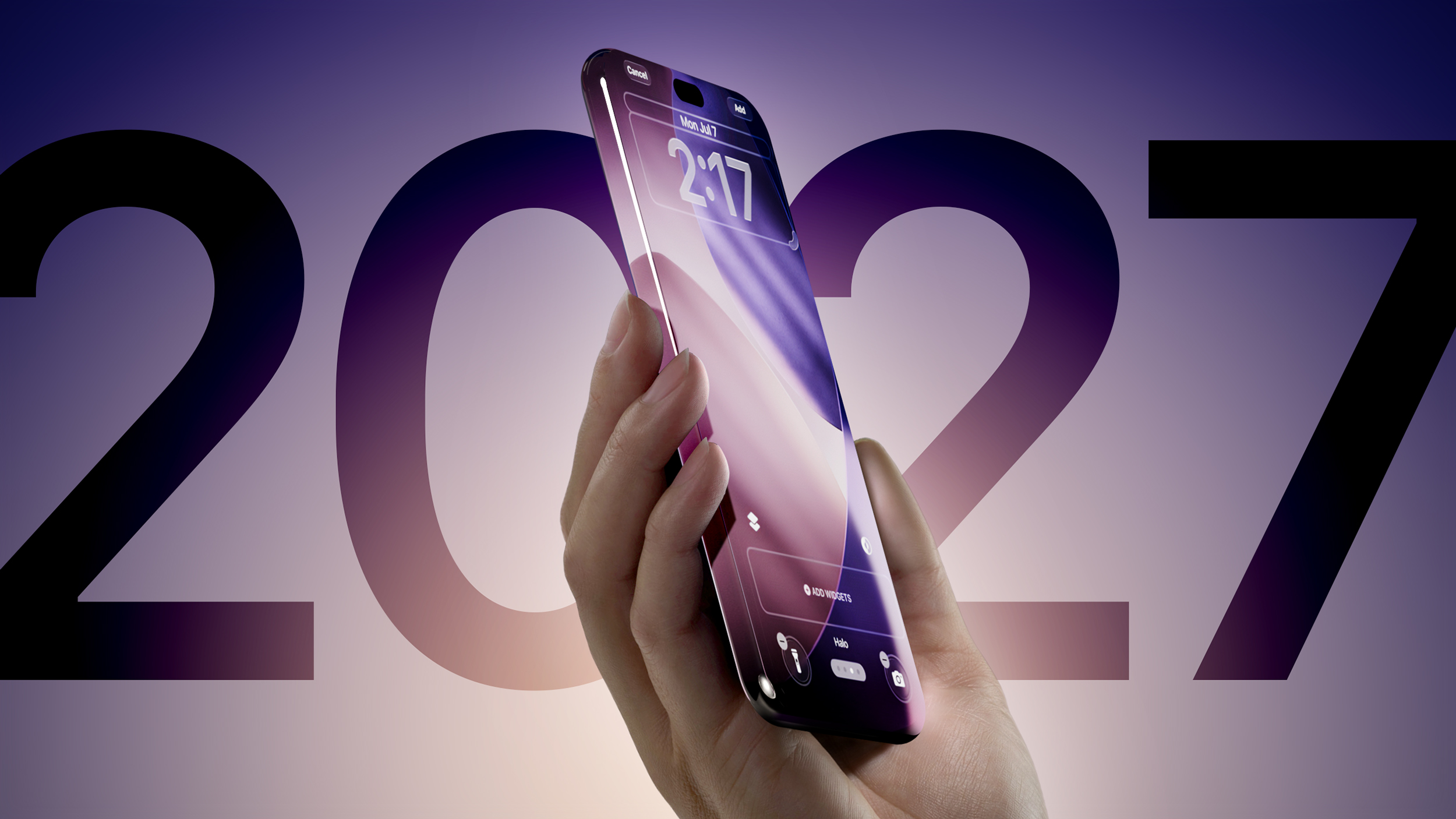
There will be two anniversary models similar in size to the iPhone 18 Pro and iPhone 18 Pro Max that are launching this September. The iPhone 18 Pro and iPhone 18 Pro Max are expected to be the same size as current iPhone 17 Pro models, which suggests the anniversary iPhone could be available in 6.3- and 6.9-inch sizes.
iPhone 18 to Pack 12GB of RAM for Smarter Siri Features, No Price Bump
Cook's comments about raising prices in response to increased memory and storage costs come just after one analyst firm claimed that Apple does not intend to raise the price of its standard flagship model when the iPhone 18 debuts. The iPhone 18 will, however, see an upgrade to 12GB of memory to enable it to support the most powerful on-device AI models unveiled at WWDC last week.
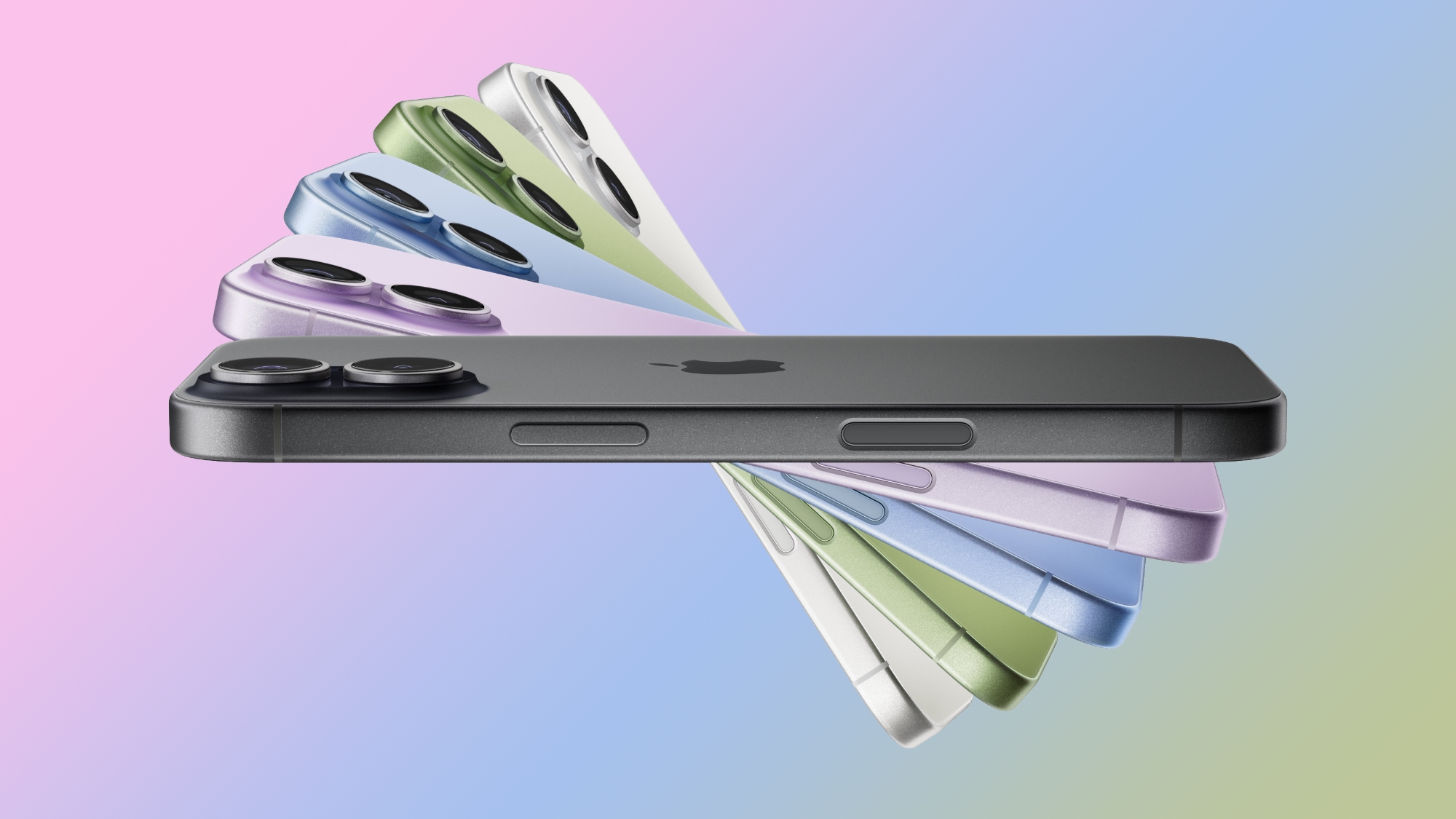
Breaking from long-standing tradition, the iPhone 18 will apparently not be introduced in September alongside the Pro models, with Apple pushing back the standard model to a launch in the spring of 2027. That rumor has been circulating for quite some time, but the chairman of Apple supplier Largan Precision took the unusual step of essentially confirming the change without specifically naming Apple.
Chase Sapphire Preferred Card Introduces New Perk for Apple Customers
Chase this week announced new perks for its Sapphire Preferred credit card, and one of them is a complimentary one-year Apple TV streaming subscription.
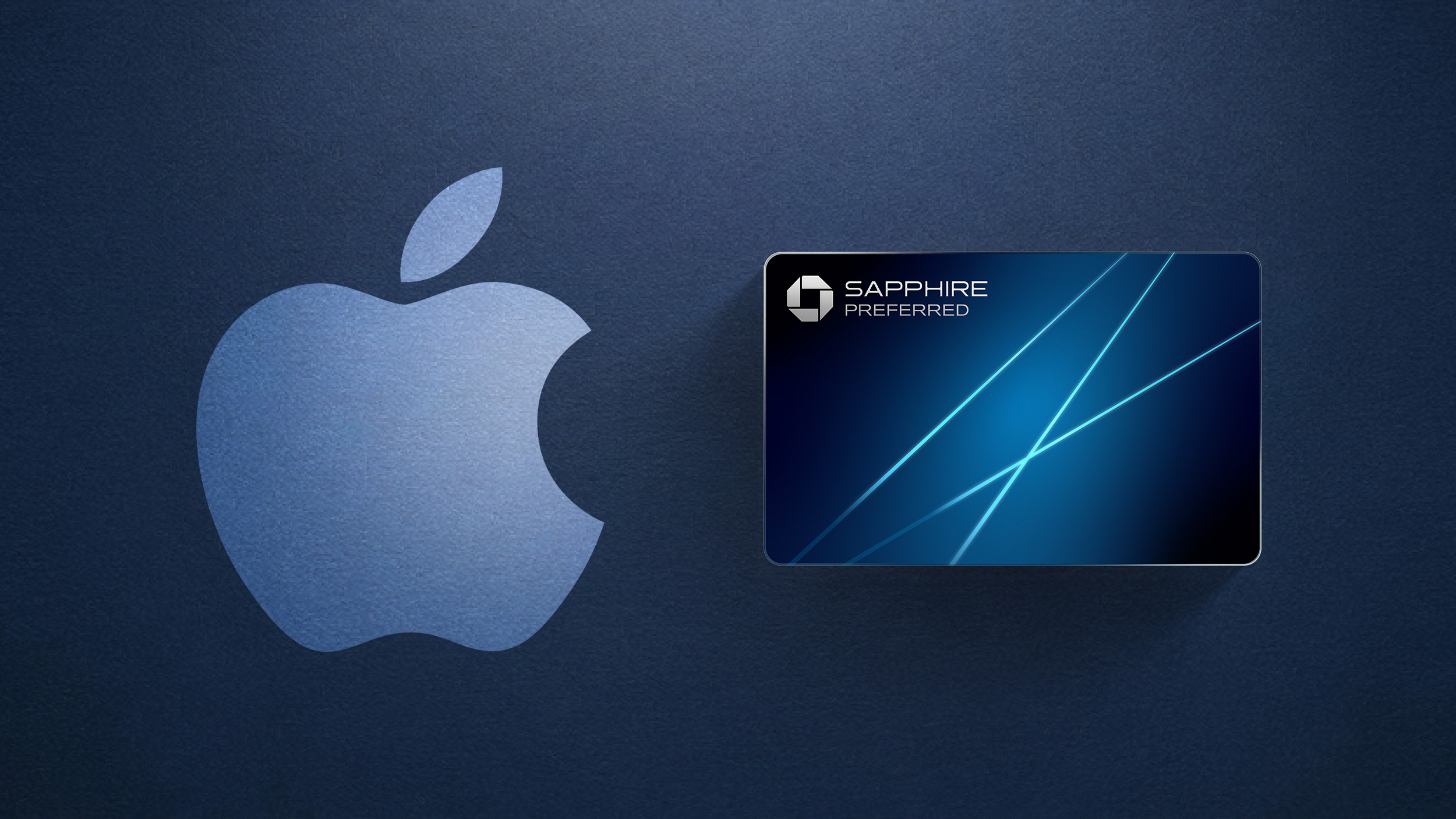
To get the free year of Apple TV, which typically costs $12.99 per month in the U.S., you must activate the card by December 31, 2026. Apple One subscribers can receive a $7.50 discount per month instead.
The Apple One discount extends to Chase's premium Sapphire Reserve credit card as well. The Sapphire Reserve has offered free subscriptions to both Apple TV and Apple Music since last year, but now cardholders can receive a combined $15/month discount on an Apple One subscription instead.
macOS 27 Golden Gate Hands-On: Every Major New Feature
macOS 27 Golden Gate is in beta ahead of a fall release, and we thought we'd go over what's new for those who don't want to risk beta software on their Mac. macOS Golden Gate adds Siri AI, Liquid Glass updates, and multiple new Apple Intelligence features.
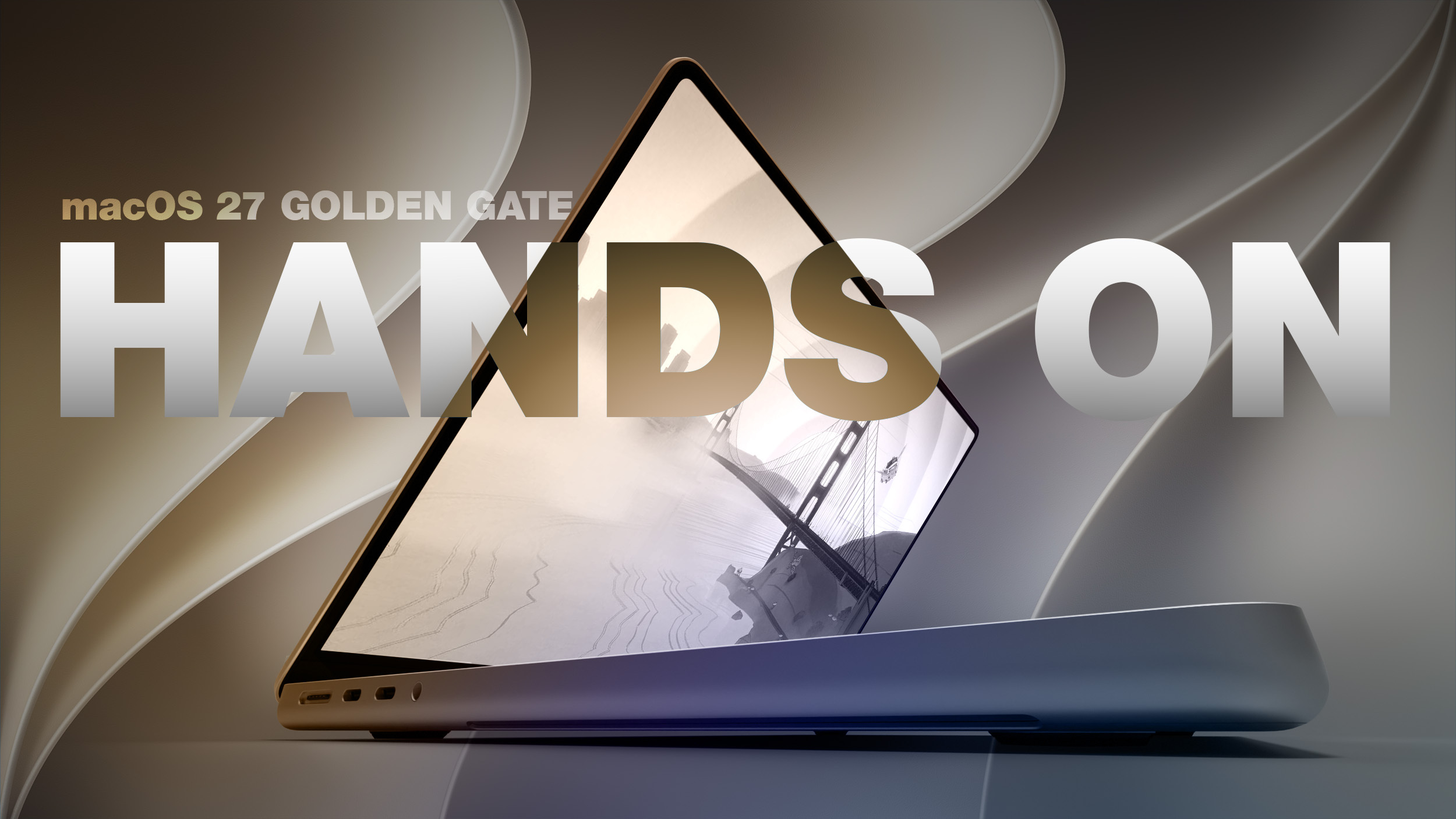
Check out our hands-on video for a summary of what's new in the release!
iOS 27 Adds Landscape Mode to More Apple Apps Ahead of 'iPhone Ultra'
iOS 27 enables landscape mode in more of Apple's built-in iPhone apps, including Apple Music, Podcasts, Fitness, Health, Reminders, Home, Shortcuts, Apple Watch, Find My, Weather, Voice Memos, Apple TV Remote, and others.
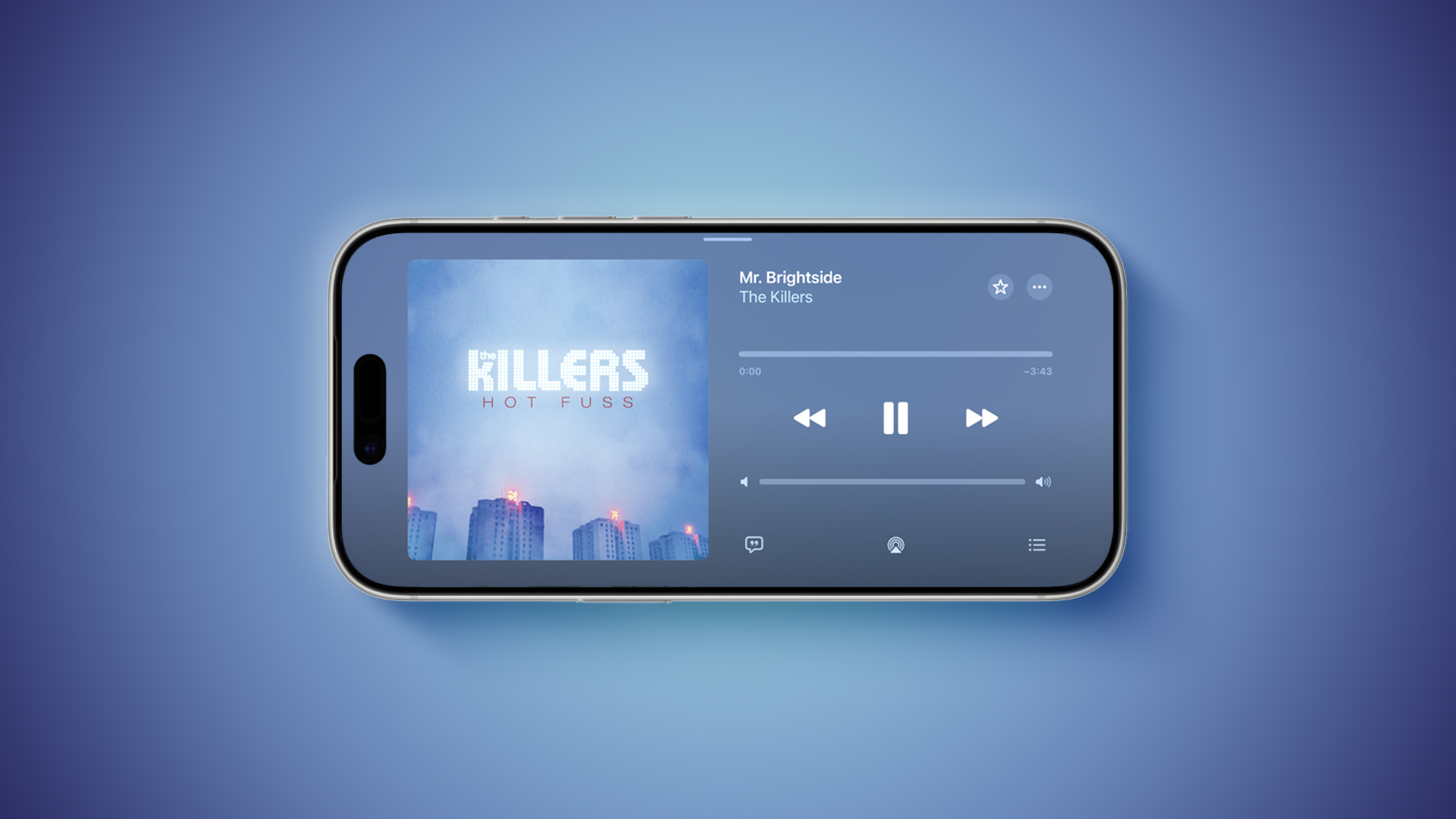
Many of the apps feature a left-aligned sidebar in landscape mode. In the Messages app, which already supported landscape orientation on iOS 26 and earlier, you can now collapse the sidebar to show only names and profile pictures.
Landscape mode was already available on iOS 26 or earlier in Apple Maps, Calendar, Files, Notes, Mail, and some other Apple apps too, but iOS 27 expands support to many more apps. This change could be laying the groundwork for the "iPhone Ultra," as landscape-friendly apps would be well suited for the rumored foldable device.
MacRumors Newsletter
Each week, we publish an email newsletter like this highlighting the top Apple stories, making it a great way to get a bite-sized recap of the week hitting all of the major topics we've covered and tying together related stories for a big-picture view.
So if you want to have top stories like the above recap delivered to your email inbox each week, subscribe to our newsletter!
This article, "Top Stories: Apple Price Hikes Coming, 20th Anniversary iPhone Rumors, and More" first appeared on MacRumors.com
Discuss this article in our forums