 Log in
The post appeared first on Windows Blog.
The post appeared first on Windows Blog.

The post appeared first on Windows Blog.
wsl --update in your terminal or download the latest release from GitHub and you will gain access to:
wslc.exe to directly build, run and deploy Linux containers on Windows, or use its built-in alias container.exe to run the same familiar container commands For a deeper look at how WSL containers are built, how they work with WSL, and the architecture behind the platform, see our WSL containers architecture blog.
Let's get into what's new with GA.
For a deeper look at how WSL containers are built, how they work with WSL, and the architecture behind the platform, see our WSL containers architecture blog.
Let's get into what's new with GA.
wslc container restart — restart a running containerwslc container cp — copy files in and out via tar archivewslc system info — see the state of your container environment at a glancewslc network connect and wslc network disconnect — attach and detach containers from networkswslc network create now supports arbitrary network driver options--stop-timeout on wslc create and wslc run, including -1 for an infinite timeout--mount support during wslc create and wslc runwslc session, so you can put your container storage on the drive you want.wslc as your default driver for creating and interacting with VS Code dev containerswslc.wslc from within WSL distroswslc composewsl compose up to work with your existing compose.yaml files, unchanged. We’ve started on this and hope to share more soon.
consomme network mode, enabled for container workflows which improves networking compatibility across developer and enterprise scenarios.
These foundational improvements benefit WSL distributions, WSL containers, and other container technologies built on WSL, reflecting a broader effort to make Linux on Windows feel increasingly seamless and integrated.
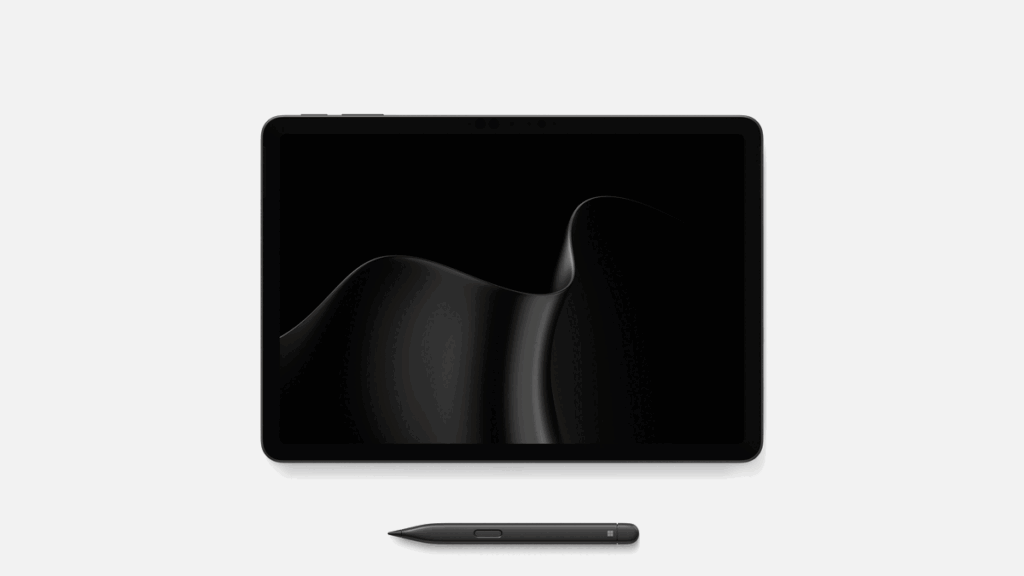
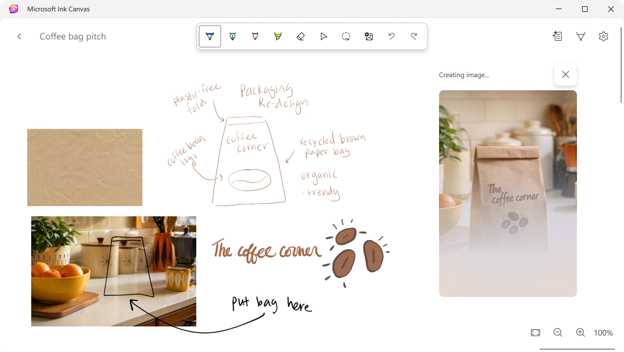 Surface Pro 12-inch introduces Microsoft Ink Canvas, an AI-powered, pen-first experience for sketching, annotating, generating images and summarizing text directly on the canvas. Built for the moments before an idea becomes a document or prompt, Ink Canvas lets customers use Slim Pen to express intent visually, spatially and in their own handwriting — giving Copilot richer context and helping rough thoughts become useful creations faster.5 Ink Canvas will be pre-installed on the new Pro 12-inch, and will also be available to download from the Microsoft Store on other supported Surface and Windows devices on October 13.13
 London Stock Exchange Group increases developer productivity with Windows 365. “Windows 365 gives us the ability to provide different types of performance and development environments plus access to GitHub Copilot, where we’ve seen an increase in developer productivity and efficiency.” says Sandra Lee, Group Chief Information Security Officer, LSEG.
 Siemens uses Windows 365 for scenarios that include developers who need specialized digital tools, as well as employees requiring temporary access. “In all these cases, we need a trustworthy device and a verified identity in our IT landscape—even if the access is only intended to be temporary,” says Hendrik Harder, Global Service Owner Virtual Client at Siemens.
 ABN AMRO transforms the workplace for 3,500 offshore developers with Windows 365. Developers reported smoother performance, faster onboarding and more productivity, while IT teams benefited from simplified operations and scalability. “The first time I used Windows 365, I thought I was using my own laptop—the performance was that smooth,” says Peter Witmond, Product Owner Virtual Workplace at ABN AMRO.
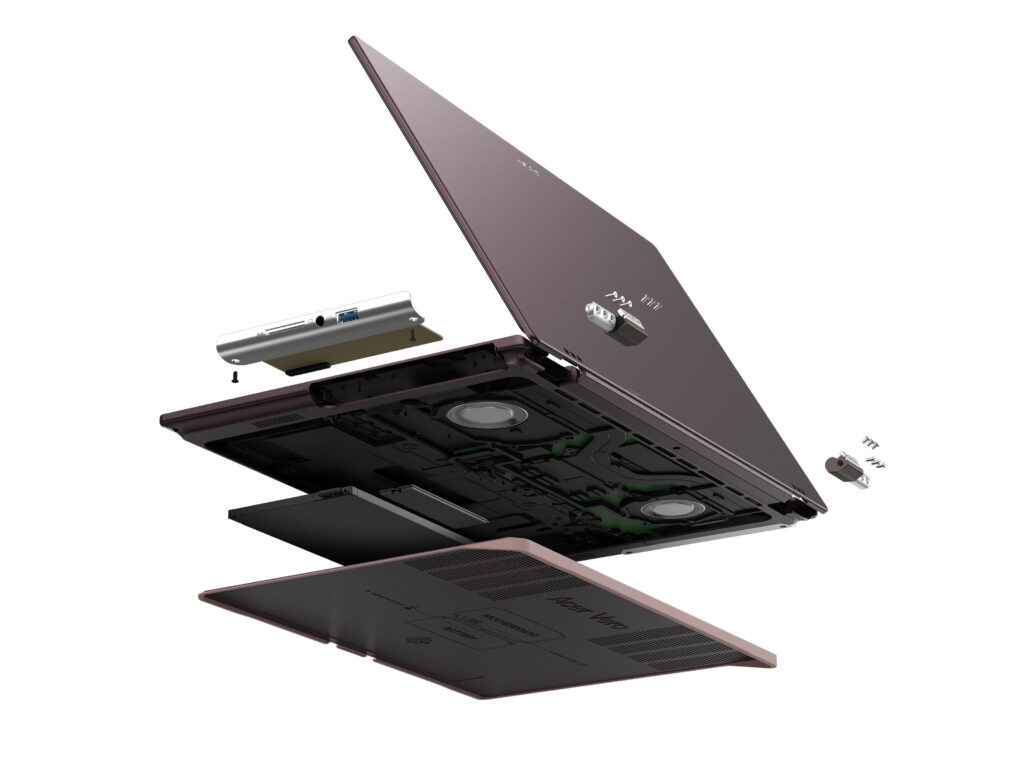 Acer Vero 16[/caption]
Acer’s Windows compute lineup at IFA 2026 also included the Swift Blade 14, a 799-gram ultra-lightweight laptop for ultimate mobility; the Acer SFF RTX Spark reference design powered by the NVIDIA RTX Spark superchip for the age of personal AI agents; the Acer Veriton RI110 AI Mini Workstation, a Copilot+ PC designed for agentic AI workflows; the Aspire G 3D 16 laptop, powered by the AMD Ryzen AI Max+ 395 processor and offering Acer’s naked-eye 3D technology; the Swift Air 16 laptop with a premium aluminum chassis and Intel Core Series 3 processors; the Predator Atlas 7 gaming handheld; and the refreshed Aspire S series all-in-one desktops.
Acer Vero 16[/caption]
Acer’s Windows compute lineup at IFA 2026 also included the Swift Blade 14, a 799-gram ultra-lightweight laptop for ultimate mobility; the Acer SFF RTX Spark reference design powered by the NVIDIA RTX Spark superchip for the age of personal AI agents; the Acer Veriton RI110 AI Mini Workstation, a Copilot+ PC designed for agentic AI workflows; the Aspire G 3D 16 laptop, powered by the AMD Ryzen AI Max+ 395 processor and offering Acer’s naked-eye 3D technology; the Swift Air 16 laptop with a premium aluminum chassis and Intel Core Series 3 processors; the Predator Atlas 7 gaming handheld; and the refreshed Aspire S series all-in-one desktops.
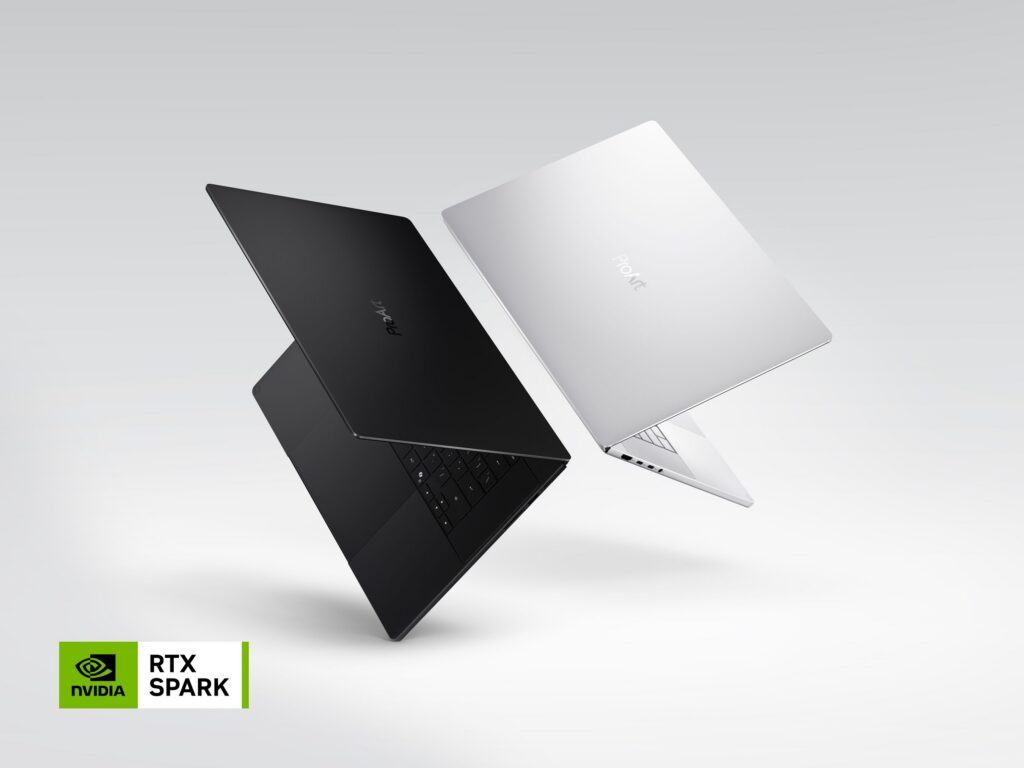 ProArt Laptop (Nano Black & Neo White)[/caption]
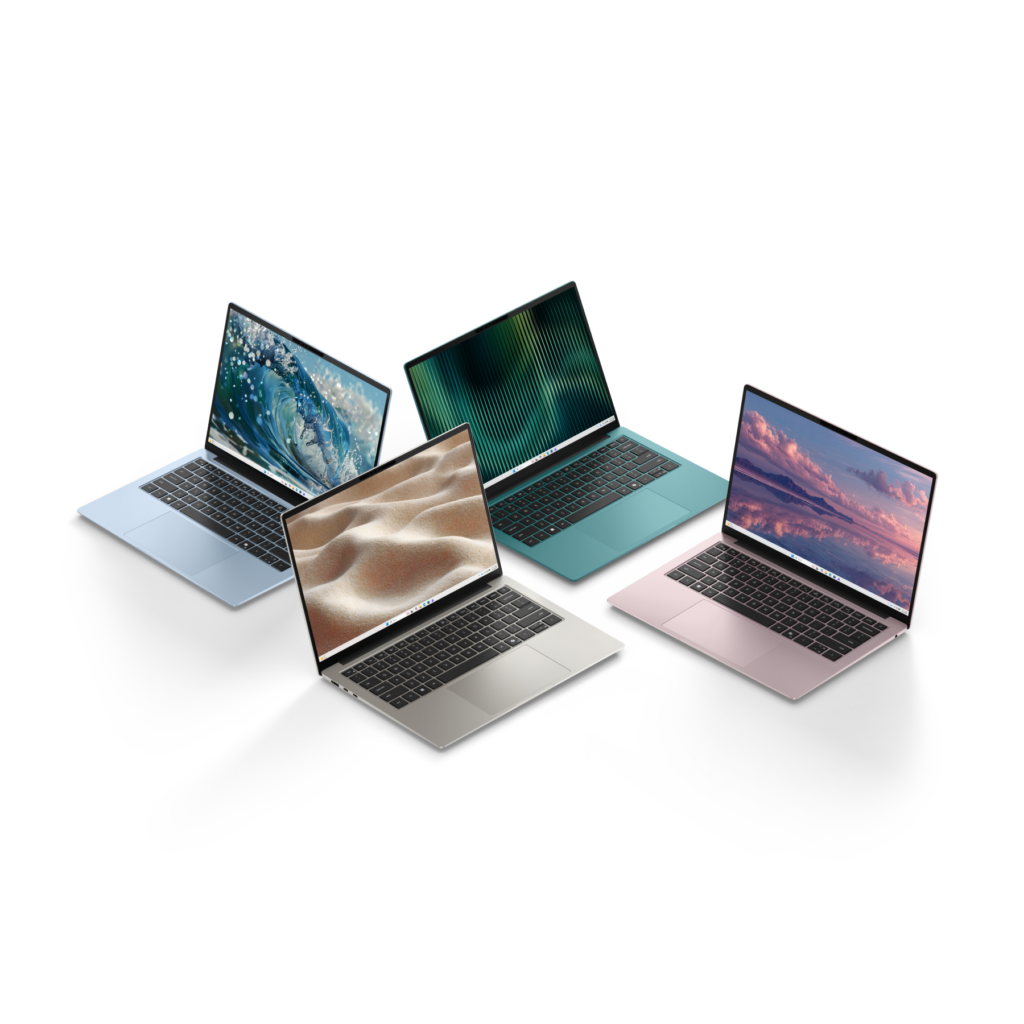 Dell 14S Laptop[/caption]
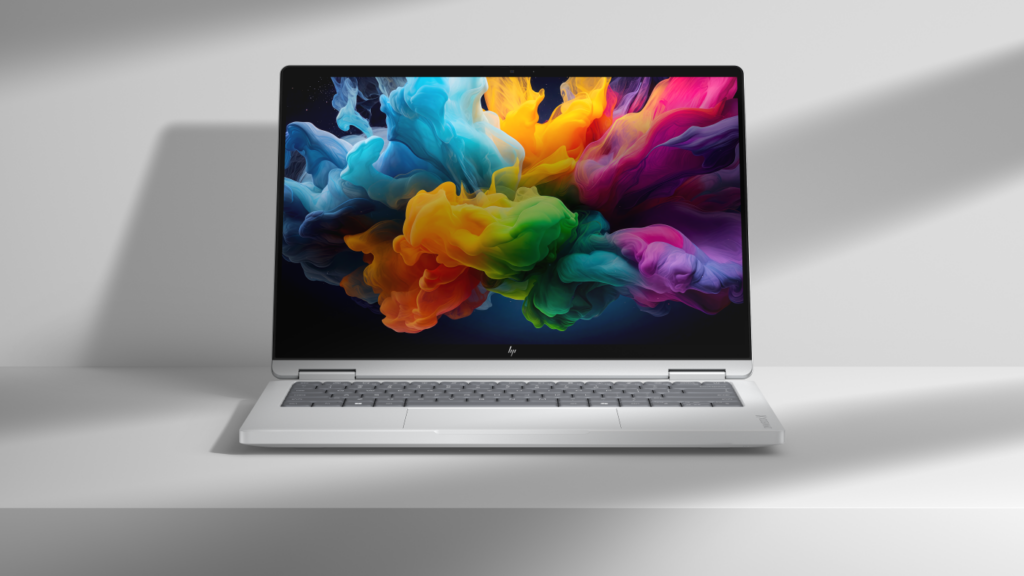 HP OmniBook X 14[/caption]
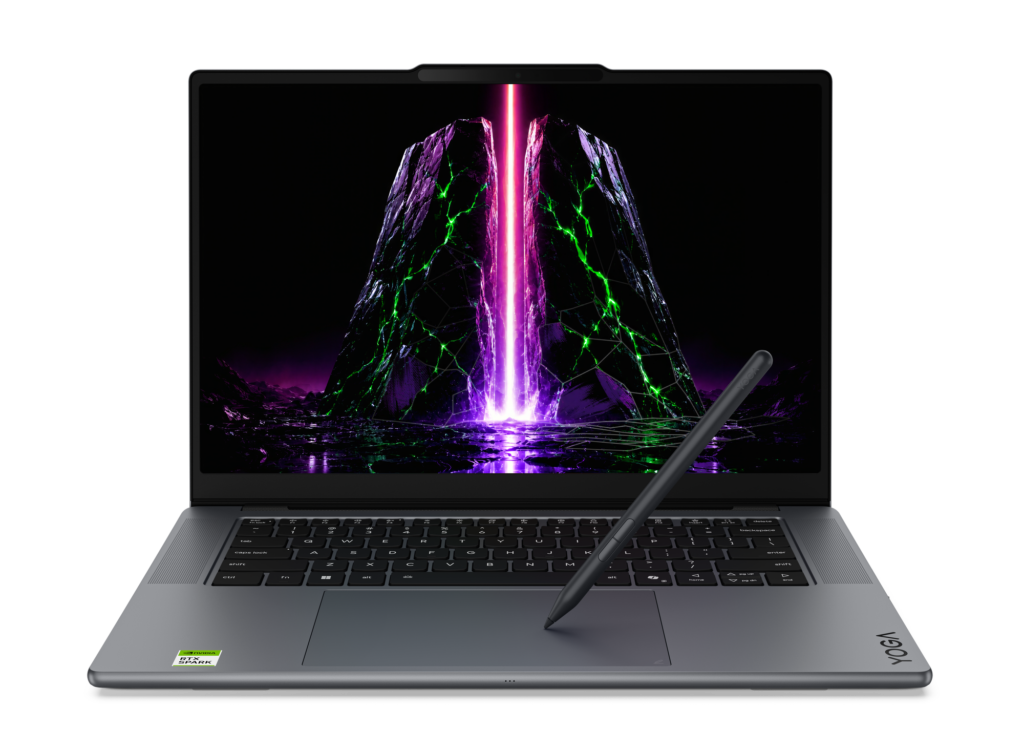 Yoga Pro 9n (15”, 11)[/caption]
For students, families, and everyday users, the new IdeaPad Vibe series combines bold colors and lightweight designs with responsive performance and Copilot+ PC experiences. Available in 14- and 15-inch configurations, the lineup offers a choice of Snapdragon X or AMD Ryzen AI 400 Series processors. Lenovo also introduced the compact, cluster-ready ThinkCentre X Ultra for advanced business AI workloads, the streamlined IdeaCentre AIO i, and the ultra-slim ThinkBook 14 Gen 9 for mobile, AI-enhanced productivity.
[caption id="attachment_263918" align="alignnone" width="1024"]
Yoga Pro 9n (15”, 11)[/caption]
For students, families, and everyday users, the new IdeaPad Vibe series combines bold colors and lightweight designs with responsive performance and Copilot+ PC experiences. Available in 14- and 15-inch configurations, the lineup offers a choice of Snapdragon X or AMD Ryzen AI 400 Series processors. Lenovo also introduced the compact, cluster-ready ThinkCentre X Ultra for advanced business AI workloads, the streamlined IdeaCentre AIO i, and the ultra-slim ThinkBook 14 Gen 9 for mobile, AI-enhanced productivity.
[caption id="attachment_263918" align="alignnone" width="1024"]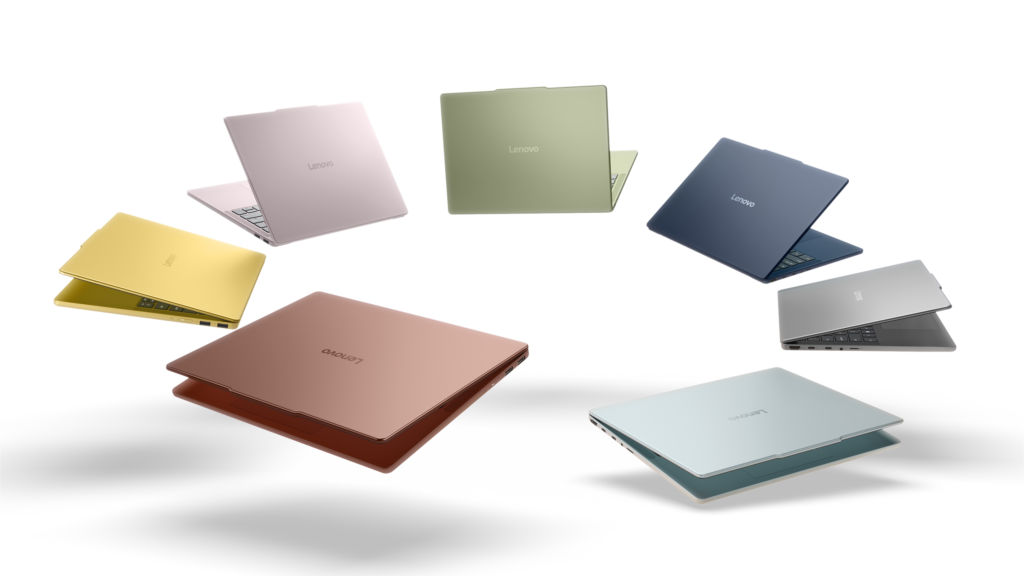 IdeaPad Vibe[/caption]
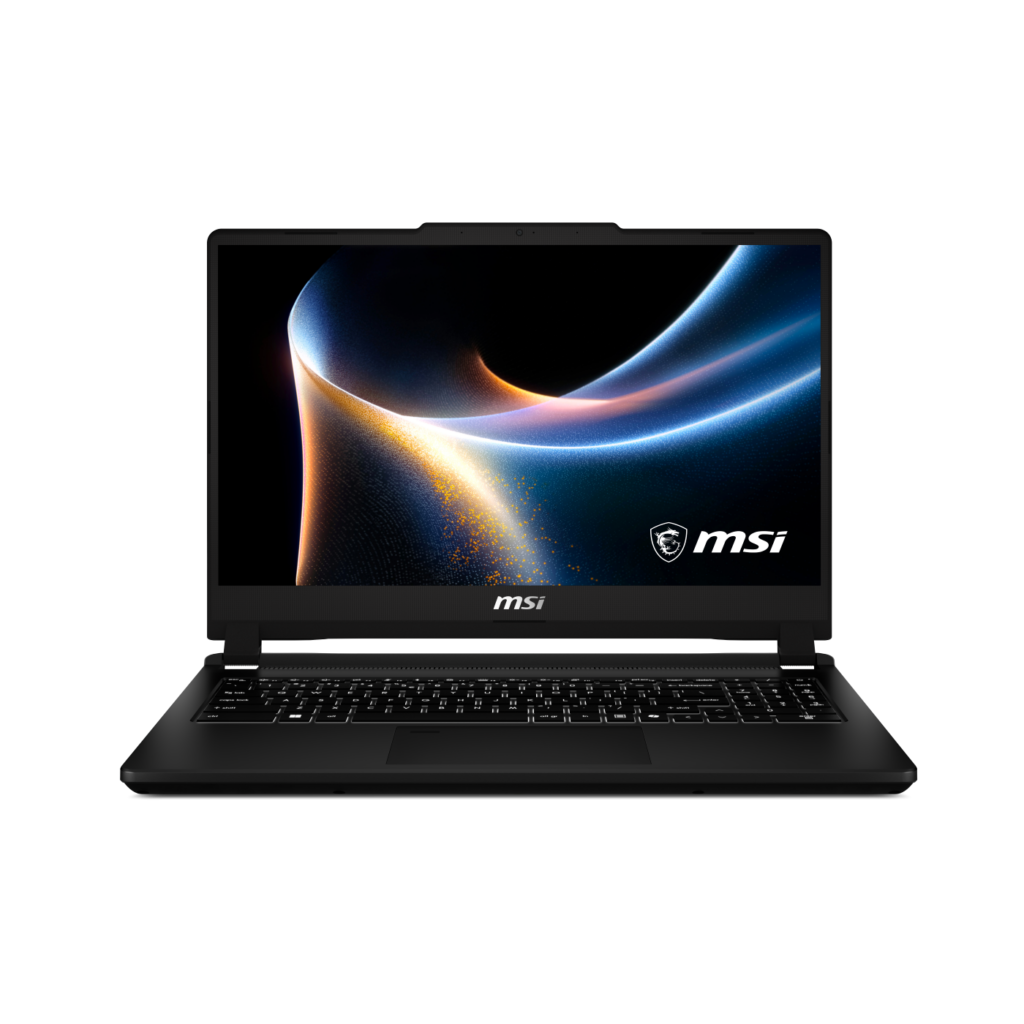 Venture 15[/caption]
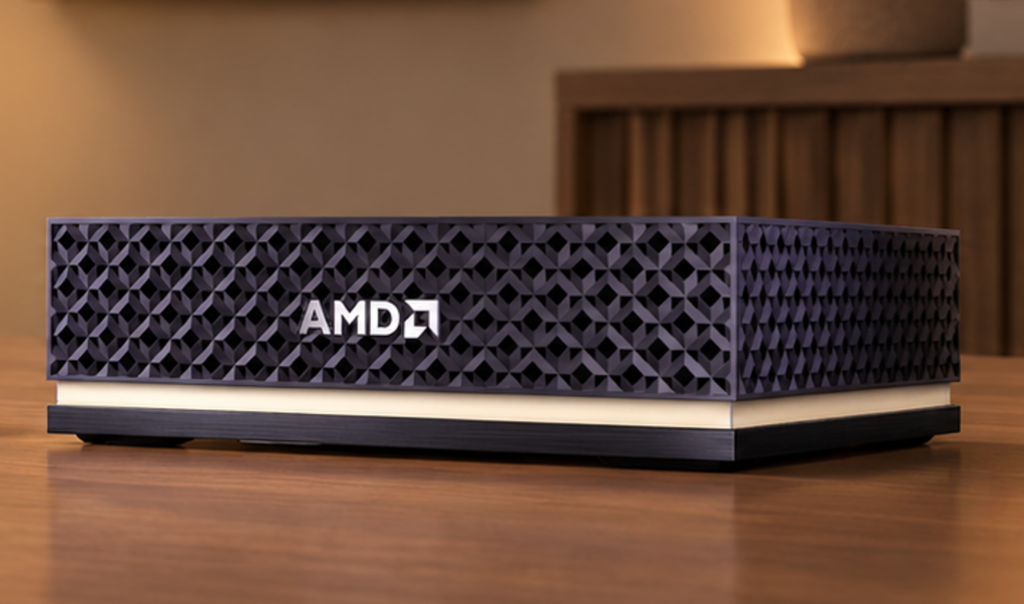 Ryzen AI Halo[/caption]
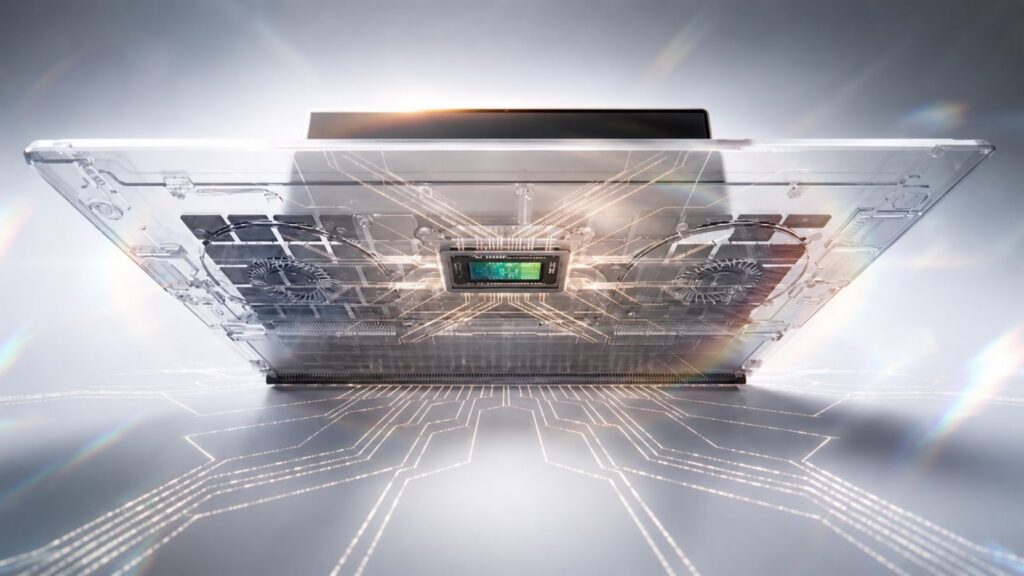 NVIDIA RTX Spark Superchip[/caption]
 Each of these improvements came from a real family experience — from issues parents told us mattered most: speed, accuracy, control, transparency, and peace of mind.
This is the compounding effect of a team that treats every piece of customer feedback as a commitment to do better. Thank you to every parent who shared their voice; you’ve shaped this product, and we’re just getting started.
All of the above fixes are available in the latest versions of the Family Safety mobile app both iOS and Android are available. You can also access Family Safety on the web by visiting: https://account.microsoft.com/family/
Each of these improvements came from a real family experience — from issues parents told us mattered most: speed, accuracy, control, transparency, and peace of mind.
This is the compounding effect of a team that treats every piece of customer feedback as a commitment to do better. Thank you to every parent who shared their voice; you’ve shaped this product, and we’re just getting started.
All of the above fixes are available in the latest versions of the Family Safety mobile app both iOS and Android are available. You can also access Family Safety on the web by visiting: https://account.microsoft.com/family/

 We’ve also pre-configured Windows Settings for coding across File Explorer, Search, Start, and the Taskbar. File Explorer shows file extensions, hidden files, the full path in the title bar, and the details pane, with long-path support enabled. Recently used files and folders and sync provider tips are turned off for a cleaner workspace. In Search and Start, Command Palette is enabled, while Start menu tips and account notifications are turned off to reduce distractions.
Windows Subsystem for Linux (WSL) has become foundational for running Linux workloads on Windows. Last year we open-sourced WSL. Building on that momentum at Build 2026, we integrated WSL more deeply into Windows with WSL containers to provide a built-in way to create, run, and interact with Linux containers directly on Windows.
Together, with Project Zenith, these choices create a calm, and meaningful starting point for development. Project Zenith is not about prescribing a single workflow. You can continue to configure, extend, and personalize your environment around the tools, languages, and frameworks you prefer. It is about beginning from a better baseline, shaped by the settings and tools developers reach for first, so a new device works with you to accelerate your workflows.
We’ve also pre-configured Windows Settings for coding across File Explorer, Search, Start, and the Taskbar. File Explorer shows file extensions, hidden files, the full path in the title bar, and the details pane, with long-path support enabled. Recently used files and folders and sync provider tips are turned off for a cleaner workspace. In Search and Start, Command Palette is enabled, while Start menu tips and account notifications are turned off to reduce distractions.
Windows Subsystem for Linux (WSL) has become foundational for running Linux workloads on Windows. Last year we open-sourced WSL. Building on that momentum at Build 2026, we integrated WSL more deeply into Windows with WSL containers to provide a built-in way to create, run, and interact with Linux containers directly on Windows.
Together, with Project Zenith, these choices create a calm, and meaningful starting point for development. Project Zenith is not about prescribing a single workflow. You can continue to configure, extend, and personalize your environment around the tools, languages, and frameworks you prefer. It is about beginning from a better baseline, shaped by the settings and tools developers reach for first, so a new device works with you to accelerate your workflows.
 Recent STEM and education apps available on Windows on Arm devices[/caption]
 Recent security apps available on Windows on Arm devices[/caption]
 Recent productivity apps available on Windows on Arm devices[/caption]
 Recent creativity, social media and entertainment apps available on Windows on Arm devices[/caption]
The takeaway is clear: Windows on Arm is no longer defined by potential, but by a rapidly expanding ecosystem of devices with apps available across workloads that customers depend on most. As developers continue to invest in Arm-native experiences and compatibility, customers gain more choices, flexibility, and confidence in adopting the next generation of Windows devices.
As the ecosystem continues to expand, the Microsoft App Assure team is ready to assist software developers interested in bringing their apps to Windows on Arm. Through our Arm Advisory Service, we offer expert guidance, technical workshops, code samples, and an escalation path to Microsoft engineers ready to assist with software development. Reach out to us here to learn more.
Finally, don’t forget to bookmark https://worksonwoa.com/ for a comprehensive and continuously updated list of all the apps available on Windows on Arm devices.
Recent creativity, social media and entertainment apps available on Windows on Arm devices[/caption]
The takeaway is clear: Windows on Arm is no longer defined by potential, but by a rapidly expanding ecosystem of devices with apps available across workloads that customers depend on most. As developers continue to invest in Arm-native experiences and compatibility, customers gain more choices, flexibility, and confidence in adopting the next generation of Windows devices.
As the ecosystem continues to expand, the Microsoft App Assure team is ready to assist software developers interested in bringing their apps to Windows on Arm. Through our Arm Advisory Service, we offer expert guidance, technical workshops, code samples, and an escalation path to Microsoft engineers ready to assist with software development. Reach out to us here to learn more.
Finally, don’t forget to bookmark https://worksonwoa.com/ for a comprehensive and continuously updated list of all the apps available on Windows on Arm devices.
