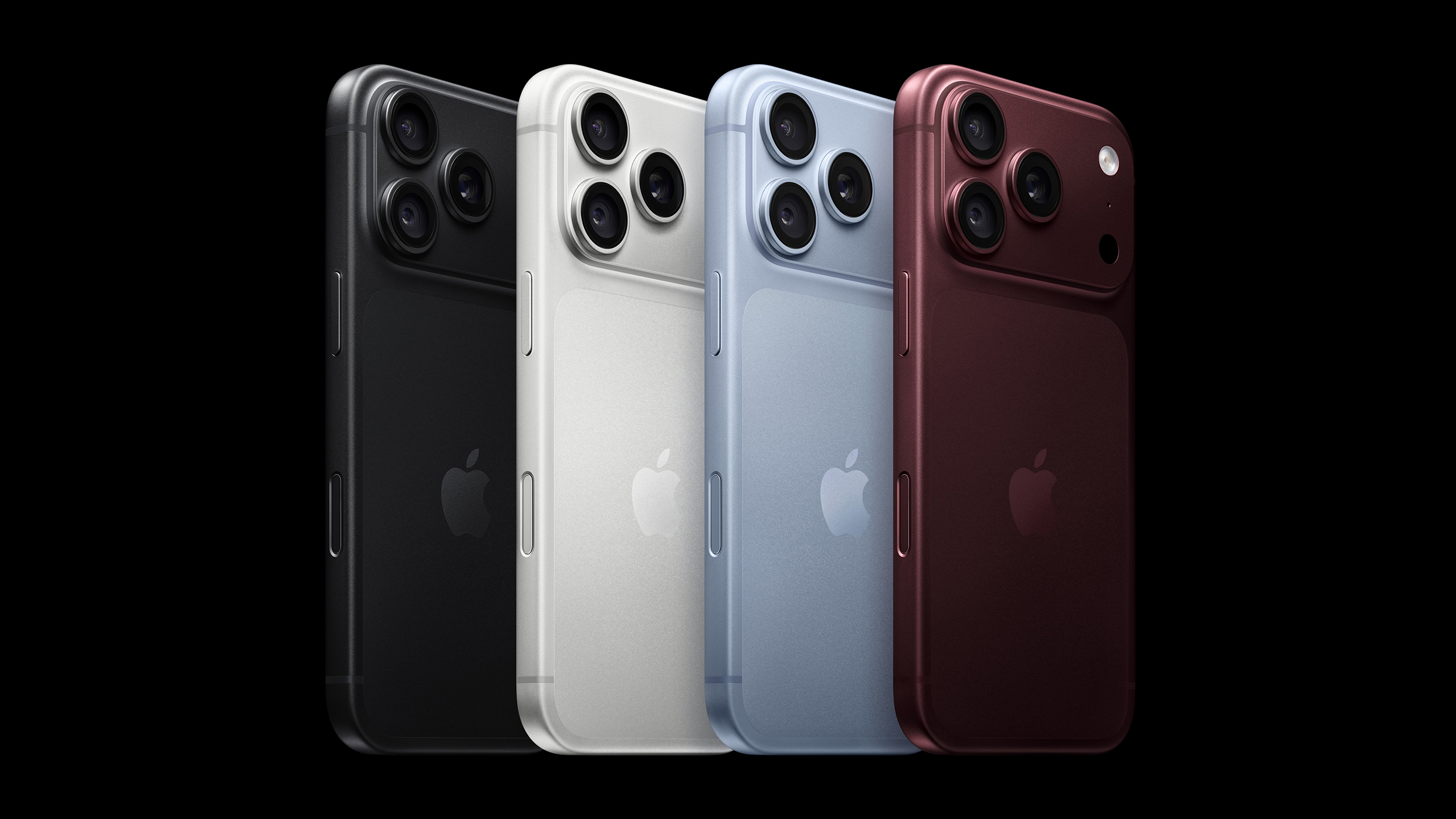
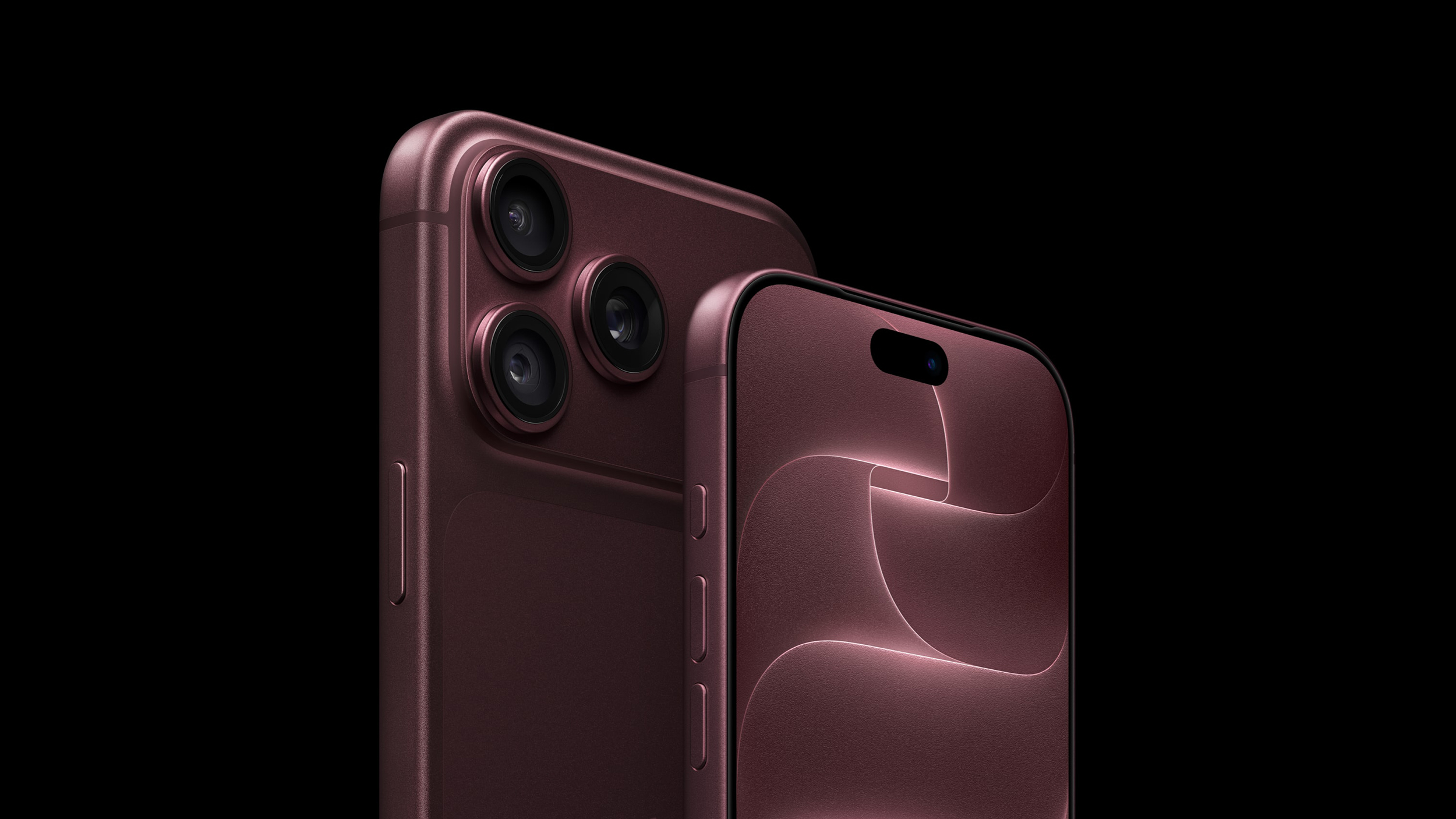
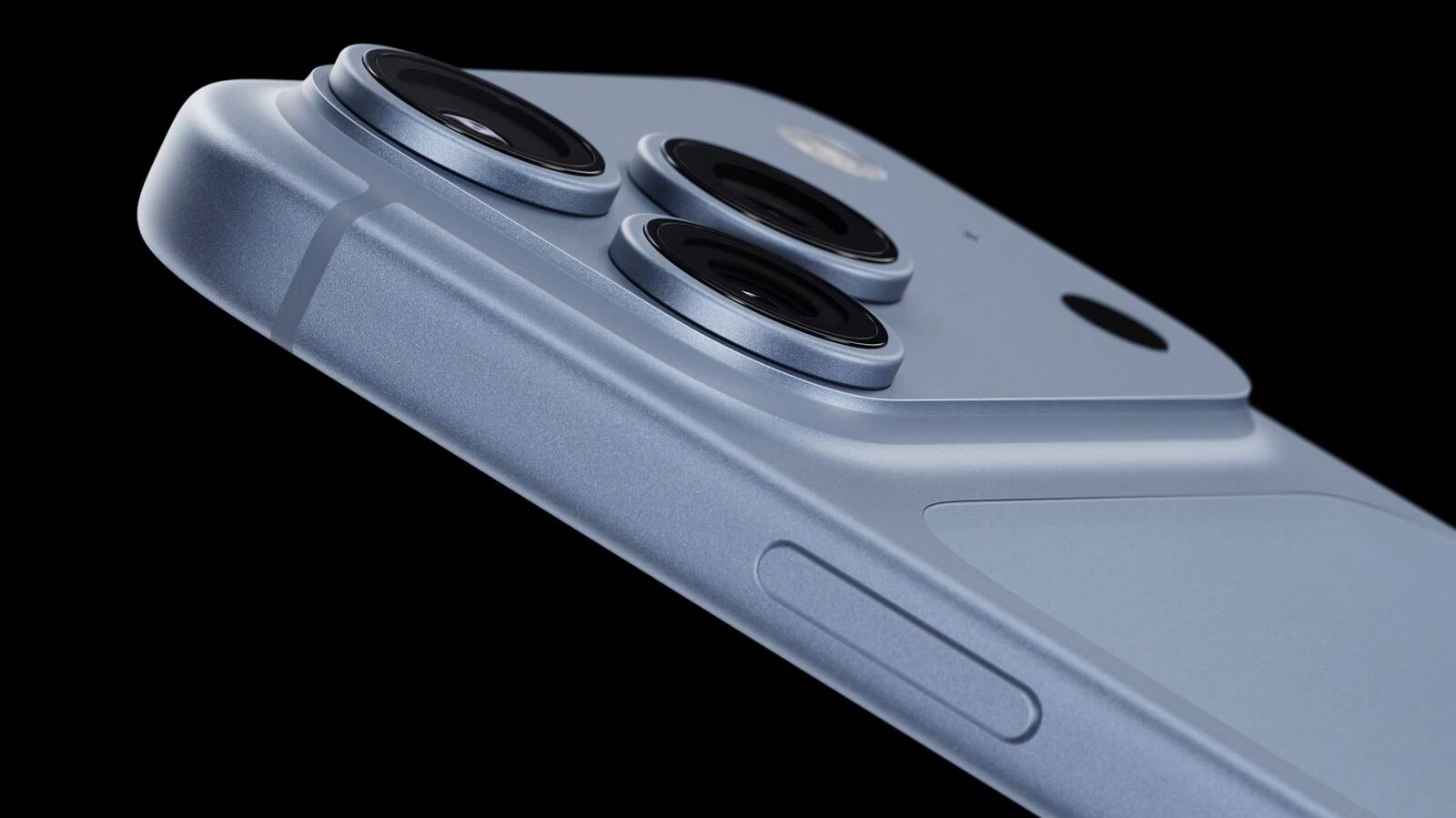
❌

Lees weergave

Apple Shares Photos Shot on iPhone Duo

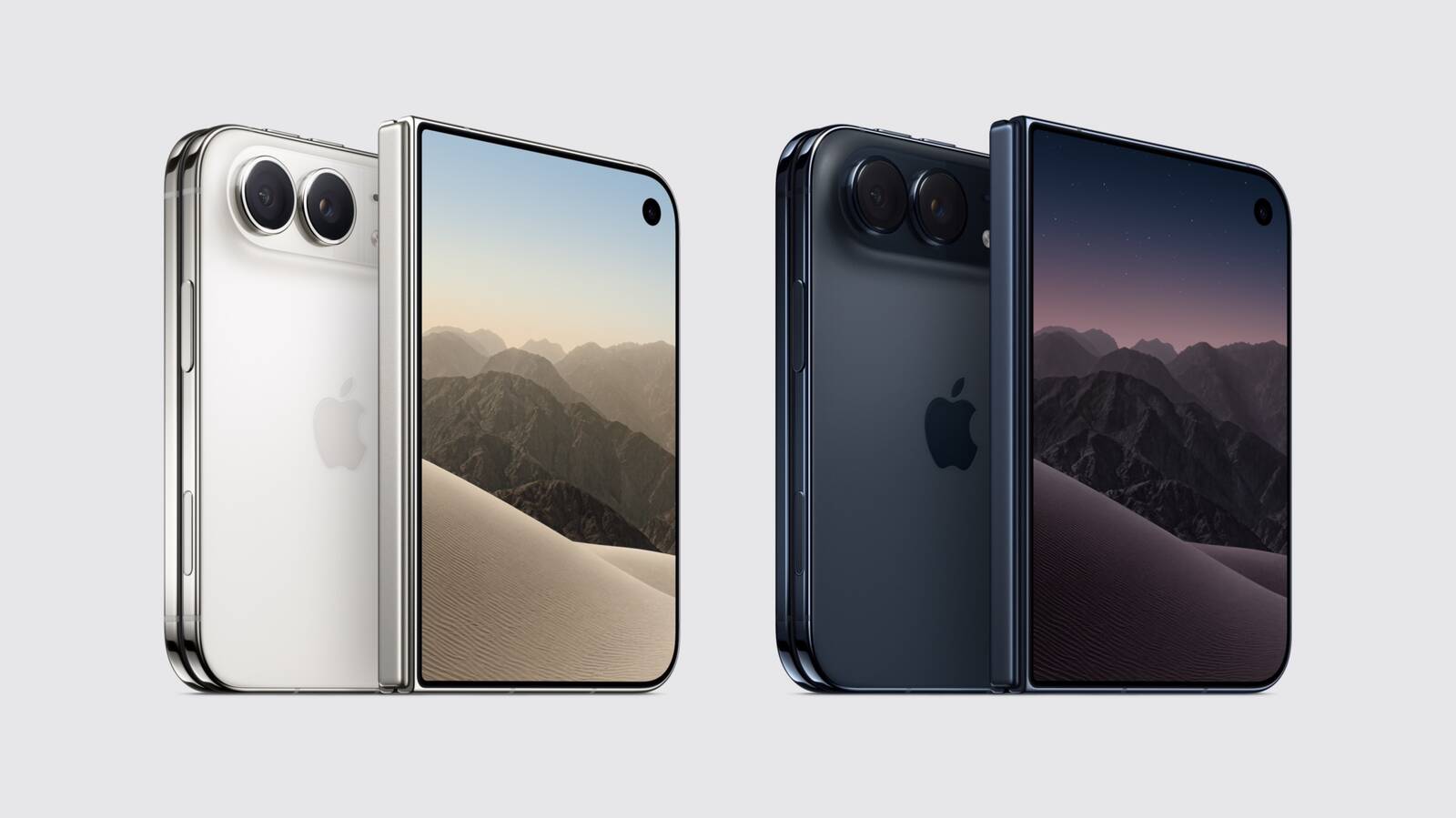
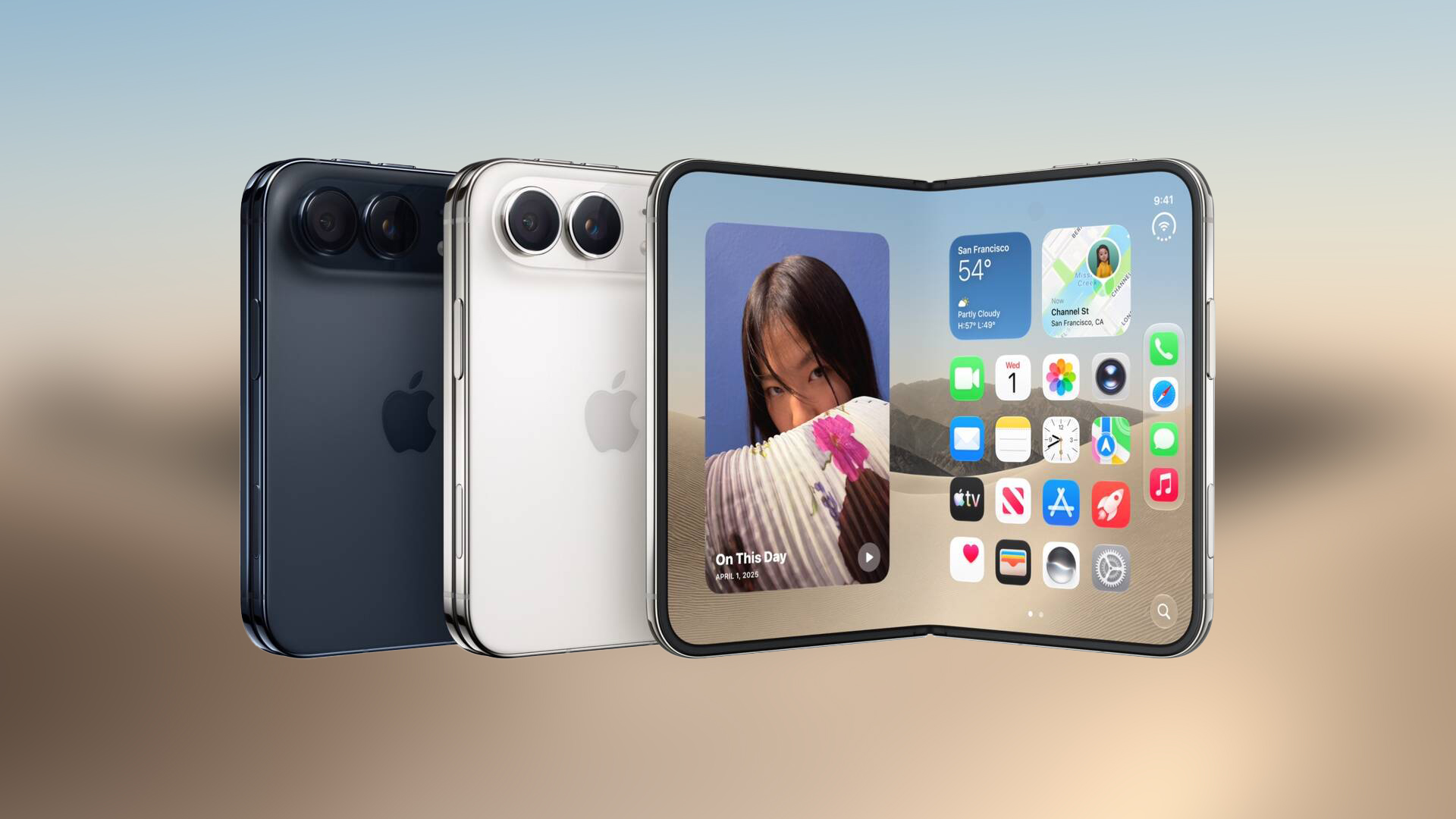
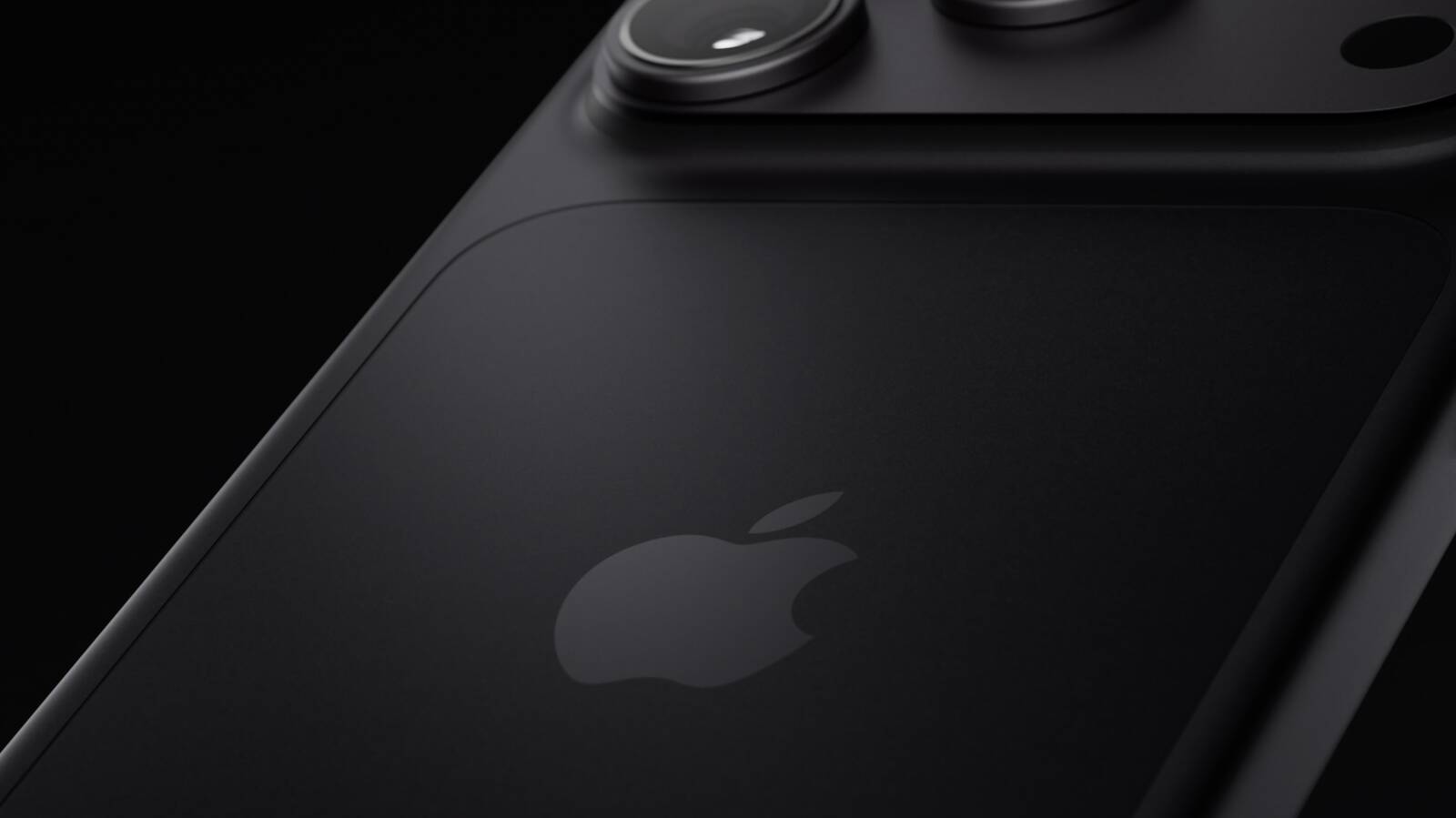
Apple on Instagram today shared a curated gallery of six photos shot on the iPhone Duo. The photos were shot by American photographers Jake Michaels and Jason Nocito, as part of a project commissioned by Apple.


iPhone Duo is equipped with four cameras:
  • A rear 48-megapixel Fusion Main camera

  • A rear 48-megapixel Ultra Wide camera

  • A front 12-megapixel Center Stage camera in the outer display

  • A front camera under the inner display
iPhone Duo lacks a dedicated Telephoto camera, which is a dealbreaker for some customers. The main camera does have "optical-quality 2Γ— Telephoto" capabilities, but this pales in comparison to the iPhone 17 Pro and iPhone 18 Pro models, which can achieve up to 8Γ— optical zoom. Still, the photos shared by Apple prove that the iPhone Duo is still very capable for photography, at least in the hands of skilled photographers.

You can pre-order the iPhone Duo starting Friday, October 16 at 5 a.m. Pacific Time.

Related Roundup: iPhone Duo
Tag: Photos
Related Forum: iPhone

This article, "Apple Shares Photos Shot on iPhone Duo" first appeared on MacRumors.com

Discuss this article in our forums

  •  

Apple Says iPhone Duo Has Replaceable 'Cover Layer'

In a recent interview with content creator Angelica Siciliani Fendi, Apple's vice president of hardware engineering Kate Bergeron revealed that the iPhone Duo's nano-texture cover layer above the inner display can be removed and replaced.


"It's actually replaceable, which is a really nice thing for the customer that you can peel off that layer and get a new one," said Bergeron.

In the U.S., customers who purchase AppleCare+ coverage for the iPhone Duo can get the cover layer replaced for $19, according to Apple's website. The cost to replace the cover layer without coverage has yet to be disclosed.

The cover layer helps to hide the crease in the middle of the foldable inner display. Bergeron said Apple did a "significant amount of engineering work" to ensure that this layer remains in good condition for as long as possible, but customers will have the option to replace it if it wears down or the crease becomes more visible over time.

Officially, the ability to replace the iPhone Duo's cover layer will likely be limited to Apple Stores and Apple Authorized Service Providers. It remains to be seen if customers will be able to easily remove the layer themselves.

iPhone Duo pre-orders begin on Friday, October 16 at 5 a.m. Pacific Time, and the device will launch in stores on Friday, October 23.
Related Roundup: iPhone Duo
Related Forum: iPhone

This article, "Apple Says iPhone Duo Has Replaceable 'Cover Layer'" first appeared on MacRumors.com

Discuss this article in our forums

  •  

Distribution Release: Nitrux 7.0.0

The DistroWatch news feed is brought to you by TUXEDO COMPUTERS. Uri Herrera has announced the release of Nitrux 7.0.0, a significant update of the project's Debian-based Linux distribution featuring an immutable base and the Hyprland Wayland compositor: "We are pleased to announce the launch of Nitrux 7.0.0. This new version combines the latest software updates, bug fixes, performance....
  •  

Apple's Smart Home Camera Will Apparently Have 'No Video Recording'

On his new Power On podcast, Bloomberg's Mark Gurman said Apple's smart home camera will have "no video recording."

Instead, he described the rumored product as a sensor that will be capable of "analyzing your environment in your home" using AI. "This is going to be the first mainstream video camera that's a home video security camera that doesn't give you any footage," he said.
This article, "Apple's Smart Home Camera Will Apparently Have 'No Video Recording'" first appeared on MacRumors.com

Discuss this article in our forums

  •  

Dirk Eddelbuettel: RcppFastAD 0.0.6 on CRAN: Agentic Fix

A week ago, release 0.0.5 of the RcppFastAD package went to CRAN, and we noted that it provided a stop-gap measure against a gnarly segfault with g++-16 under heavier optimization / inlining. We are happy to now announce that a new and fixed version 0.0.6 of RcppFastAD is now on CRAN, and has been built for r2u as well as at r-universe.

RcppFastAD wraps the FastAD header-only C++ library by James which provides a C++ implementation of both forward and reverse mode of automatic differentiation. It offers an easy-to-use header library that is both lightweight and performant. With a little of bit of Rcpp glue, it is also easy to use from R in simple C++ applications.

This release takes advantage of some large-language model inference access I now get via Debian. The Deepseek v4 flash-0731 model, driven in a container via the pi.dev harness, took just about no time finding a small workaround for the issue described last week where we could see segfaults under heavier optimization and inlining. The fix was to prohibit inlining the local bind() reimplementation. We have also sent this upstream as a patch. It is nice to have an option of querying something a little more powerful than the local models I experimented with before. We suppress more compiler warnings in local builds via another option, and did some standard maintenance.

The NEWS file for this release follows.

Changes in version 0.0.6 (2026-10-01)

  • The expression-template view rebinding is protected against g++ -O3 (which led to wrong Eigen::Map dimensions, an Eigen::Map resize assertion, and a segfault.

  • The bind() helpers are marked non-inline and are also protected from operating on a nullptr.

  • Both items co-written with DeepSeek V4 Flash, and have been sent upstream in a PR.

  • Suppress another compiler warning when local build detected.

  • Add r-universe badge to README.md.

Courtesy of my CRANberries, there is also a diffstat report for the most recent release. More information is available at the repository or the package page.

This post by Dirk Eddelbuettel originated on his Thinking inside the box blog. If you like this or other open-source work I do, you can now sponsor me at GitHub.

  •  

Apple TV Just Updated Its Selection of 'Bonus' Movies

Starting today, the Apple TV streaming service is offering a new selection of "bonus" movies in the U.S., Canada, the U.K., and some other countries.


While competitors like Netflix offer an extensive catalog of movies from various studios, Apple TV primarily offers its own original films produced by Apple. Over the past few years, however, Apple has offered a "Great Movies Now on Apple TV" section with a limited rotation of iconic movies that subscribers can watch at no additional cost.

The selection changes each month, with the following 13 movies added in the U.S. today:

  • 28 Days Later

  • American Gangster

  • Black Hawk Down

  • Blood Diamond

  • Fallen

  • Fury

  • Going The Distance

  • Good Will Hunting

  • Insomnia

  • Jurassic World

  • Taxi Driver

  • The Girl With the Dragon Tattoo

  • Tropic Thunder

In the U.S., seven more movies remain available as holdovers:

  • A Beautiful Mind

  • A League of Their Own

  • Definitely Maybe

  • I Robot

  • Master and Commander

  • The Rookie

  • The Sixth Sense

The selection varies in other countries. For example, here are the movies available in Canada:

  • Catch Me If You Can

  • Ford v Ferrari

  • Godzilla

  • Inception

  • Jurassic Park

  • Jurassic World

  • Little Miss Sunshine

  • Rocketman

  • Spider-Man: Far From Home

  • Spider-Man: Homecoming

  • The Martian

  • The Proposal

  • The Social Network

  • The Town

  • War of the Worlds

In the Philippines, one of the movies included is Ready Player One.

In the U.S., Apple TV now costs $14.99/month, up from $4.99/month when it launched in 2019.
Related Roundup: Apple TV
Buyer's Guide: Apple TV (Don't Buy)

This article, "Apple TV Just Updated Its Selection of 'Bonus' Movies" first appeared on MacRumors.com

Discuss this article in our forums

  •  

Early Prime Big Deal Days: Best Discounts on Accessories, TVs, and More at Amazon

Amazon is hosting another Prime Day event this year, called Prime Big Deal Days and offering shoppers the first chance to save on holiday shopping from a major retailer. Similar to last year's fall Prime Day, it will last for two days (October 6-7) and you can already find a large selection of early deals across Amazon's storefront, covering savings on tech, clothing, video games, groceries, and much, much more.

Note: MacRumors is an affiliate partner with Amazon. When you click a link and make a purchase, we may receive a small payment, which helps us keep the site running.

For our coverage, we're focusing on Apple and Apple-related discounts that can be purchased during the lead-up to this event on Amazon. As of today, this includes deals from popular accessory makers like Anker, Belkin, JBL, Jackery, and more.


As is typical for Prime Day deals, these markdowns are very time sensitive, so sales listed below may disappear fast, and new ones may appear even faster. With this in mind, we'll keep this article updated throughout the event, and keep an eye on the MacRumors front page as we'll be posting particularly great deals in separate articles as the event gets closer.

Lastly, and perhaps most importantly, Amazon Prime Day requires you to have an Amazon Prime membership to take advantage of the discounts. Amazon Prime costs $14.99 per month or $139.00 per year, and it comes with a 30-day free trial for new subscribers.

Charging Accessories


Wall Chargers


Wireless Chargers


Portable Chargers


TVs


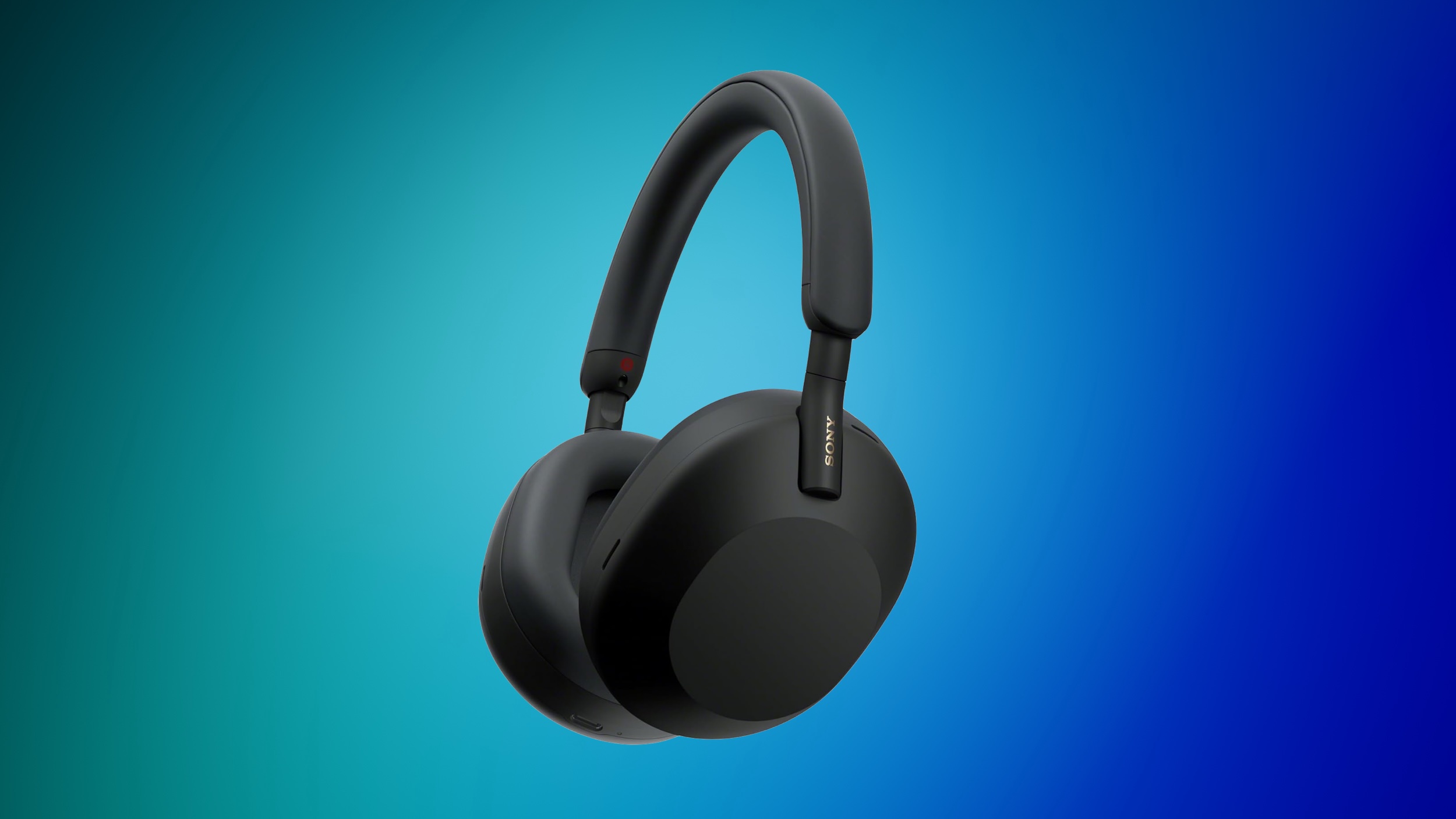
Audio


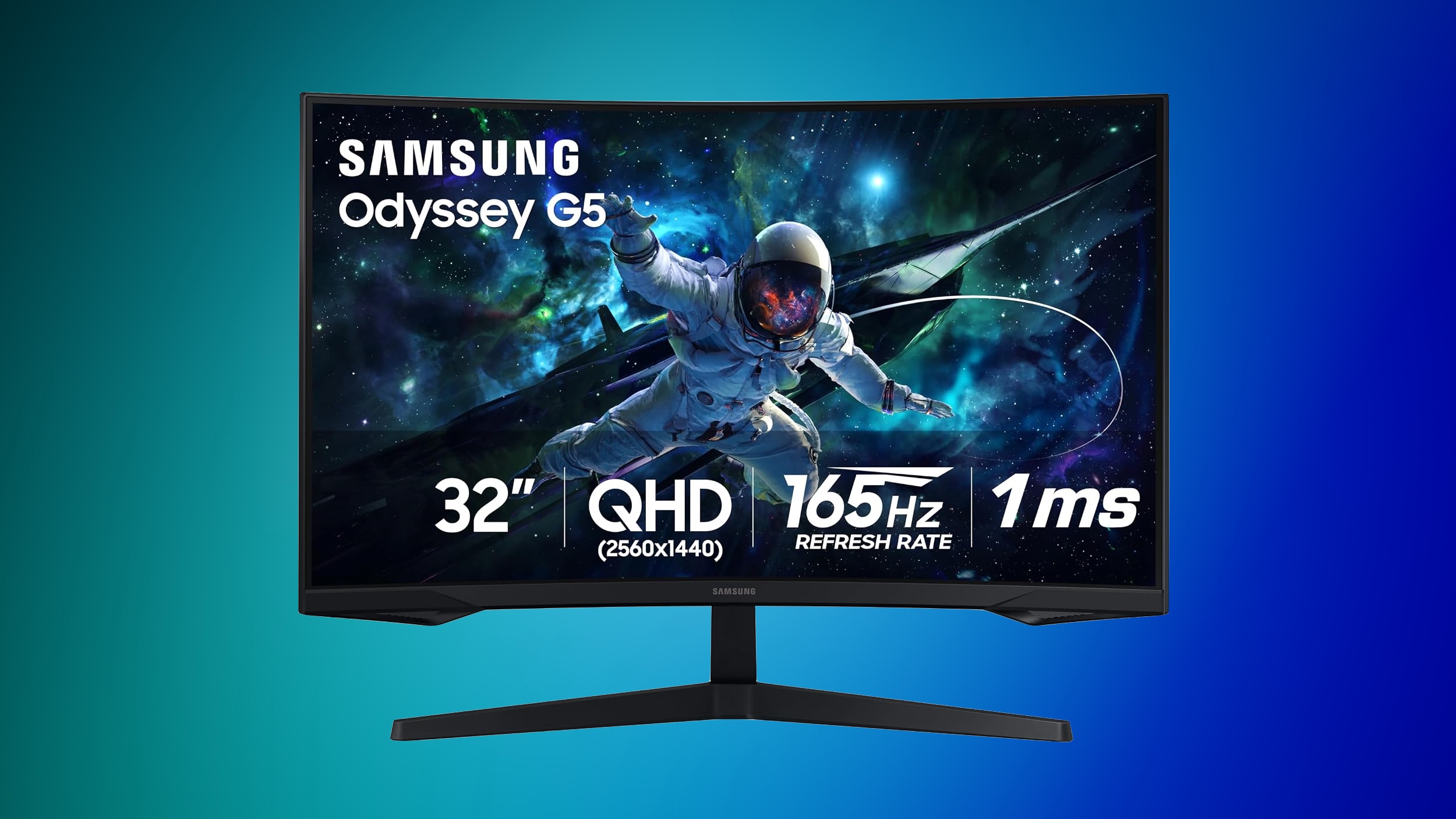
Samsung Monitors


You can find up to 42% off select monitors this week, plus deals on storage, tablets, and more on this sale page.


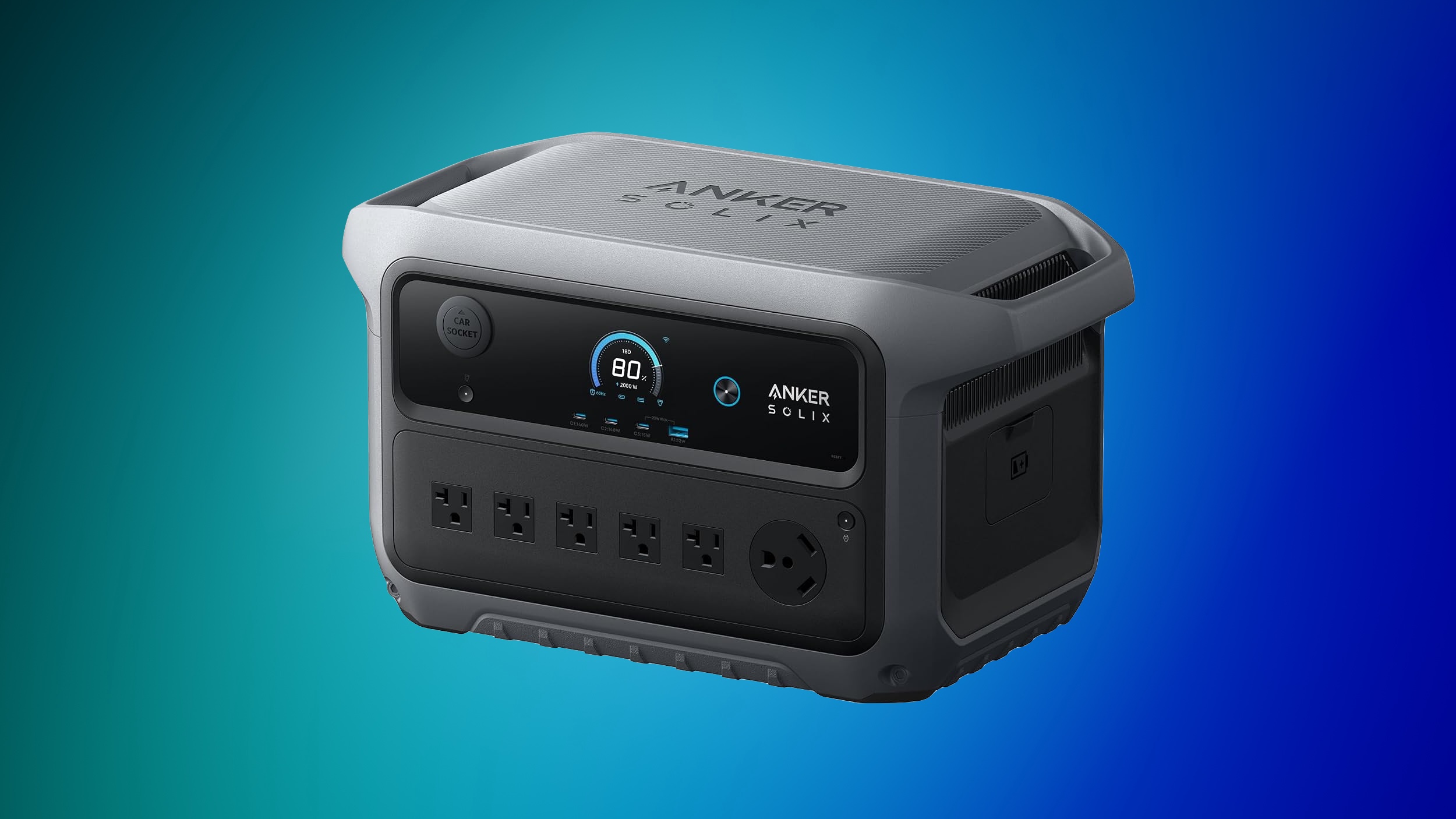
Anker SOLIX


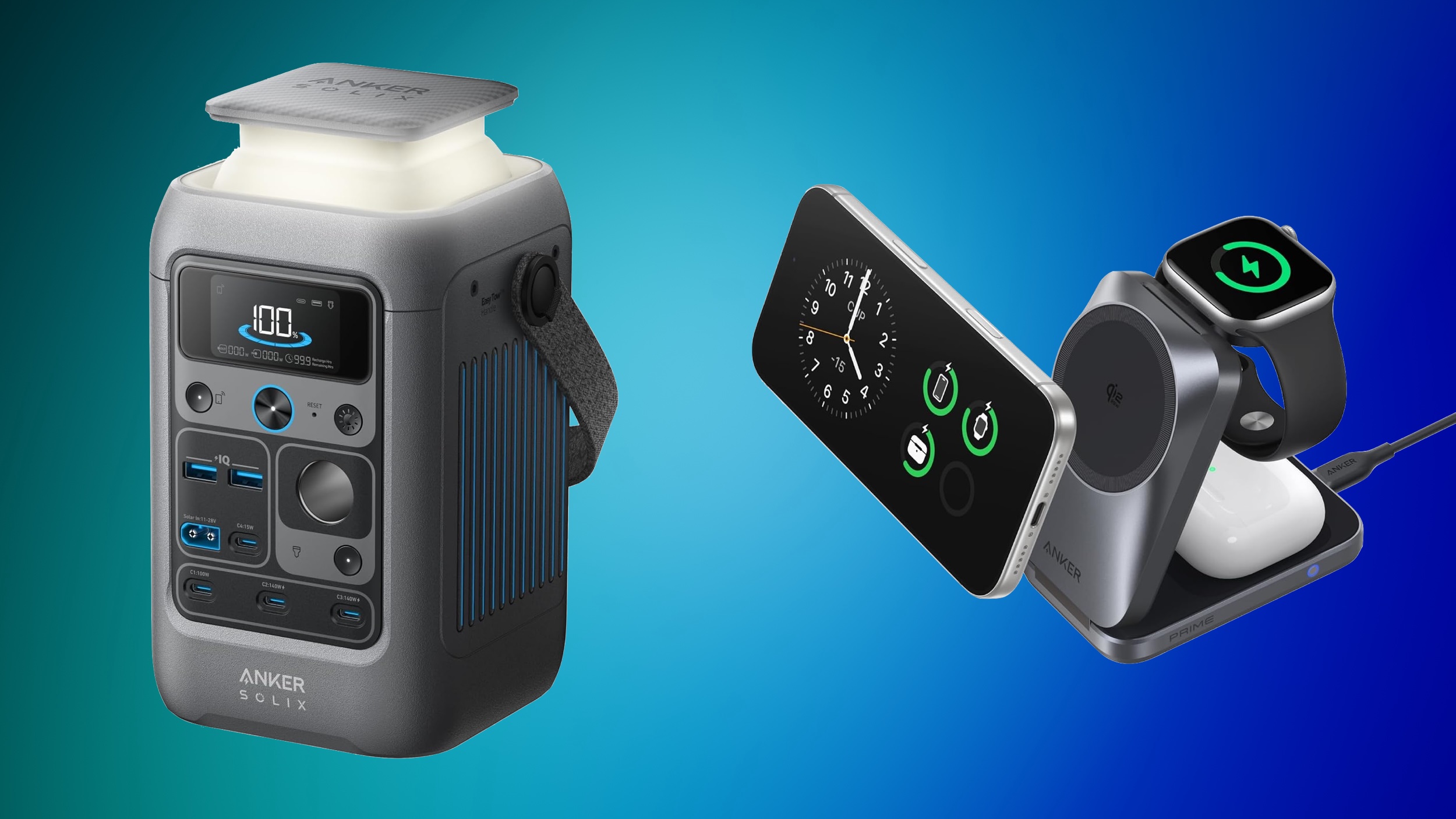
Anker's SOLIX brand is hosting an early Prime Day sale with early bird deals, free gifts, and more. This sale is focused on Anker's high-end SOLIX portable power stations, with options that range from 1-2 days of backup to 3-5 days of backup.


For cheaper options, Amazon has notable markdowns on lower-cost SOLIX batteries, like the popular SOLIX C300 Portable Power Station with Lantern for $199.99 ($50 off). If you're shopping on Anker's website, be sure to make your purchases before October 5, when the sale ends.


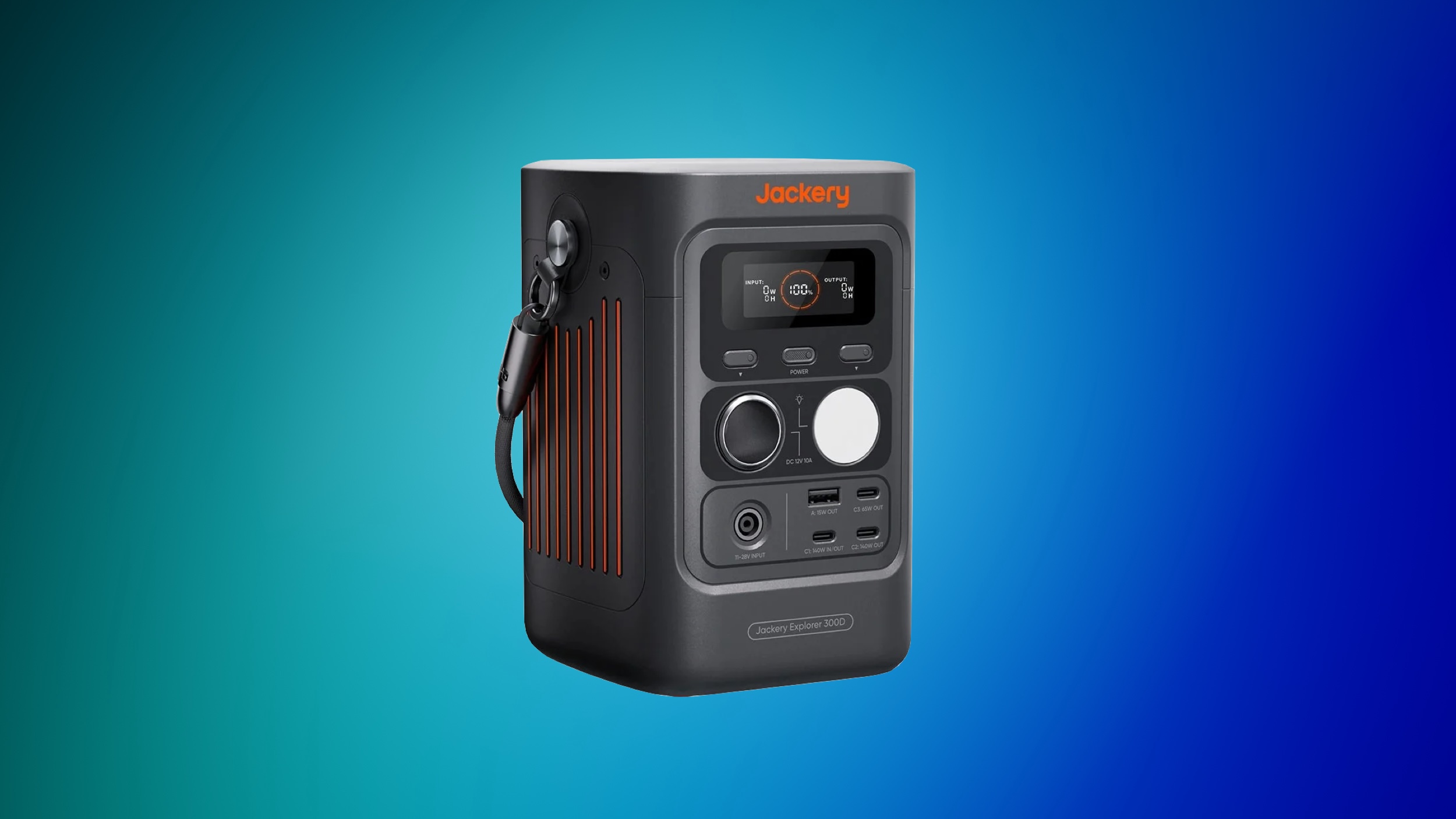
Jackery


Over on Jackery's website, you'll find up to 65% off a wide array of portable power stations, solar generators, add-on batteries, and more. This is another Prime Big Deal Days early access event, and is set to run through October 3.


If you're on the hunt for more discounts, be sure to visit our Apple Deals roundup where we recap the best Apple-related bargains of the past week.


Deals Newsletter


Interested in hearing more about the best deals you can find in 2026? Sign up for our Deals Newsletter and we'll keep you updated so you don't miss the biggest deals of the season!


Related Roundup: Apple Deals

This article, "Early Prime Big Deal Days: Best Discounts on Accessories, TVs, and More at Amazon" first appeared on MacRumors.com

Discuss this article in our forums

  •  

iPhone 18 Pro Colors Buyer's Guide: Which Should You Choose?

Apple's iPhone 18 Pro and β€ŒiPhone 18 Proβ€Œ Max models come in four distinct color options, so which should you choose?


The β€ŒiPhone 18 Proβ€Œ models come in Black, Silver, Glacier, and Burgundy. The aluminum and glass backs are more closely matched than on the iPhone 17 Pro, although the different materials remain somewhat visible.

You should also consider if you plan to use a case with your device and, if so, which one. The β€ŒiPhone 18 Proβ€Œ's large, full-width camera plateau stands out on most cases, exposing more of the device's color. Choosing a complimentary color should be your first priority.

Burgundy


Burgundy is the most distinct and expressive β€ŒiPhone 18 Proβ€Œ finish, and it is much darker than the β€ŒiPhone 17β€Œ Pro's equivalent Cosmic Orange. It looks closer to wine or plum than a vivid red.


Burgundy is the standout shade in the β€ŒiPhone 18 Proβ€Œ lineup, designed to be bold and attention-grabbing. It is the most noticeable β€ŒiPhone 18 Proβ€Œ color, and the most likely to indicate that you have the latest generation deviceβ€”there has never been an iPhone color option like it before.

Apple offers Burgundy Silicone and TechWoven cases if you want the phone and case to look closely coordinated. With a contrasting case, the large, exposed plateau becomes a prominent patch of red-purple. That is worth considering if you like to change between bright case colors: Burgundy will remain part of every combination.

A clear case shows more of the finish, although Apple's white MagSafe ring covers part of the back. Burgundy is the clearest way to distinguish this generation by color, but anyone hoping for a bright red iPhone may be disappointed.

Choose Burgundy if you want a distinctive, dark color that remains noticeable even when the phone is in a case.

Glacier


Glacier is a cool, pale blue that gives the iPhone a much softer look than Burgundy. It is much lighter than the β€ŒiPhone 17β€Œ Pro's Deep Blue, yet it does not disappear into Silver; in-person, it still looks distinctly blue.


Glacier is a useful middle ground if you want gentle color with some saturation, without making it the strongest feature of the phone. The exposed camera plateau gives an opaque case a light blue accent, while a clear case reveals most of the finish. Apple's clear case has a large white β€ŒMagSafeβ€Œ ring, however, so it does not leave the back completely unobstructed.

Apple sells blue cases in shades such as Crisp Blue and Chambray Blue, but neither is named Glacier. If you want the case and phone to match precisely, it may be best to compare them in person; otherwise, a clear or neutral case lets Glacier stand on its own.

Choose Glacier if you want an iPhone with a fresh, subtle, and light appearance.

Silver


Silver is the most classic, versatile, and timeless option, but also the most practical. The finish gives off a clean and bright look that pairs well with virtually any case or wallpaper, and it reflects light more than the other three colors, making it quite neutral.


Its aluminum has a metallic sheen that leans toward white in some lighting conditions. This year, the two rear materials are the same tone, making the new model look much more cohesive than the two-tone Silver β€ŒiPhone 17β€Œ Pro.

Silver is also the most adaptable color for cases. The exposed silver plateau provides a crisp, light accent against a dark case and sits more quietly beside a pale one. The color is likely to age well since it goes well with any case and embodies Apple's most traditional colors.

It is also the only finish of the three that pairs well with Apple's own clear case. The clear case's white β€ŒMagSafeβ€Œ ring is less of a visual interruption here than it is against Black or Burgundy. If you frequently change cases, Silver is unlikely to compete with your next choice.

Unlike Burgundy or Black, Silver minimizes the appearance of damage. When the anodized layer chips or scratches, the raw aluminum underneath is very close in tone, so imperfections blend in far better. For users who prioritize long-term durability of appearance, Silver is the most forgiving finish. It may not be as dramatic as Burgundy or as sleek as Black, but it is the safest choice for maintaining a "like-new" look over years of use.

Choose Silver if you want a classic, flexible look that mitigates the signs of damage.

Black


Black returns after the β€ŒiPhone 17β€Œ Pro offered Deep Blue as its darkest option. It offers a dark, neutral look without Deep Blue's blue cast.


A black case makes the exposed camera plateau blend into the rest of the phone. A light or colorful case has the opposite effect, framing a broad dark section across the top. Apple's clear case also makes its white β€ŒMagSafeβ€Œ ring particularly noticeable against Black, so it is less suited to an uninterrupted all-black look.

If a deep chip or scratch exposes bare aluminum, its lighter color would stand out against this finish, especially on the plateau that Apple's cases leave uncovered. Anyone using the device without a case should be prepared for more noticeable damage. If visible marks would bother you and you plan to go without a case, Silver may be a better fit.

Choose Black if you want a dark, stealthy, and professional look, but be willing to accept signs of wear and tear.
Related Roundup: iPhone 18 Pro
Related Forum: iPhone

This article, "iPhone 18 Pro Colors Buyer's Guide: Which Should You Choose?" first appeared on MacRumors.com

Discuss this article in our forums

  •  

Microsoft 365 and LinkedIn leadership update

Satya Nadella, Chairman and CEO, and Ryan Roslansky, Executive Vice President of LinkedIn and Microsoft 365, shared the below communications with Microsoft and LinkedIn employees this morning.

SATYA NADELLA MESSAGE

After nearly 18 years at LinkedIn and Microsoft, Ryan Roslansky has decided to leave Microsoft and embark on his next chapter.

As Ryan and I have been discussing our roadmap and work ahead, we felt this was the right moment for this change. Ryan will stay through the end of the calendar year as an advisor to me and will support on the transition.

Ryan leaves the organization in a strong position. With Copilot, we are executing rapidly against our vision to build a new OS for work that spans every model, every form factor, and every task, with Office fully embedded in Copilot and vice versa! Over the past year, Ryan’s team has done critical work bringing together the product, engineering, and design foundations that have made this next phase possible. Last week’s launch was an important milestone in that journey, and the strong response from customers, partners, and the broader ecosystem reinforced both how far we’ve come and how much opportunity remains ahead.

At LinkedIn, we remain focused on our core vision of creating economic opportunity for every member of the global workforce, helping our 1.3 billion members access the knowledge, insights, and opportunities they need to navigate rapidly changing professional and labor markets.

Effective today we will make the following changes:

  • Sumit Chauhan and Lan Ye will report to Charles Lamanna.
  • Jon Friedman will report to Jacob Andreou.
  • Dan Shapero will continue as CEO of LinkedIn and Mohak Shroff will continue in his role, both reporting to me.

Over his nearly two decades at Microsoft, Ryan has helped shape how people around the world find opportunity, build their careers, and get their work done. I’ve always appreciated his clarity of thinking and I’m deeply grateful for everything Ryan has built, for the leaders and teams he has developed, and for his friendship and counsel.

Please join me in thanking Ryan for his extraordinary contributions to LinkedIn and Microsoft, and in wishing him the very best in what comes next.

Satya

RYAN ROSLANSKY MESSAGE

Team,

In 1996, as a college freshman, I taught myself to code so a few friends and I could help other students find a place to live around campus. I didn’t know much. I did know the internet was about to change how people found things, and I wanted to be as close to that as possible.

In 2009, Jeff Weiner made me his first hire at LinkedIn. I’ve spent the nearly 18 years since working on a much bigger version of that same idea: helping people find opportunity, and then helping them do great work once they have it.

This has (obviously) been the best professional experience of my life.

As a product manager, I got to build dozens of features that are still around today (some good, some not so good!). When I became CEO in 2020, the world was months into a pandemic that changed what work even meant. Nobody hands you a playbook for that. This team wrote one anyway. Since then, LinkedIn has passed a billion members and nearly tripled its business, and every bit of that belongs to the people who built it.

Last year, Satya asked me to help build the future of M365. Once again, the old rules didn’t apply. AI was rapidly changing how professionals work, and the world’s largest productivity suite needed to lead the way. That meant figuring out what Copilot, and the future of work, should look like as one ecosystem.

We still have a ways to go, but the progress over the past year has been inspiring to watch. A lot of talented people set aside their own roadmaps to make that happen. Thank you. I know it wasn’t easy.

Satya, thank you. When LinkedIn joined Microsoft, you gave us room to build, and then trusted many of us with a lot more. I’ve learned more from you than I can fit in an email, and I’m grateful for the friendship that came with it.

All of which made this a hard decision. I know what it would take for me to lead the next phase of this work well: being in Redmond full time, every day. But my life and my family’s life are here in the Bay Area. My wife Leigh gives her time to more local organizations than I can keep track of. Our youngest daughter just started high school, and our dog Buddy remains deeply committed to the trails on the Peninsula!

I thought about this for a long time. It’s the right call. The work now goes to leaders who are set up to take it further. I can’t wait to see what they do with it.

Over the years, people have asked me what’s kept me so energized and motivated in this work. I think the answer is that I got to spend my career working where doing good and doing well are the same thing. In technology, that’s the best place to operate.

Most companies start by focusing on doing well, so doing good becomes a compromise. It’s the last slide of the PowerPoint, or a separate .org. But when doing good is built into the product itself, it becomes a real competitive advantage. When we build valuable products, people find jobs, they hire, they learn skills, they start companies, they run companies. That creates value for members, customers and the world. And for our business too.

Not many companies get to work this way, and not many people get the chance to build something like it. We do.

That matters more now than it ever has. Technology will continue to touch every job on the planet, and the people building it will decide what kind of world it helps create. I can’t think of a better group to figure that out than the people reading this note.

Thank you for the best 18 years I could have asked for.

RR

The post Microsoft 365 and LinkedIn leadership update appeared first on The Official Microsoft Blog.

  •  

MacBook Pro With OLED Touch Screen Rumored to Launch in October or November

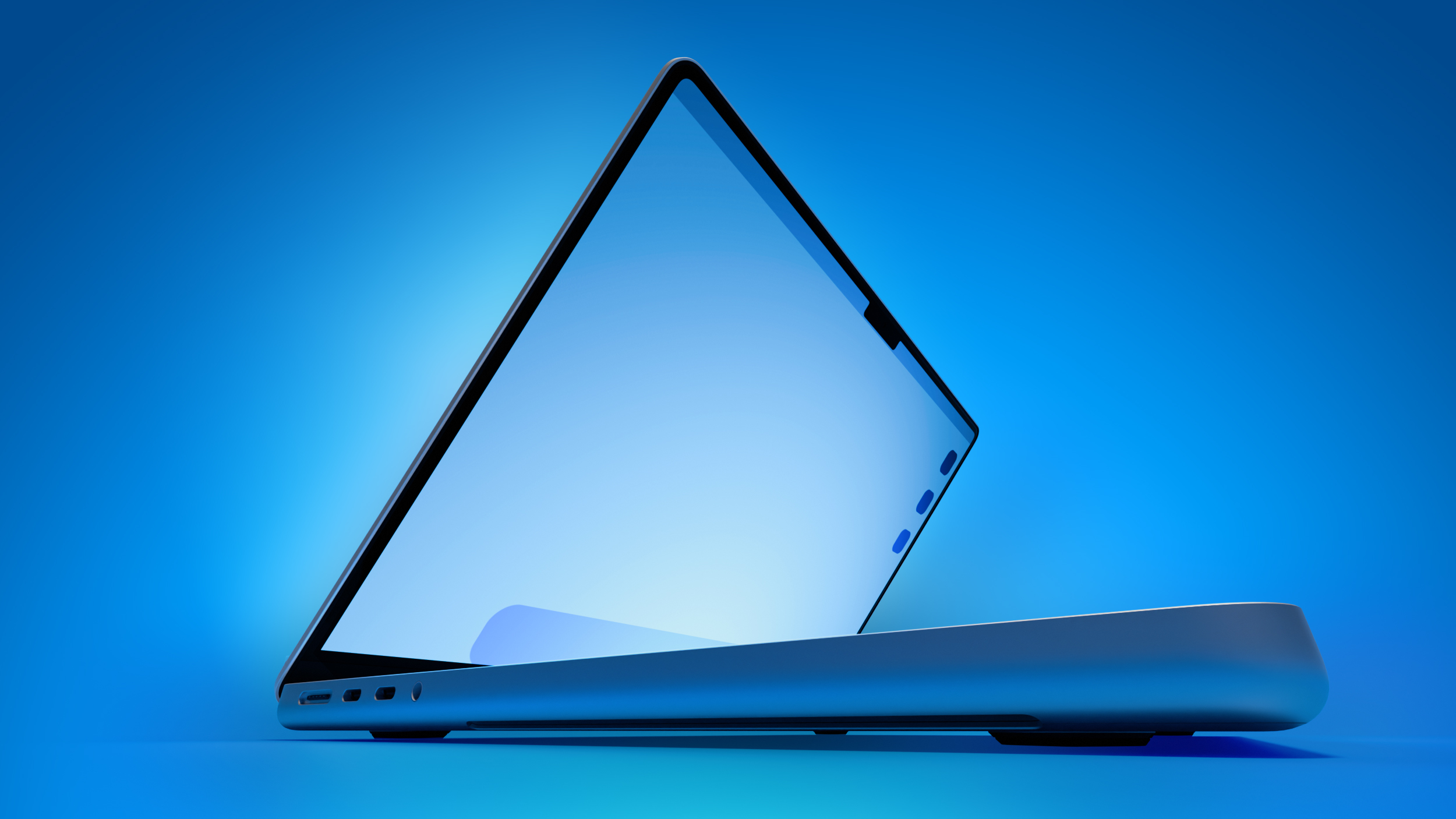
On his first-ever Power On podcast today, Bloomberg's Mark Gurman said that he believes Apple will introduce its long-rumored 14-inch and 16-inch MacBook Pro models with touch-enabled OLED displays in October or November this year.


"Apple, I believe, will introduce its first touchscreen MacBook Pro this fall, as early as October," he said. "It could slip to November, but as early as October."

Apple is testing the laptops with macOS 27.2, which is currently in beta, he added. The software update is expected to be released towards the end of October, so the touch-screen MacBook Pro models might be announced later this month.

Other rumored features beyond an OLED touch screen include Apple's existing M5 Pro and M5 Max chips, a thinner design, and a Dynamic Island instead of a notch.

A few years ago, Gurman reported that Apple was looking into the idea of cellular Macs that would be able to connect to a 5G or LTE network without relying on an iPhone's hotspot. For this reason, some Apple fans are hopeful that the touch-screen MacBook Pro models will be equipped with the company's custom-designed C1X or C2 modem.

The touch-screen models are expected to be positioned above the regular 14-inch and 16-inch MacBook Pro models, which will reportedly jump to the M7 Pro and M7 Max chips next year. It is unclear if the touch-screen models will still have MacBook Pro branding, or if Apple will opt for something unique like MacBook Ultra.
Related Roundup: MacBook Pro
Buyer's Guide: MacBook Pro (Caution)
Related Forum: MacBook Pro

This article, "MacBook Pro With OLED Touch Screen Rumored to Launch in October or November" first appeared on MacRumors.com

Discuss this article in our forums

  •  

Apple's All-New Home Hub Rumored to Launch in These Four Colors

Apple reportedly plans to unveil its long-rumored smart home hub on Tuesday, October 13, and a proven leaker known as "pdfu" has revealed that the device may be available in up to four finishes: Silver, Space Gray, Starlight, and Rose Pink.


MacRumors contributor Aaron Perris uncovered the same four colors within the code for the macOS 26.7 Release Candidate back in August.

On the home hub, users will be able to create a Photo Face, and the leaker said Apple's preview art for this will correspond with the color of the device.

Apple's Home device may come in four finishes: Silver, Space Gray, Starlight, and Rose Pink.

The Photo Face setup screen picks its preview art based on the hardware color the device reports.

The device's housing may also show in setup screens once device assets are available.... https://t.co/8h4iF9OEsG pic.twitter.com/oRRTijUdkO

β€” pdfu (@itspdfu) October 1, 2026

Earlier this week, Bloomberg's Mark Gurman reported that the home hub will come in "Apple's standard gray aluminum finish." He did not mention any other color options for the device, so we shall see if the other three colors materialize.

According to Gurman, the home hub will have a roughly 6-inch square display and will be available in tabletop and wall-mounted versions. He said the tabletop model's screen has a polished metal arm that connects to a metal, round base with perforated speaker holes, similar to the iMac G4 that Apple released back in 2002.
This article, "Apple's All-New Home Hub Rumored to Launch in These Four Colors" first appeared on MacRumors.com

Discuss this article in our forums

  •  

iPhone 18 Pro Aperture Control Goes Fully Manual in Halide 3.2

Award-winning camera app Halide Mark III has been updated to version 3.2, bringing dedicated support for iPhone 18 Pro by broadening user control over the device's new variable aperture camera system.


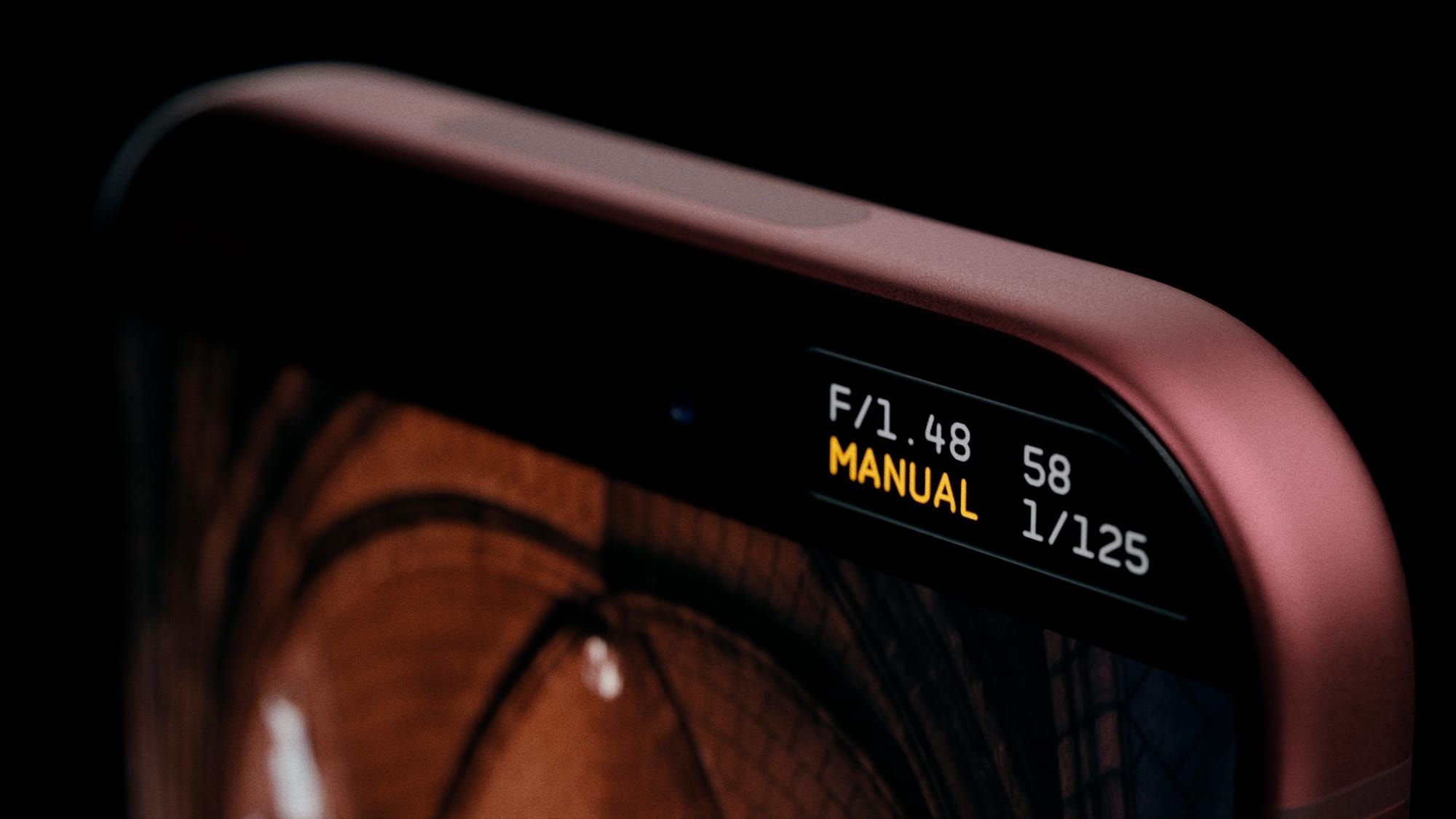
Apple's stock Camera app lets iPhone 18 Pro owners choose from a four-stop variable aperture ranging from Ζ’/1.48 to Ζ’/4.0, delivering around 50 percent better low-light performance and giving users more optical control over depth of field.

Halide 3.2 does away with that four-stop limitation and instead lets you select any Ζ’-stop setting within the camera's full range.

There are two styles of aperture control in the app. The first is Aperture Priority mode, where you can set the Ζ’-stop and the app handles the shutter speed and ISO to properly expose the shot.

The other style is Manual mode, which gives users full control over all three settings. This includes ISO settings – something that Apple's stock Camera app doesn't offer manual control over. Halide has said it is also considering adding f-stop presets in future updates, based on user feedback.

Elsewhere in this update though, Halide 3.2 adds two new film simulations, or photographic looks: Dawn and Quicksilver. Dawn features "filmic warmth in mid-tones and highlights, paired with rich yet gentle shadows and subtle complementary cool colors."

Quicksilver is described as a "high contrast and muted color" that simulates a "silver-retention alternative process." Halide's developers call it an "excellent midpoint between color and stark black-and-white."

Lastly, version 3.2 introduces a new 16:9 aspect ratio shooting mode for those who want to use a wider framing.

Halide 3.2 is available to download on the App Store, and costs $69.99 as a one-time purchase price, or $19.99 for an annual subscription.
Related Roundup: iPhone 18 Pro
Tag: Halide
Related Forum: iPhone

This article, "iPhone 18 Pro Aperture Control Goes Fully Manual in Halide 3.2" first appeared on MacRumors.com

Discuss this article in our forums

  •  

Apple Stores Receive 'Do Not Open' Boxes Ahead of Smart Home Products Launch

Apple Stores around the world are preparing to install new product presentations starting on Thursday, October 8.


Apple retail stores received confidential boxes earlier this week featuring "Do Not Open Until October 8" stickers on them. They are believed to contain new visual merchandise, which enables workers to update labels, graphics, and product layouts in stores around the release of new products. MacRumors received a tip-off about the boxes earlier this week, which it has now independently verified.

There is a possibility that the materials relate to the iPhone Duo, but it seems more likely given their confidentiality and timing that they relate to the rumored launch of Apple's smart home hub, alongside a new Apple TV 4K, and the HomePod mini 2. Yesterday, Bloomberg's Mark Gurman said that Apple plans to introduce these three long-awaited new devices on Tuesday, October 13.

If Apple announces the new devices sometime in the week of Monday, October 5, Apple Stores would need to update their displays for launch on October 13. For now, the exact timing of the announcement of the trio is unclear. Gurman's report used indeterminate wording, simply saying that Apple would "push into the smart-home market on October 13." This could be either announcement or launch.
Related Roundups: Apple TV, HomePod mini

This article, "Apple Stores Receive 'Do Not Open' Boxes Ahead of Smart Home Products Launch" first appeared on MacRumors.com

Discuss this article in our forums

  •  

iPhone 18 Pro Sales Jump in China Ahead of iPhone Duo Launch

Sales of iPhone 18 Pro models in China were 12% higher in the three days after launching than sales of iPhone 17 Pro models were during their entire first week last year, according to Counterpoint Research.

The strong start helped Apple claim the top spot in the country's smartphone market for the week of September 14 to 20, handing it a 33% share. But the news could get even better for Apple's China market prospects this month: The iPhone Duo goes on sale October 23, and Chinese consumers have a much stronger appetite for foldable devices compared to the rest of the world.
Related Roundups: iPhone 18 Pro, iPhone Duo
Related Forum: iPhone

This article, "iPhone 18 Pro Sales Jump in China Ahead of iPhone Duo Launch" first appeared on MacRumors.com

Discuss this article in our forums

  •  

Apple TV Still Down for Some Users Following Apple Services Outage

Apple TV appears to be unavailable for some users, following a recent outage of Apple Services that began on September 30.


The original outage took down the App Store, Apple Fitness+, Apple Music, and several other services, but those are all now back online. Only Apple TV is still not working for an unknown number of users.

Apple's System Status page indicates an ongoing issue with Apple TV that started on September 30 at 4:43 p.m. Eastern Time. "Some users are affected," the page says, adding "Apple TV may be unavailable due to scheduled maintenance."

We'll update this article when the situation changes.
Related Roundup: Apple TV
Buyer's Guide: Apple TV (Don't Buy)

This article, "Apple TV Still Down for Some Users Following Apple Services Outage" first appeared on MacRumors.com

Discuss this article in our forums

  •  

Distribution Release: OpenMandriva Lx 26.09 "ROME"

The DistroWatch news feed is brought to you by TUXEDO COMPUTERS. The OpenMandriva Lx project has released new live and installation media for its rolling-release "ROME" edition. Labelled as version 26.09, the new snapshot comes with a large number of package upgrades: "The glibc library has been enhanced with support for interchangeable malloc implementations. Choosing the appropriate implementation can....
  •  

Microsoft 365 Work Accounts May Stop Syncing in Apple Mail

From October 1, 2026, Microsoft began disabling Exchange Web Services (EWS) by default in Exchange Online, which will cut off the protocol that Apple's Mail and Calendar apps on Mac still rely on to sync Microsoft 365 work accounts.


The cutoff has been on the cards for a fairly long time, as Microsoft stopped adding new features to EWS back in 2018, while in 2023 it announced that it would start disabling the protocol in Exchange Online from October 2026.

As Microsoft explains in the blog post linked above, organizations that have chosen to keep EWS running aren't affected for now. As for everyone else, the cutoff may not happen all at once. In a recently updated post from June, Microsoft described the change as a "phased rollout," so some Mac users could lose access sooner than others.

It's still possible for IT administrators to restore access. However, Microsoft plans to shut down EWS in Exchange Online permanently on April 1, 2027, and no extensions are currently planned.

As you'd expect, Apple is aware of the situation. In an Apple Platform Deployment support document, the company says it is "actively working with Microsoft" to move Mail, Calendar, Contacts, Notes, and Reminders apps on Mac to the newer Microsoft Graph API in a future macOS 27 update.

Except, that update hasn't arrived yet. Apple skipped macOS 27.1 betas entirely, while release notes for the macOS 27.2 betas have yet to make any mention of Graph support.

Meanwhile, affected organizations can just keep EWS running or move Mac users to a Graph-compatible client, such as Microsoft's Outlook app.

Note that the change will only affect Microsoft's cloud-hosted email server. In other words, companies that run their own Exchange servers aren't affected. Neither will iPhone and iPad be impacted, since they use Exchange ActiveSync rather than EWS.

(Thanks, Jonathan!)
This article, "Microsoft 365 Work Accounts May Stop Syncing in Apple Mail" first appeared on MacRumors.com

Discuss this article in our forums

  •  

Gunnar Wolf: The Origins of GPU Computing

This post is an unpublished review for The Origins of GPU Computing

This article appears in the β€œCommunications of the ACM” magazine as part of a series devoting to showcasing relevant examples of technologies where federal funding of academic research have resulted in widely impacting, clearly identifiable technological advances that have visibly improved –or, at least, changed– life far beyond the technological arena.

The road leading from the first parallel computing technologies built completely for research, through a phase that was preeminently directed at gaming, and back to leading current GPUs, that are basically massively parallel supercomputers used for LLM training and inference and other IA tasks, is far from trivial, and the authors make a good job outlining it in few pages. The article is written in a clearly divulgatory way, staying as clear of technical language as possible.

The authors present three main enabling technologies for current GPU technologies: Parallel computing, parallel graphics systems, and stream processing.

Coming from a technical formation myself, although clearly better grounded in the software side of Computer Engineering than on the electronics side, the most interesting β€œnugget of information” I take is that parallel computing was born due to the fact that transistor switching consumes very little energy, whereas communication along wires consumes much more β€” so the more simultaneous operations can be carried out on-chip at once, the less power will be dissipated as heat (and the less time that will be lost due to data stores and loads).

Graphics systems are a natural match for parallel systems, as rendering realistic images basically requires repeating the same blocks of instructions to a large array of items. Early GPU implementations were built on fixed-function graphics pipelines, but by the turn of the century, when nVidia spinned off the research labs at Stanford and started marketing their product, introducing along the way the Graphical Processing Unit term, product, they enabled it to implement the full OpenGL graphics pipeline on a single chip.

Stream processing is the arrangement of in-chip electronics so that they can better exploit producer-consumer locality between stages, in order to achieve greater arithmetic intensity (this is, a greater computation-to-bandwidth ratio), decreasing the total number of access to memory accesses.

The authors explain in broad terms the described technologies and how they fit together, and how the technology was transferred from the universities to the companies that became the most dynamic companies behind today’s top trending technologies.

I felt the article to be engaging and easy to read. As a technologist, I did miss more details β€” dates when specific advances were made, how some of the advances joined into further inventions… But I understand the aim of the β€œFederal Funding of Academic Research” series’ aim is more towards outsiders. And, as such, this work very well explains how trillion-dollar technologies are only the result of decades of funding research ideas.

  •  

Apple's Smart Home Hub: Everything We Know So Far

Apple is working on a new smart home accessory that will serve as a hub for interacting with Siri AI, controlling HomeKit devices, watching videos, checking the calendar and the weather, and generally offering up useful information to everyone in the household.
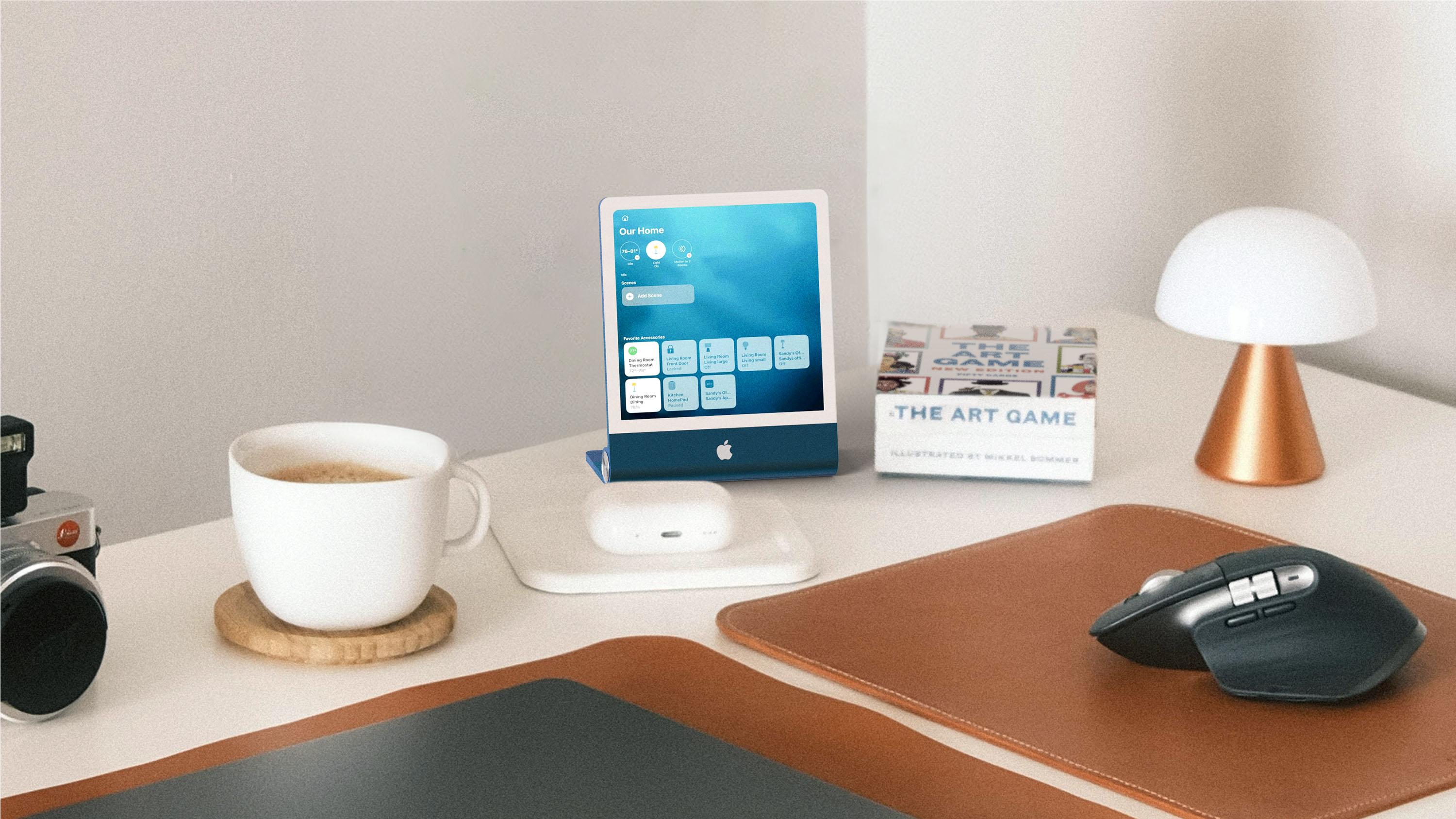

This guide aggregates everything that we know about Apple's smart home hub.

Design


Apple's smart home device will somewhat resemble an iPad, and it will have a display-focused design. It is expected to be square rather than rectangular, and it will measure in at 6 inches with quarter-inch black bezels around the edges.

In terms of size, it will look similar to two iPhones that are side-by-side, and it will be about as thick as an iPhone. Apple imagines people having multiples of the hub in different rooms of the house. The device will support touch input for opening apps and controlling connected devices.
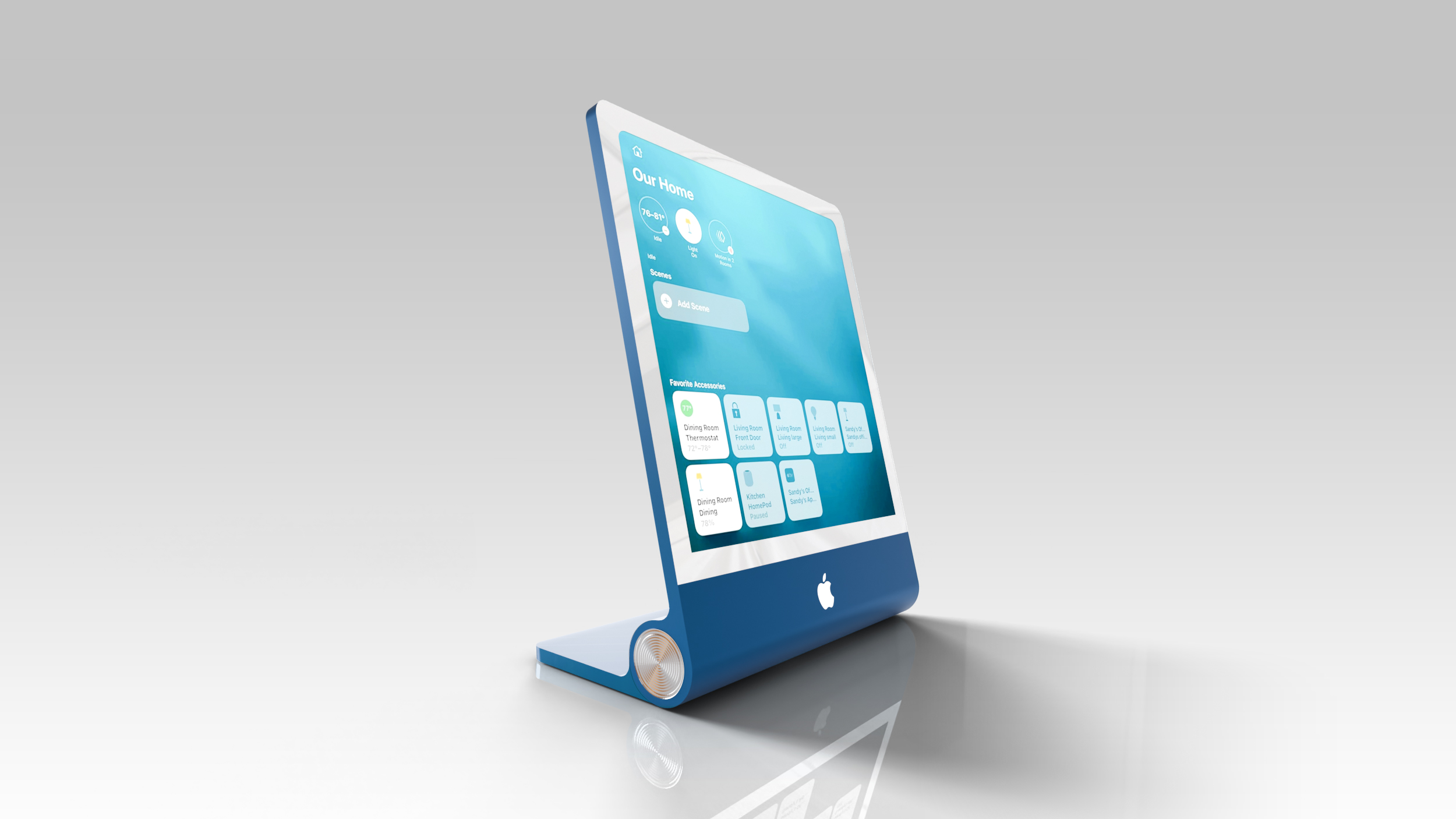

Apple is making two versions of the home hub. One will have a 6-inch display and is meant to be mounted on the wall, and the second version has the same 6-inch display and a hemispherical speaker base that looks similar to the iMac G4. The display attaches to the base with a polished metal arm that holds the small screen and allows it to be tilted forward or backward. The base features speaker hole perforations and a rubber bottom for stability.
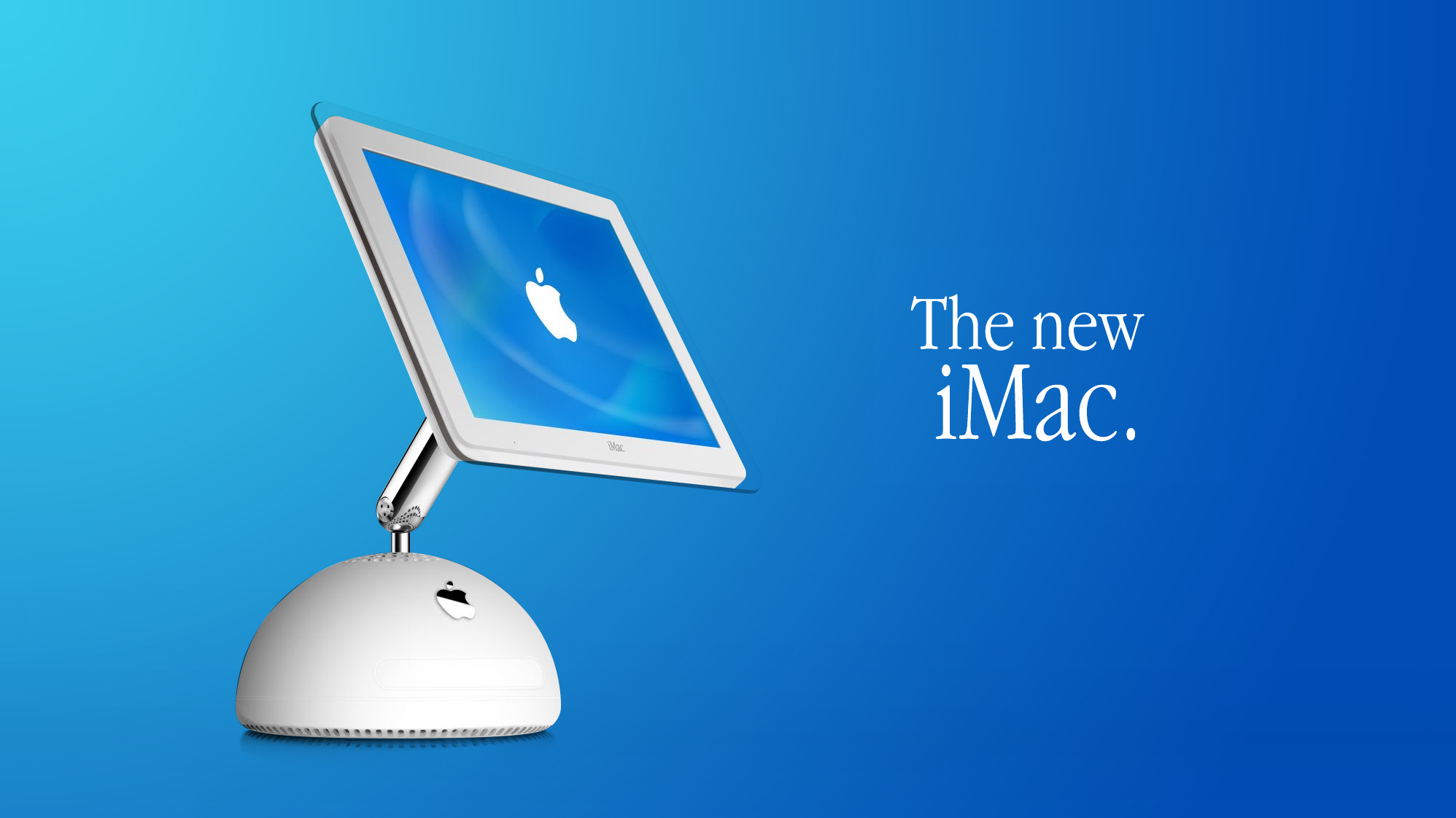
The original β€ŒiMacβ€Œ G4

The wall-mounted version will have a thin square base for the speakers and the mics, and it will sit flush against the wall. Both models will have a 1080p camera on the front for FaceTime calls, authenticating users, and recognizing different people in the home. Apple is planning to release the hub in a gray aluminum finish.

The device has no internal battery and is instead meant to be used while connected to power via USB-C.

Sensors


The smart home hub will be able to determine how close a person is standing to it, adjusting features from there. When no one is nearby, for example, it might show the temperature, but as someone approaches, it could shift to an interface for adjusting the thermostat.

Person detection will likely allow it to be used in smart home automations for doing things like turning on the lights when someone enters a room. The sensor will be able to tell one person from another, and it could recognize hand gestures for longer-range control.

Facial recognition


The home hub will use a Face ID-like feature along with voice for authentication and to identify who is in a room. With the recognition features, the home hub will be able to switch to the profile for the person in the home who is interacting with the device. Each user will have a customizable profile and interface with options to change profiles through the Control Center.

The camera won't be as accurate as Face ID, so voice is an alternative. Apple's HomePod also uses voice recognition for some personalized features. Users will be able to set up secondary authentication with an iPhone for more security, and a visitor mode will hide personal information.

Rumors suggest there is a Mac-style edge light around the screen to offer lighting so the device can identify people in the dark.

Chip


Apple's smart home accessory is expected to use an A18 chip or better for Apple Intelligence support. Given that β€ŒApple Intelligenceβ€Œ requires 8GB RAM minimum, it will have at least 8GB RAM.

Operating System


Apple's home hub will run an operating system that Apple refers to as "Charismatic" internally, though it could be called homeOS when it launches. It's going to use elements from tvOS, watchOS, and iOS, and it will sync with the iPhone for setup purposes.

Interface


Apple does not plan to create a dedicated App Store for the home hub, but it will come with several apps pre-installed. The main view will be a customizable home screen with widgets that can show the weather, important home controls, photo slideshows, upcoming events, and more. A built-in camera will scan the face of each user, bringing up different apps and a Home Screen for each person.

The interface is something like a cross between watchOS and the iPhone's StandBy mode, with a heavy focus on clock faces and photo slideshows when the device is idle. The β€ŒHome Screenβ€Œ will feature Apple Watch-like icons, but the apps will have an iPad-like design with a two-panel layout. There will be familiar customization options like pressing and holding to rearrange icons and swiping up to get to the app launcher.

There will be a Widget Gallery that suggests widgets from a linked iPhone. Widgets shown on the device from an iPhone that's connected will only display widget content when the primary user is in the home. A Smart Stack will be available to intelligently rotate through different widget options throughout the day, and the clock will be customizable with a Face Gallery.

The hub will adopt the visual aesthetic of β€ŒSiriβ€Œ AI, with darker design elements. A software-based dock will be available for launching apps, and the hub will be built around β€ŒSiriβ€Œ AI.

Apps


Several Apple apps will be installed even though there won't be a dedicated β€ŒApp Storeβ€Œ. Apps that are rumored:


The hub will support integration into β€ŒHomeKitβ€Œ scenes alongside other smart home products, and it will play videos, so it can be used for things like following along with a recipe when in the kitchen.

Intercom


More than one of the devices can be used throughout the home, and two or more can serve as room-to-room intercoms.

AirPlay


With its built-in speakers, the device will support music playback and it will be able to work as an AirPlay receiver.

homeOS Trademark


Apple appears to be using a shell company to trademark "homeOS" in several countries around the world, with the trademarking kicking off in October 2024. Apple has secured the homeOS trademark in Liechtenstein, and trademarks are pending in the U.S., Argentina, Peru, and more.

Future Smart Home Accessories


Apple is creating an indoor security camera that will connect to the home hub, and it's rumored for 2027. Privacy would be a focus, providing an alternative to cameras from companies like Ring and Nest.

Pricing


Apple's home hub could be priced somewhere around $350, which would make it more expensive than competing products like the Amazon Echo Show.

Launch Date


Apple's smart home hub is rumored to be debuting on October 13 alongside a new Apple TV 4K and a new HomePod mini.

This article, "Apple's Smart Home Hub: Everything We Know So Far" first appeared on MacRumors.com

Discuss this article in our forums

  •  

Apple's Home Hub Borrows From the iPhone Duo's StandBy Mode

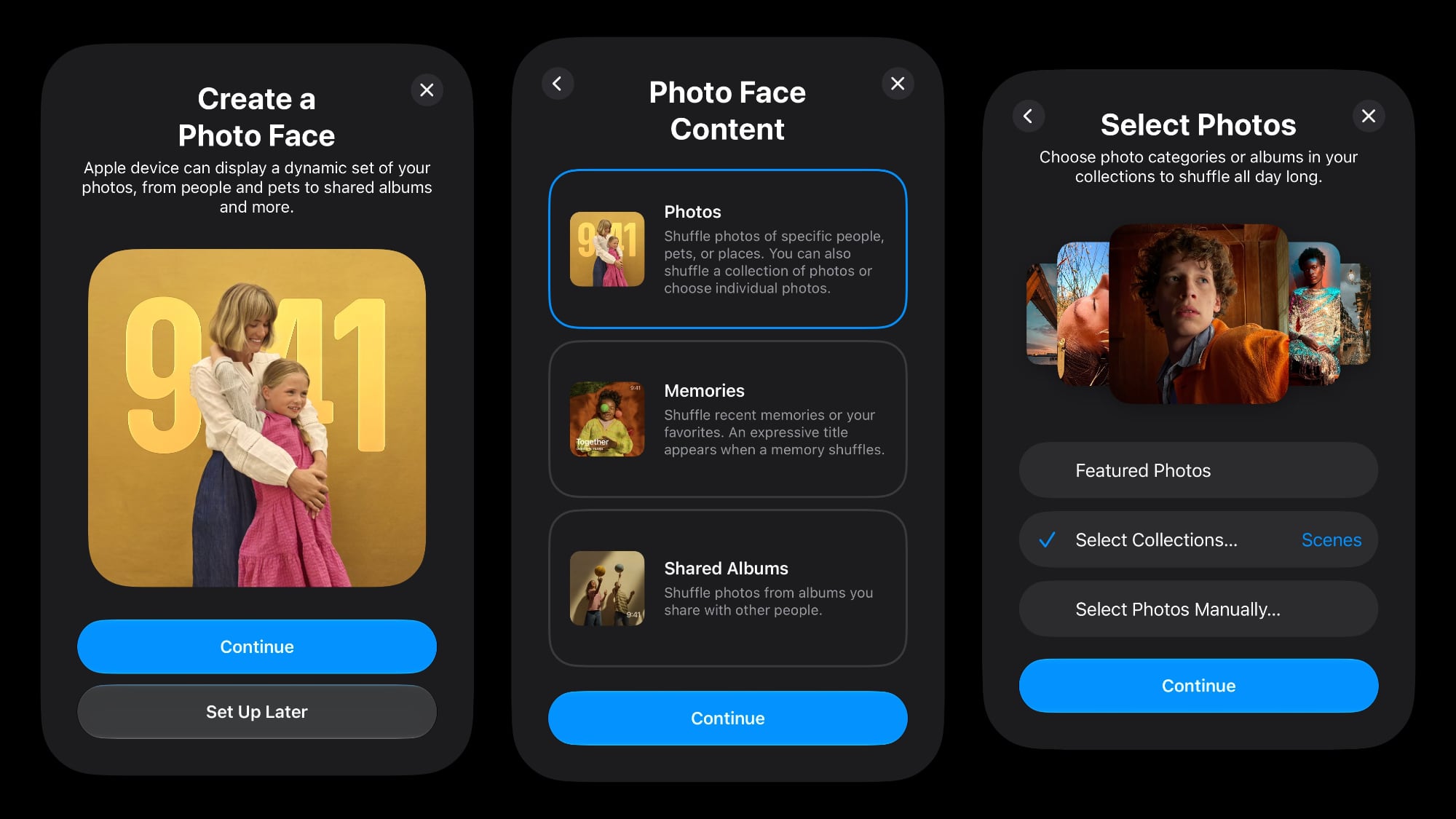
Apple's rumored smart home hub will have different faces users can choose from, some of which are similar to StandBy screens planned for the iPhone Duo. Leaker pdfu shared setup screens of the Photo Face said to be for Apple's upcoming home product.


Based on the images, users can select from different photo collections, memories, or shared albums for the Photo Face, and those photos will be shown on the device's display. Photos are pulled from iCloud, so iCloud Photos needs to be turned on for it to work. Users will be prompted to set up the Photo Face when activating the device.

Pdfu says the Photo Face for the hub is the same as the Photo Face coming to the β€ŒiPhone Duoβ€Œ, and that could explain why Apple hasn't made the β€ŒiPhone Duoβ€Œ's StandBy mode available in the Xcode simulator yet.

This is the first visual of a home hub face we've seen. The hub is expected to have a 6-inch screen, and it will look similar to an iPad except for the square shape and the base. The hub is rumored to have an iMac G4-like half-dome metal base that connects to the display with an arm.

Prior rumors have said the home hub won't have a full App Store, but it will support apps and widgets like Calendar, Weather, Music, Messages, Reminders, and more. The device will be able to tell when someone is approaching it, and can distinguish between people in the home to show different widgets for each user. It makes sense for the hub to display a StandBy-like interface when it is not in active use.

There will be multiple idle display options to choose from, just like there are now when using the iPhone in StandBy mode. Earlier today, Bloomberg said the home hub interface is "built heavily" around clock displays and photo slideshows, so the Photo Face will likely be an integral part of the device's software.

The home hub is rumored to be debuting on October 13.
Related Roundup: iPhone Duo
Related Forum: iPhone

This article, "Apple's Home Hub Borrows From the iPhone Duo's StandBy Mode" first appeared on MacRumors.com

Discuss this article in our forums

  •  

Dirk Eddelbuettel: RcppFastFloat 0.0.6 on CRAN: New Upstream

A new release of RcppFastFloat just arrived on CRAN, and has been built for r2u. The package wraps fast_float, another nice library by Daniel Lemire. For details, see the arXiv preprint or published paper showing that one can convert character representations of β€˜numbers’ into floating point at rates at or exceeding one gigabyte per second.

This release updates the underlying fast_float library version to the current version 8.3.0, and also updates a number of the standard packaging details.

Changes in version 0.0.6 (2026-09-29)

  • Update to upstream release 8.3.0 (Daniel Lemire in #6)

  • Standard package maintenace adding README badge, updating URL, updating continuous integration, and adding an aspell dictionary

  • Completed help page for as_double example with @return tag

Courtesy of my CRANberries, there is also a diffstat report for this release. For questions, suggestions, or issues please use the issue tracker at the GitHub repo.

This post by Dirk Eddelbuettel originated on his Thinking inside the box blog. If you like this or other open-source work I do, you can now sponsor me at GitHub.

  •  

Apple Invites App Updated With Three New Features

The free Apple Invites app for the iPhone was updated today with three new features: shared albums now support full-resolution photo sharing, Image Playground now lets you create photorealistic backgrounds for invites, and guests who need to verify their email can now tap a link in their inbox instead of entering a code.


Released in February 2025, the Apple Invites app makes it easy to invite people to events, such as birthday parties and baby showers. The ability to create an event in the app requires subscribing to an iCloud+ plan with at least 50GB of storage for $0.99 per month, but anyone who receives an event link can RSVP for free on any device.

Apple's full release notes for version 1.12.0 of the app:
β€’ Shared Albums now support full-resolution sharing, so you can relive every moment in stunning detail right in the app. Anyone, including users without an Apple device, can join and contribute.

β€’ Image Playground now lets you create high quality backgrounds in pretty much any style, including photorealistic, so your invite captures exactly the vibe you have in mind.

β€’ Guests who need to verify their email can now tap a link in their inbox instead of entering a code, making it even easier to get into an event.

β€’ This update contains bug fixes and performance improvements.
The update is available now in the App Store.
This article, "Apple Invites App Updated With Three New Features" first appeared on MacRumors.com

Discuss this article in our forums

  •  

Distribution Release: Kodachi OS 10.0.3

The DistroWatch news feed is brought to you by TUXEDO COMPUTERS. Warith Al Maawali has announced the release of Kodachi OS 10.0.3, an updated version of the project's Debian-based Linux distribution with integrated privacy and security features on top of a highly customised Xfce desktop: "The first stable release of Kodachi 10. It contains everything in the Kodachi 10....
  •  

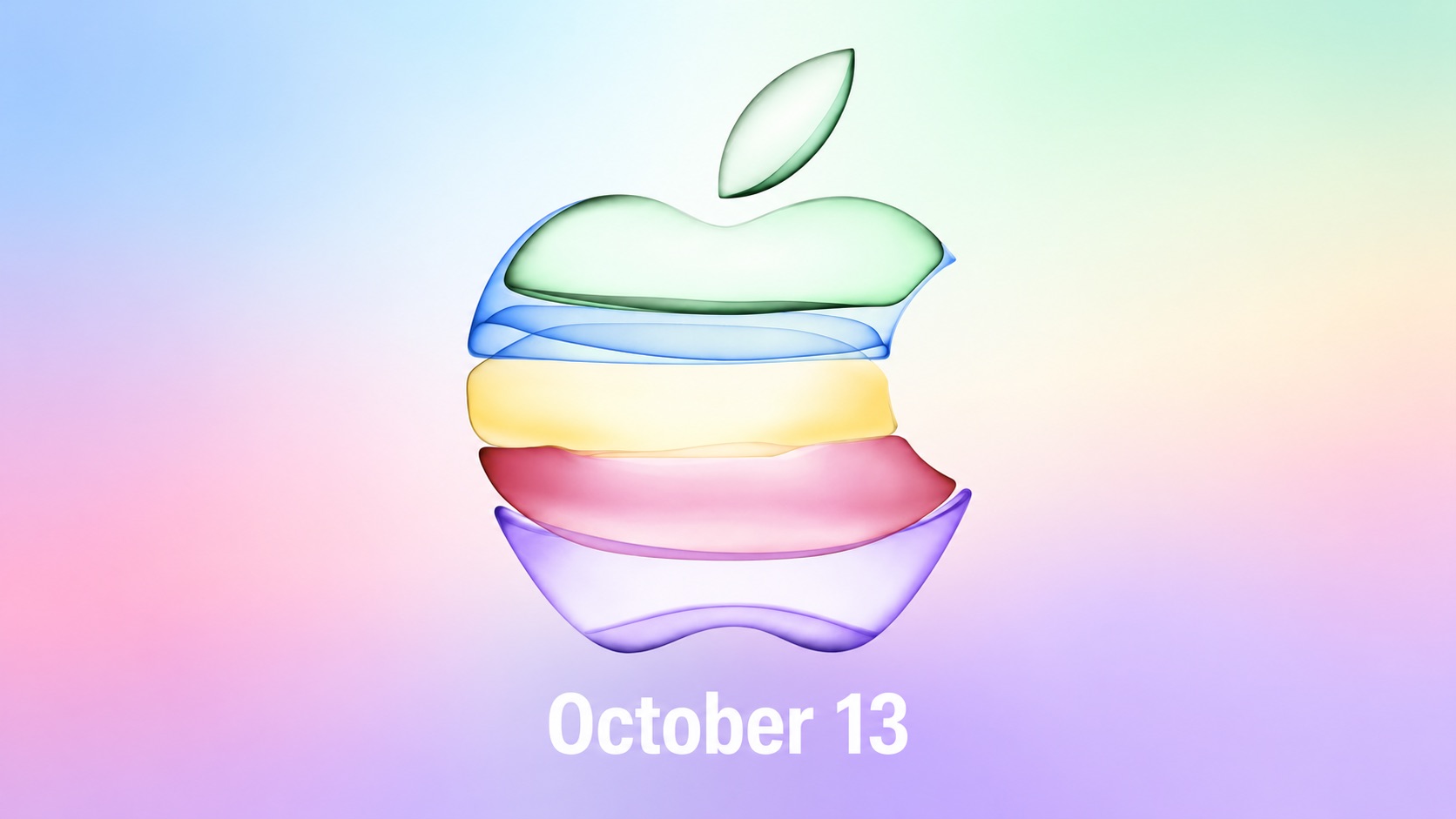
Apple Event on October 13?

Earlier this week, Daring Fireball's John Gruber floated Tuesday, October 13 as a potential date for Apple to hand out iPhone Duo review units to selected reviewers in person, and it appears that he might have been on to something.


Bloomberg's Mark Gurman today reported that Apple plans to unveil its all-new smart home hub, a second-generation HomePod mini, and a new Apple TV 4K model on October 13, the same date that Gruber mentioned in his speculative piece a few days ago.

In a separate post, Gruber opined that there is "no way" that Apple would unveil the home hub through an Apple Newsroom announcement only, given it is an all-new device with an all-new interface. "If this is coming, it has to be unveiled with a keynote video and some sort of media event with hands-on demos," he said.

If Gruber is right that the home hub "has to be unveiled with a keynote video," that would set the stage for an online-only Apple Event that would be streamed on Apple's website and YouTube on October 13. Afterwards, Apple would likely hold a hands-on experience for the media, allowing them to demo the products that were announced.

The same thing happened in October 2023. On October 24 that year, Apple announced that it would be holding an online-only Apple Event on October 30, which was streamed on Apple's website and YouTube. Later that day, Apple allowed selected journalists and content creators to go hands-on with the Macs unveiled during the event in person.

During the hands-on experience, selected individuals could also receive an iPhone Duo review unit in hand, allowing Apple to avoid a first-of-its-kind iPhone getting lost in the mail before it launches on Friday, October 23. Apple typically gives out review units around a week before a device launches, so the timing would line up.

In any case, mark your calendars, as it sounds like October 13 will be a big day for Apple.

If there is an October 13 event, expect Apple to announce it by next week.
This article, "Apple Event on October 13?" first appeared on MacRumors.com

Discuss this article in our forums

  •  

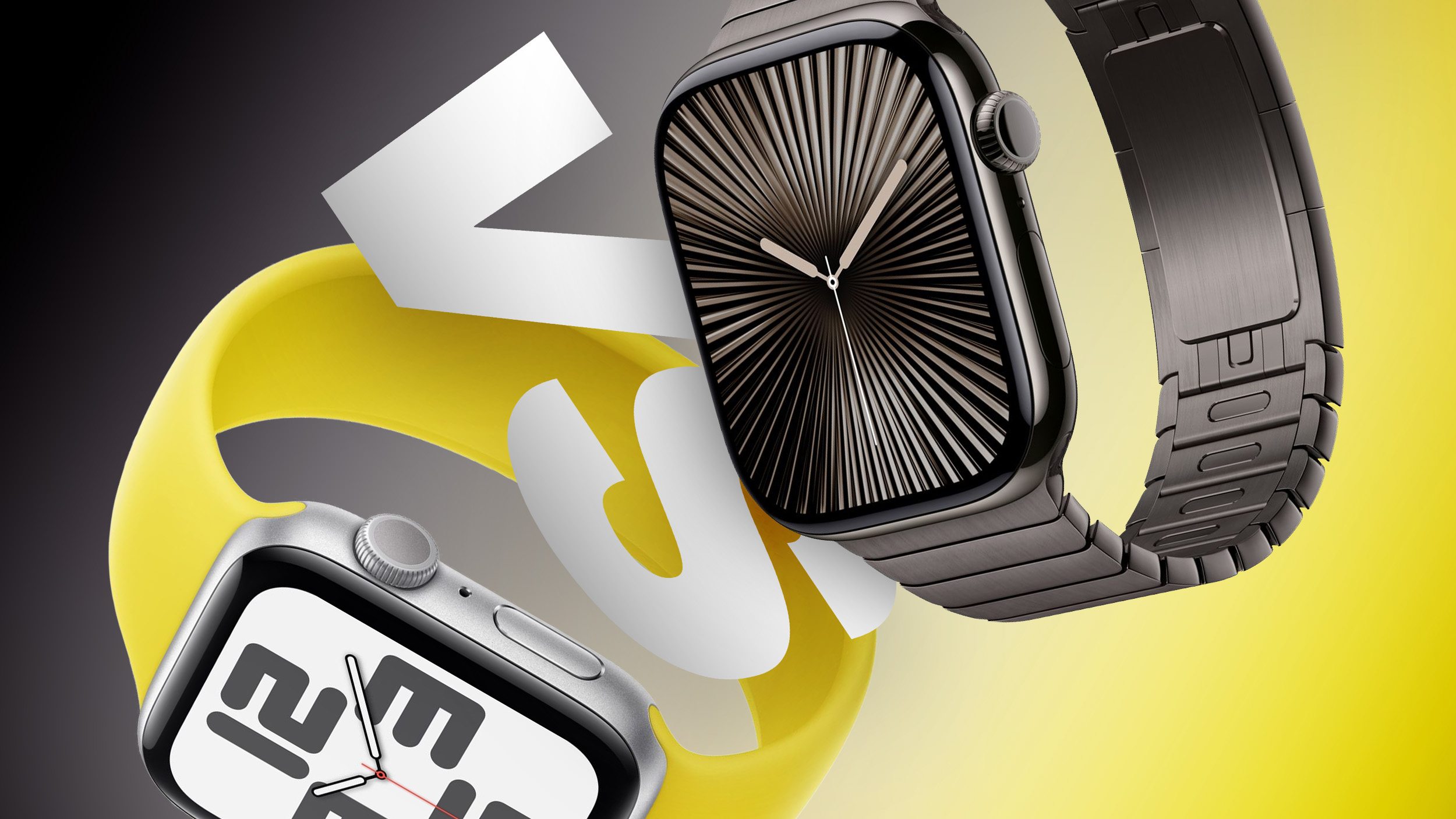
Apple Watch SE 3 vs. Series 12 Buyer's Guide: Which Should You Buy?

The Apple Watch SE 3 starts at $249, while the Apple Watch Series 12 starts at $399. The $150 difference buys a more advanced health sensing system, a larger display, longer battery life, and more options for tracking training and recovery.


The two watches still share many features, including an always-on display, wrist temperature sensing, sleep apnea notifications, retrospective ovulation estimates, 5G connectivity on cellular models, media playback, and 64GB of storage. Our guide helps to answer the question of how to decide which of these two Apple Watch models is best for you. The differences between the two models are as follows:


β€ŒApple Watch SE 3β€Œ Apple Watch Series 12
Same design as Apple Watch Series 4, 5, and 6 Refined design with a thinner casing, display with more rounded edges and a wider aspect ratio, and front glass that extends further over the sides for a higher screen-to-body ratio
40mm or 44mm case 42mm or 46mm case
Aluminum case Aluminum, titanium, or ceramic case
40mm: 40 by 34 by 10.7mm
44mm: 44 by 38 by 10.7mm
42mm aluminum/titanium: 42 by 37 by 9.7mm
46mm aluminum/titanium: 46 by 40 by 9.7mm
42mm ceramic: 43 by 37 by 9.85mm
46mm ceramic: 47 by 41 by 9.85mm
Aluminum GPS weight: 26.3 grams (40mm) or 32.9 grams (44mm) Aluminum GPS weight: 32.2 grams (42mm) or 39.5 grams (46mm)
Ion-X front glass Ceramic Shield 2 front on aluminum models; sapphire crystal front on titanium and ceramic models
No published IP6X rating IP6X dust resistance
LTPO OLED display LTPO3 display with a 1Hz always-on refresh rate, allowing a live ticking seconds hand on supported watch faces
β€ŒOLEDβ€Œ display Wide-angle β€ŒOLEDβ€Œ display
40mm: 324 by 394 pixels
44mm: 368 by 448 pixels
42mm: 374 by 446 pixels
46mm: 416 by 496 pixels
40mm: 759 sq mm display area
44mm: 977 sq mm display area
42mm: 970 sq mm display area
46mm: 1,196 sq mm display area
Up to 1,000 nits brightness Up to 2,000 nits brightness
2 nits minimum brightness 1 nit minimum brightness
Nylon composite and sapphire crystal back Aluminum or titanium and zirconia back; ceramic and zirconia back on ceramic models
S10 chip (2024) S11 chip (2026)
2GB RAM 4GB RAM
Second-generation optical heart sensor Always-on optical heart sensor
Standard background heart rate tracking Background heart rate readings every five seconds
Heart rate variability tracking Recovery HRV and more frequent overall HRV readings
Vitals app with heart rate, respiratory rate, wrist temperature, and sleep duration Vitals app with heart rate, respiratory rate, wrist temperature, sleep duration, HRV, and a daytime view
Readiness app
Electrical heart sensor and ECG app
Blood oxygen sensor and Blood Oxygen app
Hypertension notifications
Standard step tracking Improved step tracking
Real-time heart rate and steps watch face complications
Water temperature sensor
Depth gauge to 6 meters and Depth app
Oceanic+ app for snorkeling to 6 meters, available on the App Store
Audio Intelligence features including Siri Recap, Sound Recognition, and Shazam
Live Rewind and β€ŒSiriβ€Œ Recap, due in beta in late 2026
Microphone Microphone with Voice Isolation
Single, elongated speaker openings Individual speaker holes
2.4GHz Wi-Fi 4 2.4GHz and 5GHz Wi-Fi 4
L1 GPS Precision L1 GPS
Second-generation Ultra Wideband chip
Find iPhone Precision Finding for iPhone, with distance and direction guidance
HomePod playback controls β€ŒHomePodβ€Œ playback controls and proximity-based media suggestions with a compatible Ultra Wideband β€ŒHomePodβ€Œ
Up to 18 hours of normal use Up to 24 hours of normal use
Up to 32 hours in Low Power Mode Up to 38 hours in Low Power Mode
Up to 7 hours of workout tracking Up to 10 hours of workout tracking
Charges from 0 to 80% in about 45 minutes Charges from 0 to 80% in about 30 minutes
15 minutes of charging for up to 8 hours of normal use 15 minutes of charging for up to 12 hours of normal use
8 minutes of charging for up to 8 hours of sleep tracking 5 minutes of charging for up to 10 hours of sleep tracking
Midnight and Starlight aluminum finishes Dark Bronze, Light Gold, Black, and Space Gray aluminum finishes
Radiant Gold and Natural titanium finishes
Pearl White and Night Blue ceramic finishes
Silver and Radiant Gold titanium Hermès models
40mm: $249 GPS or $299 GPS + Cellular
44mm: $279 GPS or $329 GPS + Cellular
Aluminum 42mm: $399 GPS or $499 GPS + Cellular
Aluminum 46mm: $449 GPS or $549 GPS + Cellular
Titanium models start at $699; ceramic models start at $899


If you mainly want a smart watch for notifications, standard workout and sleep tracking, and an always-on display, the β€ŒApple Watch SE 3β€Œ remains the better value. Although it is now a year old, it still represents excellent value for money at $249, offering most of the Apple Watch's core features for $150 less than the entry-level Series 12.

The Apple Watch Series 12 has a much stronger case for anyone who uses their device to follow health and recovery trends. Its new Health Sensing System enables frequent heart rate readings, Recovery HRV, and a Readiness score that draws on recent activity, training load, vitals, and sleep. ECG, blood oxygen monitoring, and hypertension notifications add further capabilities unavailable on the β€ŒApple Watch SE 3β€Œ.

Battery life may be a decisive factor. The Apple Watch Series 12 is rated for six more hours of normal use and three more hours of outdoor workout tracking. It also charges faster, which is particularly useful if you wear your watch overnight for sleep tracking.

The Series 12 also offers a larger and brighter display, which makes a noticeable difference in daily use, along with 5GHz Wi-Fi, Precision Finding for a misplaced iPhone, and premium titanium and ceramic case options. Its Audio Intelligence features include β€ŒSiriβ€Œ Recap, Sound Recognition, and always-on Shazam.

If you prefer the Series 12's broader health tracking capabilities, longer battery life, display advantages, or luxury case options, the extra cost is justified. If those features are unlikely to change how you use or appreciate your watch, the β€ŒApple Watch SE 3β€Œ is the more economical choice.
Related Roundups: Apple Watch 12, Apple Watch SE 3
Related Forum: Apple Watch

This article, "Apple Watch SE 3 vs. Series 12 Buyer's Guide: Which Should You Buy?" first appeared on MacRumors.com

Discuss this article in our forums

  •  

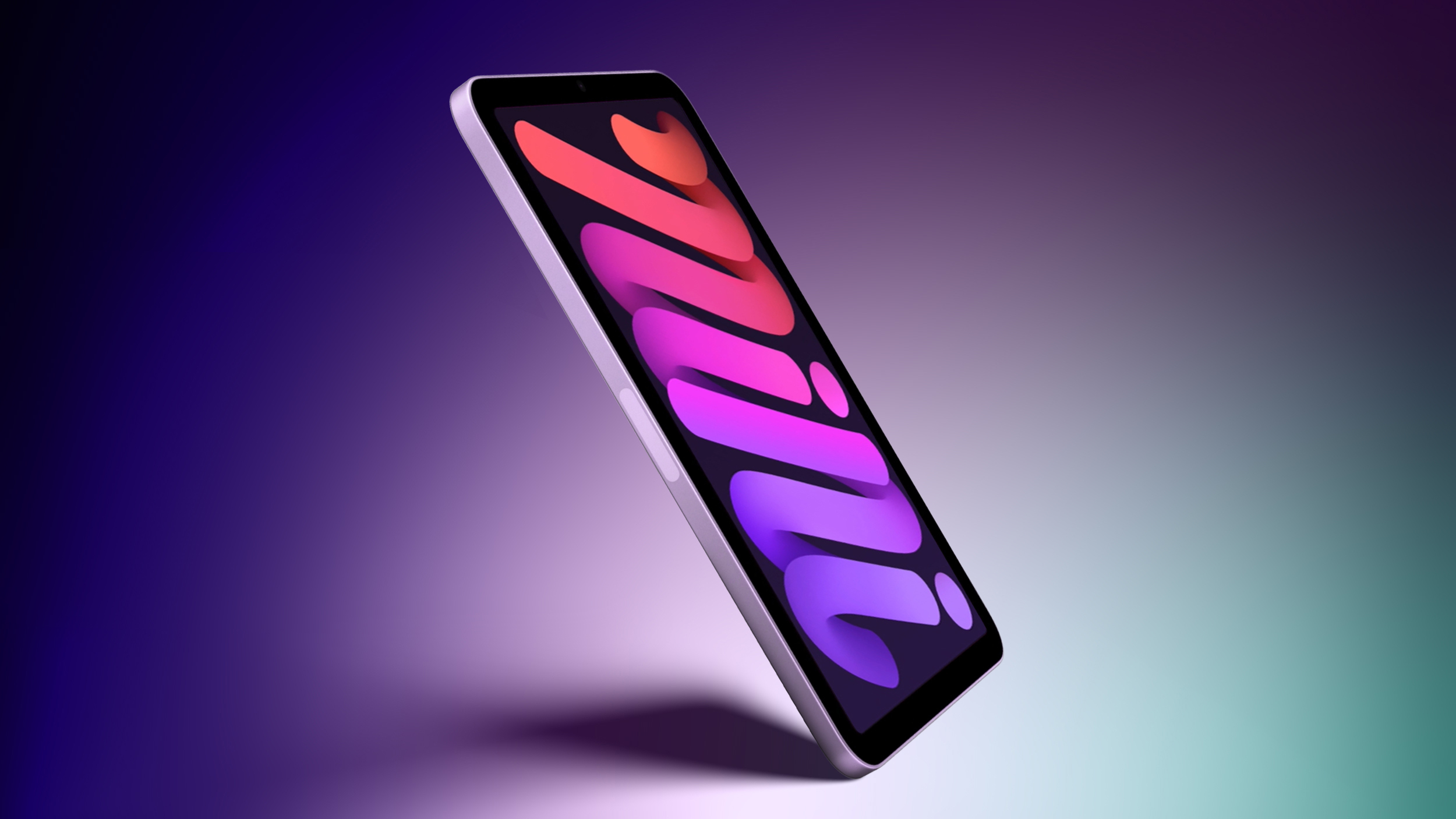
iPad Mini 8 to Offer These 10 New Features

Last week, our exclusive leak revealed that the next-generation iPad mini will feature Apple's latest A20 Pro chip, a landscape front camera, and a redesigned speaker system, but that is not all, as plenty of other upgrades have been rumored.


Here are 10 new features and changes expected for the iPad mini 8:


  • Apple's latest A20 Pro chip, manufactured with TSMC's advanced 2nm process. Expect up to around 1.5Γ— faster CPU performance and up to around 2.5Γ— faster GPU performance compared to the A17 Pro chip in the current iPad mini. A20 Pro also introduces a "dual 16-core Neural Engine" for a total of 32 cores.

  • With the A20 Pro chip, the next iPad mini will have 12GB of RAM, up from 8GB of RAM in the current model. This means the device will support the ability to customize the pace and expressiveness of Siri AI's voice.

  • OLED display with better overall image quality compared to the current LCD model, thanks to richer colors and higher contrast ratio with true blacks.

  • Slimmer bezels around the display compared to the current model.

  • Landscape front camera, meaning the camera will be in the right bezel instead of the top bezel when holding the device in an upright position.

  • Apple's custom-designed N1 chip with Wi-Fi 7 and Bluetooth 6 support.

  • Apple's custom-designed C1X or C2 modem for cellular configurations.

  • A redesigned speaker system with no speaker holes and potentially an iPhone earpiece-like speaker in the top bezel.

  • IP-rated water resistance for the first time.


Apple is expected to announce the iPad mini 8 this year, with an October launch most likely. In the U.S., the current iPad mini starts at $599 after receiving a $100 price increase in June, which Apple attributed to skyrocketing RAM and storage chip prices. With a costlier OLED display, the next model might be even more expensive.
Related Roundup: iPad mini
Buyer's Guide: iPad Mini (Don't Buy)
Related Forum: iPad

This article, "iPad Mini 8 to Offer These 10 New Features" first appeared on MacRumors.com

Discuss this article in our forums

  •  

Dirk Eddelbuettel: myman 0.1.0 on CRAN: New (fabulous !!) Package

Thrilled to share that our new package myman reached CRAN a few days ago. The package offers sixteen hundred ninety four β€œMy man …” posts by Kevin Kruse made on bsky during the summer of 2026. Each wave picked at one particular public persona. This package wrapse these up in the style of packages like fortunes or gaussfacts.

A sample usage illustration shows how to extract by pattern:

> library(myman)
> myman("maitre")
My man looks like he's inquiring with the maitre'd about the house curly fries.
     -- about Howard Lutnick on 2026-08-28

My man looks like a maitre'd who deeply doubts you have a reservation.
     -- about Scott Bessent on 2026-08-31

My man looks like he's asked the maitre'd to remove a party of four he finds visually
unpleasant.
     -- about Scott Bessent on 2026-08-31

My man looks like the maitre'd at a very exclusive restaurant called The Berghof.
     -- about JD Vance on 2026-09-13

> 

One can also subset by β€˜target’, or simple sample randomly (which is the default).

As CRAN review for new package takes a little longer these days, the GitHub repo was updated once more with one (eighth !!) wave of posts since the submission was made. CRAN version 0.1.0 corresponds to the stock of messages from waves one to seven. We will update the CRAN version shortly but if you would like more posts right now consider installing from the repo.

We include the full NEWS file since the package was started, this also includes an entry for the eights wave we will bring to CRAN soon.

Changes in version 0.1.0 (2026-09-27)

  • Initial CRAN version (minus the 0.0.8 changes which were made while CRAN reviewed the package)

  • Add an aspell dictionary to aid DESCRIPTION text

Changes in version 0.0.8 (2026-09-18)

  • Data set now comprises 1694 posts aiming at eight different 'men'

  • The number of 'sample()' object returned can not be set with 'posts'

Changes in version 0.0.7 (2026-09-14)

  • Data set now comprises 1494 posts aiming at seven different 'men'

Changes in version 0.0.6 (2026-09-07)

  • Data set now comprises 1394 posts aiming at six different 'men'

Changes in version 0.0.5 (2026-09-01)

  • Data set now comprises 1194 posts aiming at five different 'men'

  • The myman() function can now now subset by target permitting more focussed randlom sampling

Changes in version 0.0.4 (2026-08-28)

  • Data set now comprises 1040 posts aiming at four different 'men'

Changes in version 0.0.3 (2026-08-19)

  • Data set now comprises 916 posts aiming at three different 'men'

  • Csv file, processing and display extended to three columns also showing post creating date (in UTC) and 'man'

Changes in version 0.0.2 (2026-07-30)

  • Updated with full week of posts leading to a corpus of 698 posts

  • Added support for simple regular-expression lookup ability

Changes in version 0.0.1 (2026-07-19)

  • Initial release

This post by Dirk Eddelbuettel originated on his Thinking inside the box blog. If you like this or other open-source work I do, you can sponsor me at GitHub.

  •  

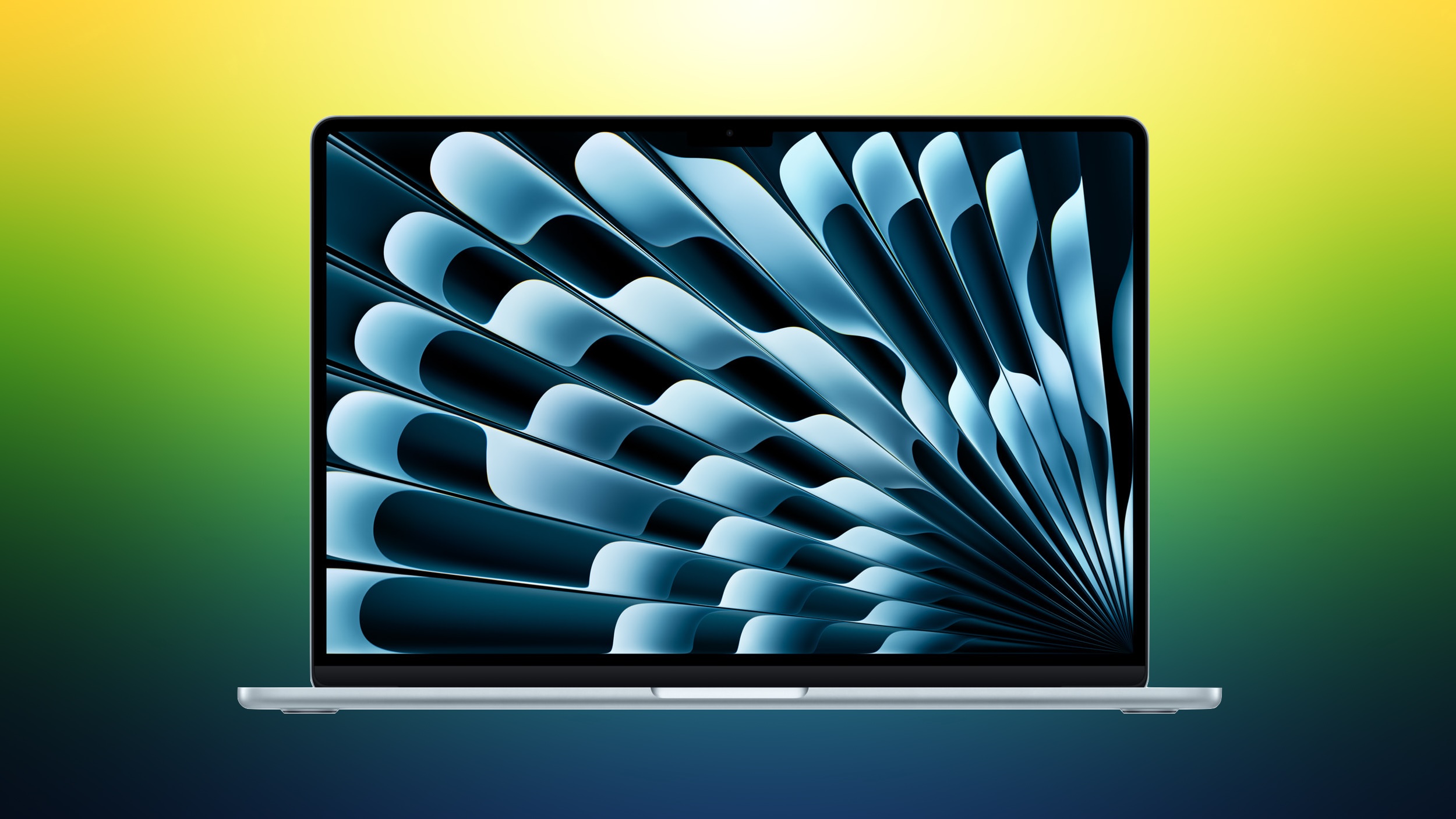
Amazon Takes Up to $150 Off Select M5 MacBook Air Models

Amazon today is taking up to $150 off the M5 MacBook Air, with discounts on both 13-inch and 15-inch models. These remain the best prices we've seen on the M5 MacBook Air in the wake of Apple's summertime price hikes.

Note: MacRumors is an affiliate partner with Amazon. When you click a link and make a purchase, we may receive a small payment, which helps us keep the site running.

Amazon has the 16GB/1TB 13-inch MacBook Air for $1,449.00, down from $1,599.00. This one is available in Sky Blue, and it's accompanied by two discounts on the 15-inch M5 MacBook Air.


If you're on the hunt for more discounts, be sure to visit our Apple Deals roundup where we recap the best Apple-related bargains of the past week.


Deals Newsletter


Interested in hearing more about the best deals you can find in 2026? Sign up for our Deals Newsletter and we'll keep you updated so you don't miss the biggest deals of the season!


Related Roundup: Apple Deals

This article, "Amazon Takes Up to $150 Off Select M5 MacBook Air Models" first appeared on MacRumors.com

Discuss this article in our forums

  •  

DoorDash Unveils AI Food Ordering Through Apple's Messages App

DoorDash is inviting U.S. customers to join a waitlist for an AI assistant that can take food orders through Apple's Messages app (via Bloomberg).


The phone number used in the conversation connects the request to a customer's DoorDash account. The assistant can use previous purchases and preferences to help put together an order, then use a saved payment method at checkout. Customers can also view food photos in the chat or send a picture of their fridge for recipe ideas and suggestions for missing ingredients.

The service builds on Ask DoorDash, which launched inside the DoorDash app in June. DoorDash describes the message assistant as a pilot for select U.S. account holders and advises users to check their carts before paying because the AI can make mistakes.

To join the beta waitlist, U.S. iOS users can enter their phone number at doordash.com/text and select Continue. DoorDash says Android support is coming soon.


This article, "DoorDash Unveils AI Food Ordering Through Apple's Messages App" first appeared on MacRumors.com

Discuss this article in our forums

  •  

Ludovic Rousseau: macOS Golden Gate and smart cards status

I will compare this version of macOS with the previous one, Tahoe, which I presented in macOS Tahoe and smart cards status.

/images/2026/09/macOS-GoldenGate.png

CCID

    $ grep -A 1 CFBundleShortVersionString /usr/libexec/SmartCardServices/drivers/ifd-ccid.bundle/Contents/Info.plist
            <key>CFBundleShortVersionString</key>
            <string>1.5.1</string>

There has been no change since the release of macOS Sonoma in 2023. The version of my CCID driver included in macOS is still 1.5.1.

Apple Open Source

The Open Source components included in macOS can be found at <https://opensource.apple.com/releases/>

The Open Source components for Golden Gate 27.0 are not yet available.

The SmartcardCCID software is available at https://github.com/apple-oss-distributions/SmartcardCCID. The git history shows that the code has not been modified since September 2024.

New readers supported since release 1.5.1

Since the release 1.5.1 of my CCID driver in November 2022, many new readers have been added. The latest version is 1.8.4 (released in September 2026).

  • 1.8.4

    • THALES PKI Transaction Pad

  • 1.8.3

    • Broadcom Corp 58200 0x5884

    • Broadcom Corp 58200 0x5885

    • Broadcom Corp 58200 0x5886

    • Broadcom Corp 58200 0x5887

    • Circle CIR135 ICC

    • DigiFlow LLP. KAZTOKEN

    • HID Global Crescendo NFC Reader

    • HID Global OMNIKEY Plug

    • HID Global OMNIKEY SE Plug

    • Neowave LinkeoC-PRO

    • Swissbit iShield Key 2 Pro

  • 1.8.0

    • GLSolutions NM61 PC/SC

    • Identiv uTrust FIDO2 Security Key

    • Kensington VeriMark NFC+ USB-C Security Key

    • MARX CryptoTech LP Tokey 3 FIDO

    • mCore Contact-Reader

    • mCore Contactless-Reader

    • mCore DualSlot-Reader

    • Pol Henarejos Pico Fido

    • Pol Henarejos Pico HSM

    • Pol Henarejos Pico OpenPGP

    • Richmond Technologies CO. LLC AEGIS PRO4 Smart Card Reader

    • SCR Prime

  • 1.7.1

    • ACS APG8201-B2

    • BUDGET E-ID BUD001

    • CHERRY Smart Board 1150

    • CryptnoxCR CryptnoxCR

    • Diebold Nixdorf PN7362au CCID

    • FT BioPass FIDO2 Pro

    • Nitrokey Nitrokey Passkey

  • 1.7.0

    • GIGA-TMS NFC CCID Reader

    • Identiv Identiv SmartOS Reader

    • SEC1210URT, single slot variant of SEC1210 serial

    • TOKEN2 FIDO2 Security Key(0013),PIN+ Mini with OTP + PGP

    • TOKEN2 FIDO2 Security Key(0014),PIN+ Mini with FIDO + PGP

    • TOKEN2 FIDO2 Security Key(0015),PIN+ Mini with PGP

    • TOKEN2 FIDO2 Security Key(0016),PIN+ Mini with OTP + PGP + FIDO

    • TOKEN2 FIDO2 Security Key(0023),PIN+ Series with OTP + PGP

    • TOKEN2 FIDO2 Security Key(0024),PIN+ Series with FIDO + PGP

    • TOKEN2 FIDO2 Security Key(0025),PIN+ Series with PGP

    • TOKEN2 FIDO2 Security Key(0203),Bio3 Dual with OTP + PGP

    • TOKEN2 FIDO2 Security Key(0204),Bio3 Dual with FIDO + PGP

    • TOKEN2 FIDO2 Security Key(0205),Bio3 Dual with PGP

    • TOKEN2 FIDO2 Security Key(0206),Bio3 Dual with OTP + PGP + FIDO

    • TOKEN2 Molto2 (older version)

    • VIX TECHNOLOGY SECURE READER

  • 1.6.2

    • Arculus AuthentiKey

    • BHDC Reader-HHD02

    • CHERRY Smart Terminal 1150

    • HSIC CCID-Reader

    • Ledger Flex

    • SYC USB CCID Reader

    • Thales RF CR2000

    • TOKEN2 FIDO2 Security Key(0026)

  • 1.6.0

    • Aladdin R.D. JCR SecurBio

    • AvidCard CAC Smart Card Reader

    • FujitsuTechnologySolutions GmbH Dual Smartcard Reader D321

    • Ledger Stax

    • NXP Pegoda 3

    • authenton #1- CTAP2.1

  • 1.5.5

    • Alpha-Project ANGARA Token

    • Broadcom Corp 58200 (idProduct: 0x5864)

    • Broadcom Corp 58200 (idProduct: 0x5865)

    • Imprivata USB CCID

    • KAPELSE eS-KAP-Ad

    • Kapelse inSide

    • KAPELSE KAP-Care

    • KAPELSE KAP-eCV

    • KAPELSE KAP-GO

    • KAPELSE KAP-LINK2

    • Kapelse KAP-Move

    • Kapelse Ti-Kap

    • rf IDEAS USB CCID

    • SIMHUB pcsc reader

  • 1.5.3

    • ACS ACR1552 1S CL Reader

    • ACS ACR1552 CL Reader

    • ACS ACR1581

    • ACS ACR40T ICC Reader

    • ACS ACR40U ICC Reader

    • ACS WalletMate 1S CL Reader

    • Aktiv Rutoken SCR 3101 NFC Reader

    • CIRIGHT ONE PASS U2F

    • Dexon Tecnologias Digitais LTDA eSmartDX

    • Excelsecu Card reader

    • GHI NC001

    • Identiv uTrust Token Flex

    • SpringCard M519 with idProduct: 0x6212

    • SpringCard M519 with idProduct: 0x621A

    • WCMi SD5931

  • 1.5.2

    • KAPELSE KAP-LINK

    • LDU LANDI

    • Sensyl SSC-HV Reader

    • TOKEN2 MFA NFC Reader

    • TOKEN2 Molto2

    • Thales RF Reader

Due to SIP (System Integrity Protection, https://support.apple.com/guide/security/secb7ea06b49/web) it is difficult to update the configuration of the installed CCID driver (version 1.5.1).

If you have one of the 96 readers listed above, and the Apple driver is not working for you, installing an updated version of my CCID driver is the only option.

Apple CCID driver

$ defaults read /Library/Preferences/com.apple.security.smartcard.plist
{
        Logging = 0;
}

The Apple CCID driver is used by default.

If you want or need to use my CCID driver instead, simply follow follow the instructions at Apple's own CCID driver in Sonoma.

Known bugs

The page listing the bugs I found in macOS Sonoma can be found under macOS Sonoma and smart cards: known bugs.

Apple has not informed me that any of these bugs have been fixed in Golden Gate (or Tahoe). I therefore assume that the bugs are still present.

I have just verified that the issue involving SCardControl() (macOS Sonoma bug: SCardControl() (part 2)) is still present. Its behaviour is slightly different now though, so I assume Apple has changed some of the code. If you have a pinpad reader and want to use the Secure PIN Entry feature, you should switch to using my CCID driver.

Conclusion

As I mentioned in my article about macOS Tahoe, if you encounter any issues with your smart card on macOS Golden Gate, I recommend switching from the Apple driver to my CCID driver and checking again.

  •  
❌